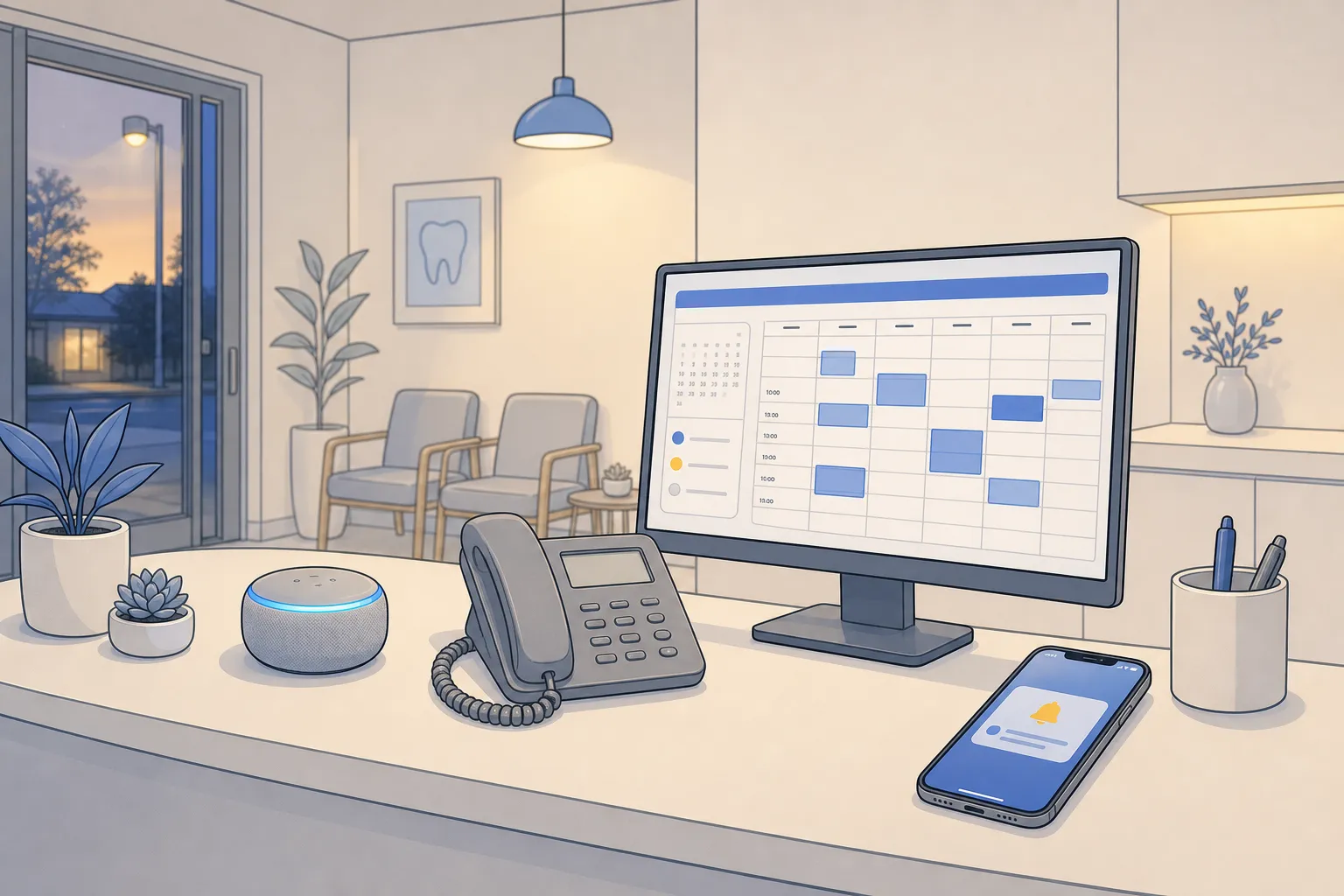
Your phones ring during jobs, chats arrive while the team is with patients or clients, and email replies slip to tomorrow. Contact center AI gives small teams a reliable way to answer fast, book appointments, and resolve common questions across chat, email, and phone without adding headcount. Done right, 60 to 80 percent of routine tickets close automatically, and the rest reach your staff with full context.
The building blocks of an AI-enabled contact center
1) Booking that actually sticks
Let customers see live availability and book in under a minute. Sync directly to Google Calendar or your practice and field tools so double-booking is impossible. Use a simple cadence for reminders at 7 days, 48 hours, 24 hours, and 2 hours with one-tap confirm or reschedule links. If a slot is freed, push it to a waitlist in timestamp order so your calendar refills itself. For recalls in dental and other recurring care, schedule outreach by last-seen date and insurance cycle. Example reminder SMS: Hi Sam, your cleaning with Dr. Chen is Wed 3:30 pm. Reply C to confirm or R to reschedule.
2) 24/7 coverage on chat, email, and phone
On chat and email, AI answers approved FAQs, looks up account or appointment details, and collects missing information. On the phone, a voice agent can greet callers, verify identity with a code, book or move appointments, and capture leads. After hours, collect name, contact method, service need, location, and urgency, then route based on rules you set. If the caller mentions heat out or severe pain, the agent escalates immediately. If it is a routine question, it sends a helpful answer and a booking link.
3) Escalation and triage that reflect your industry
Define what requires a human: emergencies, billing disputes, legal conflicts, and anything that fails verification. In dental, separate severe pain, swelling, or bleeding from routine questions about benefits. In home services, tag outages, leaks, or no-heat as priority and push them to on-call dispatch. In legal, route by matter type and conflict checks. The AI should pass transcripts, caller intent, collected fields, and suggested next steps to the right person so handoffs are fast.
4) Integrations that sit on top of your stack
Keep the tools your staff already knows. Connect to Dentrix, Open Dental, Jane App, Eaglesoft, or Cliniko for healthcare. Use ServiceTitan, Housecall Pro, or Jobber for home services. For orchestration, build workflows in n8n or Make so every step is visible and versioned. A common flow: Webhook receives a chat intent, calls your knowledge base, checks availability, writes the booking to Google Calendar and your practice system, then posts a summary to Slack with a link to the transcript.
5) Billing and back office without copy-paste
When a job or appointment is marked complete, trigger an invoice automatically, offer card-on-file or pay-by-link, and follow up at day 3 and day 7 if unpaid. Create tasks when insurance needs documentation or a legal client needs to sign a retainer. For multi-step work, use task lists with due dates and automatic nudges. The goal is to close the loop the same day the work is done.
A 30–60 day launch plan
- Map top intents by channel. Export 4 to 12 weeks of calls, chats, and emails. Tag the top 15 questions or actions by frequency and effort. Pull public questions from social media. For research, you can speed up note-taking with a Chrome extension to copy tweets from X to your clipboard with the text, media, author, and links so examples live in one place.
- Choose 3 quick wins. Dental: self-booking for hygiene, recall outreach, after-hours triage. Home services: after-hours lead capture, dispatch coordination, instant invoicing on job close. Legal: consult scheduling, intake forms, after-hours capture. Real estate: showing requests, reminder flows, post-closing review requests.
- Wire up systems. Connect calendars and practice or field apps so availability is real-time. In n8n or Make, build named workflows for Booking, Reminders, After-hours Intake, and Invoicing. Agree where transcripts and logs will live.
- Write source-of-truth answers. Draft concise, approved replies for FAQs and edge cases. Define what can be booked by the AI, what needs staff approval, and what must escalate. Set confidence thresholds and safe fallbacks. Example: if the model is below 0.7 confidence on diagnosis questions, hand off.
- Pilot narrowly. Turn on two high-volume intents per channel. Review transcripts twice a week. Tweak prompts, answers, and routing. Expand only when resolution stays above target for 2 weeks.
- Train your team. Show staff what the AI will do, how to claim escalations, and how to correct answers. Make it clear that every automated message is logged and editable.
Industry playbooks: dental, legal, real estate, home services
Dental clinics and healthcare
Intents: new patient intake, hygiene recall, insurance benefits, treatment prep, post-op care, emergencies. Connect to Dentrix, Open Dental, Jane App, Eaglesoft, or Cliniko so appointments, notes, and recalls stay synced. Booking logic should check provider, operatory, and required duration. After-hours triage flags severe pain, swelling, trauma, or uncontrolled bleeding for on-call. Routine questions get approved instructions plus a link to book. Reminders reduce no-shows and fill cancellations from a waitlist.
Law firms and professional services
Intents: consultation scheduling, matter type intake, document requests, billing, status updates. Collect contact details, opposing party, and deadlines, then route by practice area and conflict rules. Use reminders for consults and signature requests. After-hours capture should never give legal advice. It schedules, documents the issue, and passes a complete intake to the attorney or intake specialist.
Real estate teams and brokerages
Intents: showing requests, open house info, financing pre-qual, offer timeline questions, post-closing support. Use self-scheduling tied to agent calendars with travel buffers. Confirm via SMS and email, and reopen slots when a buyer replies R to reschedule. Score leads by responsiveness and budget so follow-ups stay timely. After closing, request reviews and referrals automatically.
Home and local services
Intents: estimate requests, urgent repairs, warranty checks, job status, billing. Integrate ServiceTitan, Housecall Pro, or Jobber. Dispatch rules should match technician skills, location, and parts on the truck. After-hours intake asks for photos or short videos when possible and books the earliest qualified slot. On job complete, send the invoice and a pay link immediately.
Metrics, ROI, and risk controls
- Automated resolution rate: percent of conversations closed by AI without handoff. Target 60 to 80 percent on routine intents.
- Time to first response: seconds to initial reply on chat, email, and phone. Sub-10 seconds stops channel hopping and repeat dials.
- Booking conversion: share of inquiries that become confirmed appointments. Track by channel and by agent vs AI.
- No-show rate: confirmed appointments that do not attend. Good reminder flows can push this down 20 to 40 percent.
- Payment time: days from job complete to paid. Same-day invoicing plus reminders tightens cash flow.
- Human workload: tickets per agent and handle time on escalations. Expect fewer interrupts and more time on high-value cases.
Example math: A 6-person home services team fields 1,000 monthly inquiries. AI resolves 650 and books 300 jobs directly. Average job value is $350, historical no-shows are 12 percent, and reminders cut that to 7 percent, adding 15 extra completed jobs. That is $5,250 in added revenue, plus agent time saved. If human-first replies averaged 3 minutes each, automating 650 saves 32.5 hours a month. At $28 per hour loaded cost, that is $910 saved, not counting happier customers and faster payments.
Risk controls to build in from day one: set clear escalation rules, redline topics the AI must not answer, redact sensitive data in logs, record consent on calls, and include opt-out language in SMS. Keep an audit trail for every action the AI takes, with a way to replay the full context. Review metrics weekly and raise thresholds gradually as accuracy holds.
Working with a local partner helps. If you operate in Toronto, the GTA, or across Ontario, on-site process mapping and shadowing speed up the build. At Builts.ai we implement these workflows across booking, reminders, dispatch, invoicing, and customer support using tools your team already trusts, including n8n and Make. We serve clinics, firms, real estate teams, and home services across North America without forcing migrations or retraining.
Key takeaways
- Start with your top 10 to 15 intents on the channels that create the most drag.
- Deploy self-booking, reminders, and after-hours coverage to catch revenue you already earned.
- Integrate with your calendar, practice, and field tools so data stays accurate end to end.
- Measure resolution, response time, conversions, no-shows, and payment time to prove ROI fast.
- Work with an ai automation agency Toronto and Ontario teams trust, or partner across North America, to build on your stack.