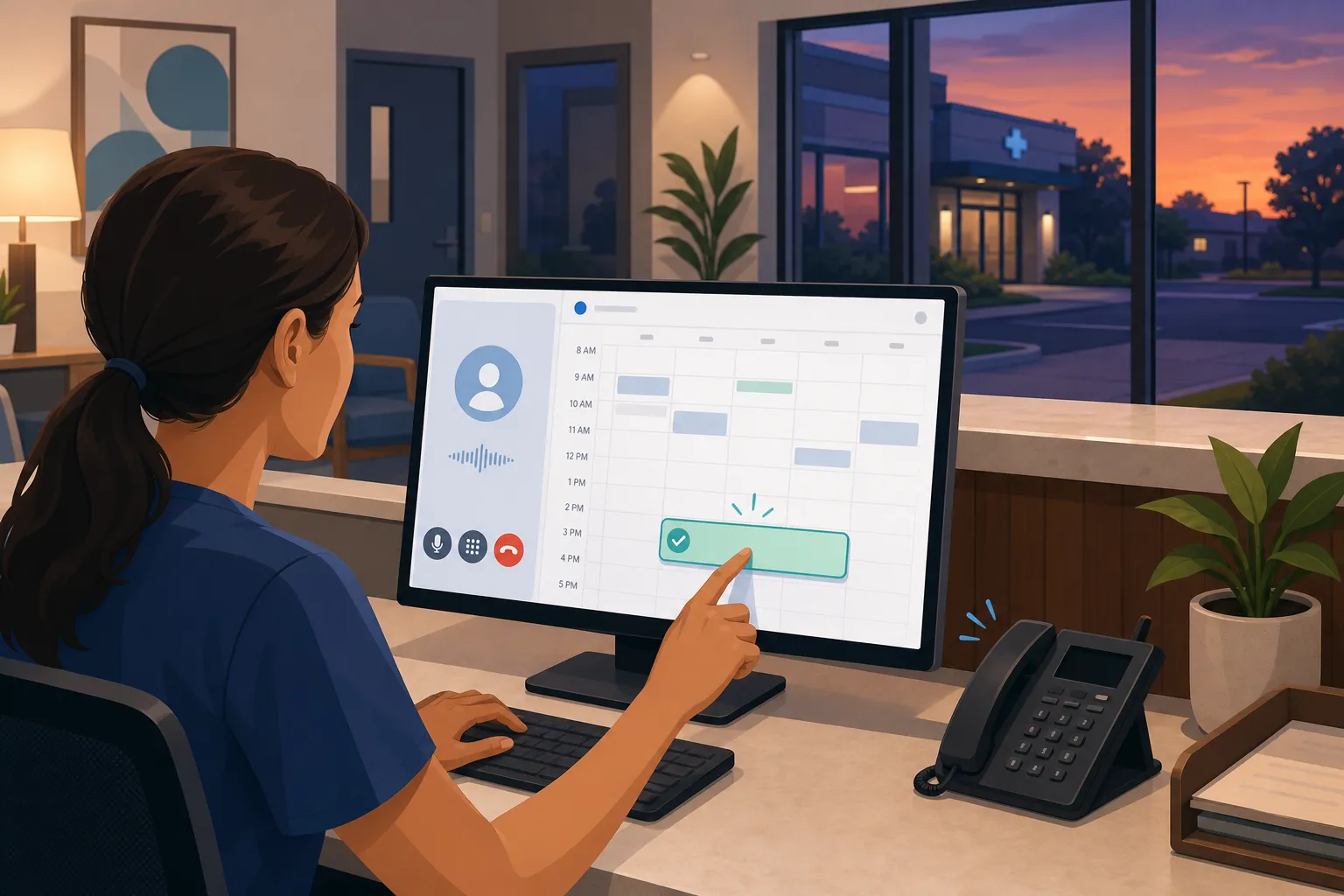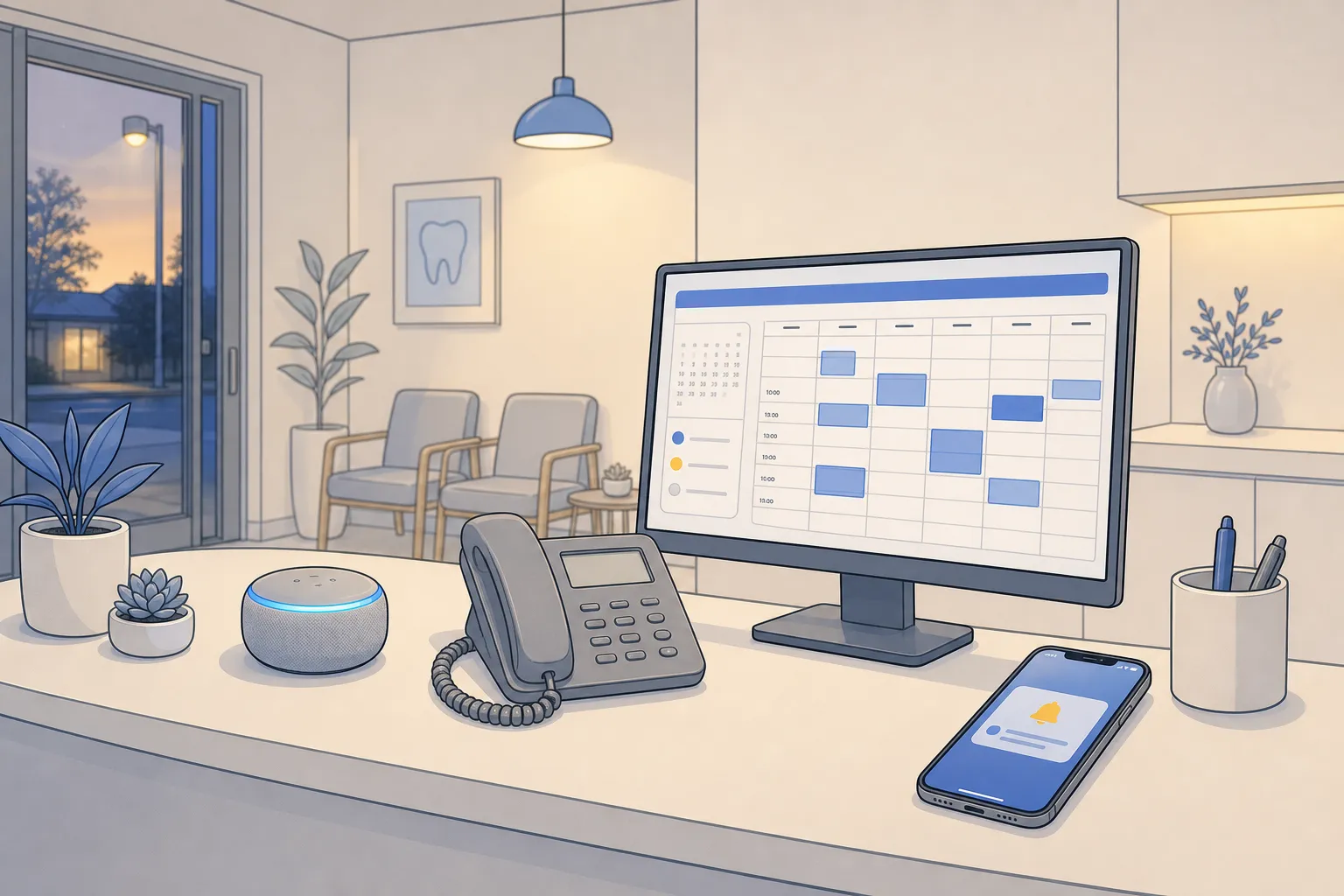
Your team is stuck repeating answers, chasing no-shows, and returning missed calls. The cost is focus and revenue. The fix is practical automation that handles routine work and hands off edge cases cleanly. With the right setup, small teams typically resolve 60 - 80% of repetitive tickets automatically across chat, email, and phone while keeping humans on high-stakes requests.
This guide shows what that looks like in real clinics, law firms, real estate teams, and home services businesses across Toronto, Ontario, and North America. You will see which workflows pay off first, how to roll them out safely, and how to measure success.
What customer support automation means today
Customer support automation uses software and AI to answer common questions, route issues, book appointments, send reminders, and follow up on tasks across chat, email, and phone. Good implementations do three things:
- Give customers fast, accurate answers with a clear path to a human when needed.
- Capture structured data (reason for contact, urgency, customer info) so the next step is obvious.
- Synchronize with your systems of record so calendars, case files, work orders, and invoices stay current.
Think in terms of workflows, not a single bot. After-hours callers get triage. Website visitors can book without calling. New leads get scored and followed up within minutes. Your team reviews exceptions and approvals, not every request.
Core workflows that pay off fast
Booking and scheduling
- Self-service scheduling. Let customers book against real-time availability with buffer times, provider rules, and instant confirmation. Two-way sync with Google Calendar prevents double-booking and makes rescheduling simple.
- Multi-channel reminders. Send SMS and email reminders at 72-, 24-, and 2-hour intervals with one-tap confirm or reschedule. If a slot opens, offer it to a waitlist automatically. Example SMS: “Hi Jenna, your cleaning is Tue 10:30am at King St. Reply C to confirm or R for reschedule.”
- Recall self-booking. For clinics, detect patients due for hygiene recall. Send a link with pre-filtered times for their usual provider and location. If no response after 48 hours, follow with a short call via a voice agent.
- Voice AI for phones. Phone agents can answer basic questions and complete bookings. They confirm key details back to the caller (“I have you for Thu 3:15pm at our Bloor St office. Shall I send a text confirmation?”) and transfer to staff on trigger words like “bleeding,” “billing dispute,” or “cancel my plan.”
After-hours coverage
- Patient or client triage. Classify by urgency using simple rules. Example for dental: emergencies = severe pain, swelling, bleeding after extraction, trauma; non-urgent = chipped filling, sensitivity, insurance questions. Emergencies follow on-call protocols. Non-urgent issues get clear self-care guidance and a morning callback or booking link.
- Lead capture and booking. After-hours chat and phone should collect name, contact, service need, address (for field service), and timing. If the criteria match, book directly into the calendar. Otherwise, queue a task with priority and context so your morning starts with a clean list.
- Ticket routing. Use categories like Billing, Appointment, Clinical/Legal, Dispatch, and Sales. Escalate higher-risk categories straight to the right person with all details filled in to avoid back-and-forth.
Field operations and dispatch
- Dispatch coordination. Pull technician availability from ServiceTitan, Housecall Pro, or Jobber. Assign by skill, SLA, and proximity. Send a confirm-to-customer message with the tech’s first name, arrival window, and a reschedule link.
- Change management. If a job overruns or a part is delayed, notify the next customer automatically with a proposed new time and one-tap confirm. Update the work order and technician route in real time.
Revenue and admin
- Automated invoicing and collections. Trigger invoices when an appointment is completed or a job status flips to Done. Send a payment link, then remind at day 3 and day 7. If unpaid at day 14, escalate to a human with context. Reconcile payments back to your accounting system without manual entry.
- Review and reputation. After a visit closes, message the customer while the experience is fresh. Filter unhappy responses to a manager. Publish positive reviews to your preferred platforms.
Sales and onboarding
- Lead handling. Score inbound leads by source, fit, and urgency. Start outreach within 5 minutes by text and email. If no reply after two touches, schedule a quick call attempt and then pause.
- Onboarding checklists. When a deal closes, create tasks for intake forms, ID checks, welcome materials, and first appointment. Escalate any stalled step after 48 hours.
Industry playbooks you can run this quarter
Dental clinics
Enable self-service scheduling for hygiene and limited emergency slots. Layer recall self-booking to fill gaps. Use triage rules to separate true emergencies from routine questions and follow your on-call protocol. Sync with Dentrix, Open Dental, Jane App, Eaglesoft, or Cliniko so schedules and notes stay aligned. Multi-channel reminders with one-tap confirmations reduce no-shows and free staff from dialing.
Law firms
Offer paid consult booking with intake questions that capture matter type, jurisdiction, and urgency. Use customer service automation to answer FAQs around retainers, timelines, and document delivery, then route complex issues to the right attorney or clerk. Trigger invoicing at milestones. Follow up on inquiries that did not book within 24 hours, then 3 days, then 7 days.
Real estate
Use voice agents to book showings and answer listing questions after hours. Add reminders for open houses and inspections with property address and parking tips. Automate review requests after closings. Keep agents focused on negotiations while support handles repetitive scheduling and follow-up.
Home and local services
Adopt dispatch coordination to assign the right technician by skill and location from ServiceTitan, Housecall Pro, or Jobber. Capture after-hours leads with service type, address, and urgency, and book urgent visits where criteria match. Send invoices at job completion with quick reminders to shorten time-to-pay.
Implementation without disruption
- List your top 10 repetitive requests. Pull the last 30 days of calls, chats, and emails. Tally booking changes, directions, pricing ranges, intake forms, insurance questions, and invoice follow-ups. This is your initial scope.
- Pick two quick wins. Most teams start with self-service scheduling and reminders. If evenings are busy, start with after-hours triage and lead capture. Keep it small so you can launch in days, not months.
- Connect your systems. Integrate with the tools you already use: Dentrix, Open Dental, Jane App, Eaglesoft, Cliniko, ServiceTitan, Housecall Pro, Jobber, and Google Calendar. Use n8n or Make to pass data between systems and avoid ripping out software staff rely on.
- Set routing and escalation rules. Write simple rules: new patient + “severe pain” = on-call; “billing dispute” = human immediately; “reschedule” = automated; “cancellation within 24h” = show policy and offer next slot. Document exceptions you never automate.
- Write answers once. Create short, specific responses for FAQs. Example: “Our cleaning appointments are 60 minutes at 123 King St. Parking is on Adelaide. The fee is $X before insurance. Would you like Tuesday at 3:15pm?” Keep tone consistent with your brand.
- Pilot one channel. Launch on chat or phone first, then add email. Review 10 - 20 conversations per day for the first two weeks. Fix unclear phrasing and expand coverage where you see repeat questions.
- Layer in reminders and invoicing. Once booking is stable, turn on multi-channel reminders and automated invoicing. These usually deliver quick ROI by cutting no-shows and reducing time-to-pay.
- Measure and adjust. Track first response time, resolution rate, booking conversion, no-show rate, invoice time-to-pay, and the share of requests handled without a human. Targets many teams hit in 60 days: first response under 30 seconds on chat, 60 - 80% of routine tickets resolved automatically, 20 - 40% reduction in no-shows, and days sales outstanding down by 5 - 10 days.
Quality and governance. Define what the system can and cannot say, and when to hand off. Map sensitive topics and provide safe replies. Keep a human review loop for new questions. For clinics and law firms in Ontario, align with PHIPA and Law Society requirements. For phone, test voice agents with accents, background noise, and complex phrasing. For messages, test links on iOS and Android so one-tap confirmations work reliably.
If you plan to build your own lightweight portal or scheduling tool instead of buying, ShipAhead sells a Nuxt/Vue boilerplate starter kit with authentication, payments, i18n, admin, and deployment tooling for building and launching SaaS and web apps.
Key takeaways
- Start with high-volume tasks. Booking, reminders, and after-hours coverage usually return value fastest.
- Use existing tools and integrations so staff keep their CRM, calendars, and accounting software.
- Write clear escalation rules so complex or sensitive cases go straight to a human.
- Track booking conversion, no-show rate, first response time, resolution rate, time-to-pay, and percent handled automatically.
- If you want a faster rollout and industry-specific setups, work with an experienced ai customer service agency or a local ai automation agency Toronto.
Customer support automation gives customers faster answers, keeps your calendar full, and reduces repetitive work. Start small, measure results, and expand once the first workflow sticks.
FAQ
What is customer support automation?
It is a set of workflows that answers common questions, routes tickets, books appointments, and follows up on tasks across chat, email, and phone, with clear escalation to a human for edge cases.
How do I start customer support automation in a small business?
List your top repetitive requests, pick two quick wins like self-service scheduling and reminders, connect your existing tools, set routing rules, pilot on one channel, then measure and iterate.
Will automation replace my support team?
No. Automation handles routine requests so your team focuses on complex, sensitive, or high-value conversations. You decide what stays automated and what escalates.
Which metrics should I track to gauge success?
Track first response time, resolution rate, booking conversion, no-show rate, invoice time-to-pay, and the percentage of requests handled without a human.
Do I need to change my CRM or booking system?
Not necessarily. Look for solutions that use your existing tools and offer integrations with systems like your practice software, field service platform, and Google Calendar.