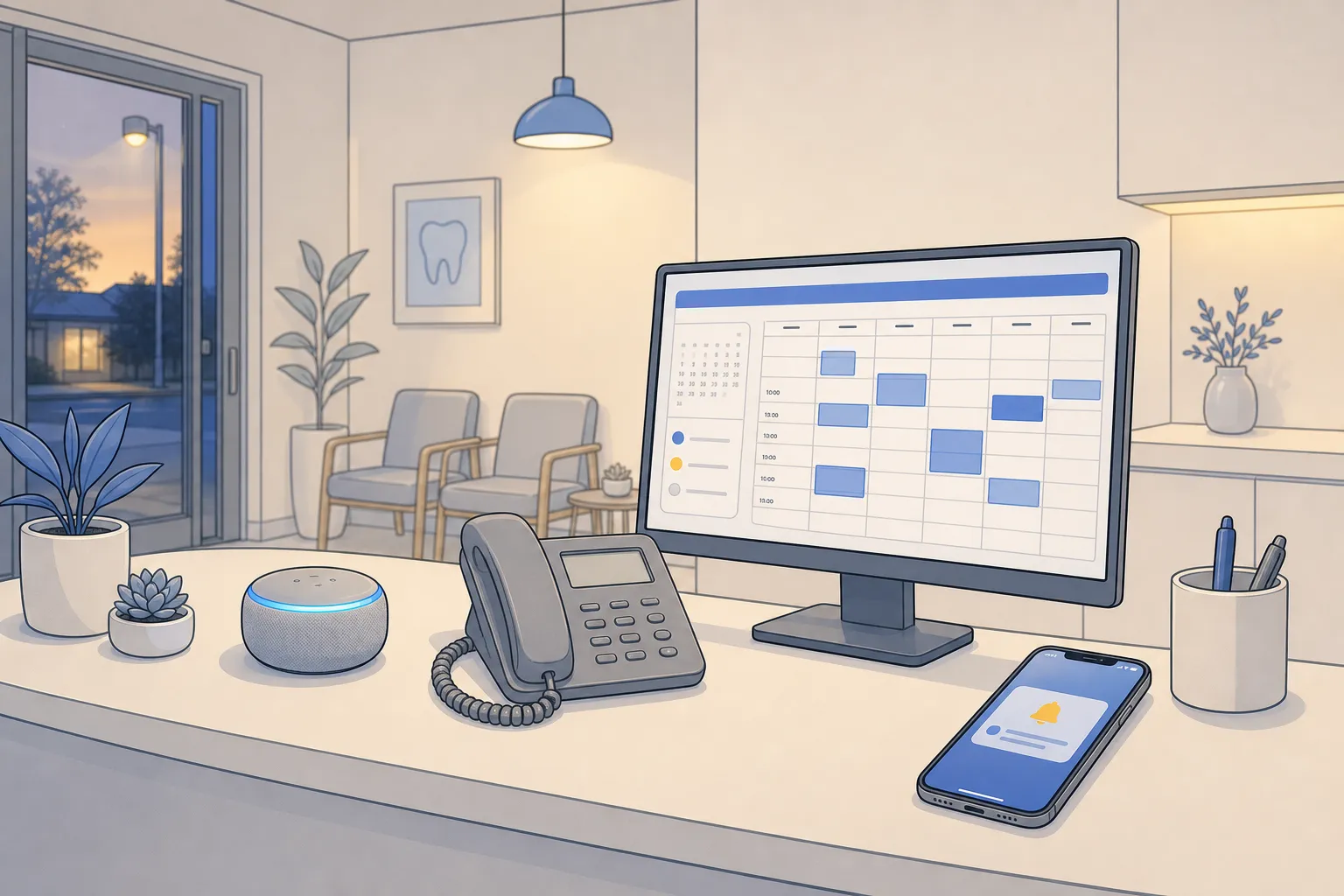
Customers expect quick answers, booked appointments, and clear next steps at any hour. Small teams cannot man every inbox, chat, and phone line without burnout or missed revenue. An AI customer service agent fills that gap so routine work gets done and your staff keeps focus where judgment matters.
Definition: An AI customer service agent is software that handles customer conversations across chat, email, and phone. It understands requests in plain language, completes tasks like booking and payments, and hands off complex issues with full context while working inside your existing systems.
What an AI customer service agent does
Old chatbots follow scripts and break when a customer goes off menu. A modern agent behaves like a competent coordinator.
- Understands intent and details. It parses free text and speech, extracts names, dates, addresses, and order numbers, and asks clarifying questions only when needed.
- Takes actions, not just answers. It books visits, reschedules, sends reminders, generates invoices, processes payments, updates records, and creates or closes tickets.
- Works on every channel. Web chat, SMS, email, and phone calls share one brain so customers get consistent help wherever they show up.
- Remembers context. It pulls past tickets, preferences, and account status to keep conversations short and accurate.
- Escalates with context. When rules say “stop,” it transfers to a human with a clean summary, transcript, and suggested next steps.
When designed well, these agents resolve 60 to 80 percent of routine requests and free your team for work that builds trust and moves revenue.
How it works across chat, email, and phone
- Ingest. The agent captures messages from chat widgets, SMS, email threads, and phone calls. For voice, it uses speech-to-text to transcribe and text-to-speech to reply naturally. PII like card numbers can be masked or excluded from logs.
- Understand. A language model identifies intent, entities, sentiment, and urgency. Example: “Can I move my 2 pm cleaning to tomorrow and send the bill to a new card?” becomes reschedule + new payment method.
- Retrieve context. It fetches account data, appointment history, balances, warranties, and policy details from your CRM, calendars, practice or field service system, and internal knowledge base. Retrieval keeps answers aligned to your latest SOPs.
- Decide. A simple policy engine weighs intent, risk, confidence, and account tier to pick next steps. It will book, answer, or escalate based on your rules.
- Act. It executes tasks through APIs and automations. Common actions include placing calendar holds, confirming appointments, creating work orders, sending estimates or invoices, collecting payments, and updating records. Orchestration runs through tools like n8n and Make so you keep transparency and control over every step.
- Confirm and follow up. The agent summarizes what it did, sends confirmations, and schedules reminders. If a slot is canceled, it reopens the time to your waitlist automatically.
- Handoff and logging. If confidence is low or risk is high, it transfers to staff with a concise brief and links to related records. All actions are logged for audit and training.
Channel specifics:
- Chat. Short, fast replies with buttons for confirm, reschedule, or pay now. The agent can push photos or PDFs when helpful.
- Email. Clean subject lines, correct threading, and clear summaries at the top so customers do not dig through chains.
- Phone. Natural voice, explicit confirmation of dates, times, addresses, and dollar amounts, and quick escalation to on-call staff when rules require.
Capabilities that move the needle
- Self-service scheduling. Customers see real-time openings and book instantly. Rules include buffers, provider skills, room or chair availability, and location zones so double bookings do not happen.
- Smart reminders. SMS and email go out at 7 days, 48 hours, 24 hours, and 2 hours. One tap confirms or reschedules. Canceled slots are offered to the waitlist in order.
- After-hours lead capture. Forms, web chat, and phone are answered all night. The agent verifies address, service type, and urgency, then books the visit or warm-transfers true emergencies.
- Patient triage for clinics. Using your protocol, it separates severe pain, swelling, or bleeding from routine questions, calls the on-call line when needed, and resolves non-urgent items without waking staff.
- Recall self-booking. Hygiene and dental recalls go out automatically. Patients see live openings and book without phone tag.
- Dispatch coordination. For home and local services, it checks technician skills, zones, and calendars in ServiceTitan, Housecall Pro, or Jobber, accounts for travel time, and confirms a window by SMS.
- Finance and invoicing. When work is complete, it sends the invoice with payment options, follows a sensible dunning cadence, and applies receipts back to the job and account.
- Sales and intake. New inquiries get routed by service area, budget, and fit. The agent gathers intake details, books consults, sets reminders, and keeps the pipeline current.
- Task and project automation. Internal tasks are created with owners and due dates. The agent nudges for updates and escalates when SLAs are at risk.
- Use existing tools. Keep your CRM, calendars, practice management, and accounting stack. The agent fits on top rather than forcing a migration.
Examples by industry
- Dental clinics. A patient messages about a chipped filling. The agent confirms symptoms, offers same-week slots, files the reschedule, and sends reminders. After hours it follows your triage rules to decide if on-call is needed.
- Law firms. A prospect emails a brief case summary. The agent gathers intake details, checks attorney availability on Google Calendar, books a consult, and starts onboarding tasks. Billing questions post-consult trigger invoice sends and polite follow-ups.
- Real estate. A buyer texts to book a showing. The agent confirms property details, aligns calendars, and sends route and access notes. After the visit, it schedules follow-ups and logs feedback to the CRM.
- Home and local services. A homeowner calls about a leaking water heater at 11 pm. The agent captures address and urgency, selects a nearby technician in ServiceTitan or Jobber for morning, and confirms the arrival window by SMS.
For content needs around help articles or short social clips, a focused tool like SubtitlesFast handles captions and translations for support videos, while your AI customer service agent handles the live conversations.
Integrations, data, and safeguards
- Calendars and scheduling. Integrate Google Calendar and your practice or field service system so live openings show and confirmations are instant.
- Practice management. Connect Dentrix, Open Dental, Jane App, Eaglesoft, or Cliniko so recalls, reminders, and after-hours triage reflect real patient data and on-call rules.
- Field service operations. With ServiceTitan, Housecall Pro, or Jobber connected, the agent checks technician skills, zones, and availability before confirming a visit.
- CRM and sales stack. Lead scoring, follow-ups, and pipeline updates run inside your current CRM and even spreadsheets. No retraining or migrations.
- Finance. Invoicing and payments sync to your accounting system so cash posts without manual entry.
- Knowledge base. The agent pulls from policies, fee schedules, intake scripts, warranty terms, and FAQs so answers match your latest rules.
- Workflow orchestration. Use n8n and Make to model multi-step processes, set retries, add approvals, and keep a clear audit trail of each action the agent takes.
Set guardrails to protect quality and speed.
- Intent-based handoff. Escalate legal opinions, medical diagnoses, billing disputes, cancellations with fees, and complaints to a human right away. The agent never gives legal or medical advice.
- Confidence thresholds. If the agent is not confident enough to proceed, it summarizes the exchange and transfers rather than guessing.
- Time and value. If a VIP account reaches out or a conversation exceeds a set time without resolution, move it to a person.
- Protocol triggers. For after-hours triage, any mention of severe pain, active bleeding, gas smell, or suspected carbon monoxide routes to the on-call protocol. Routine questions are answered automatically.
Compliance notes: get explicit consent for SMS, provide call recording notices where required, and align privacy practices with PIPEDA in Canada and HIPAA for clinics handling PHI in the United States. If you want hands-on help, an ai automation agency Toronto or an ai automation agency Ontario can design, implement, and maintain these connections so you get value without adding headcount.
Metrics that prove ROI
- Resolution rate. Percent of conversations the agent resolves end to end. Target 60 to 80 percent for routine support.
- First response time. Time from contact to first answer on chat, email, and phone. Aim for seconds.
- Time to book. Median time from first message to confirmed appointment. Shorter times reduce drop-off.
- No-show rate. Percentage of missed appointments. Smart reminders should lower this.
- Recall reactivation. Percentage of due patients who book via recall outreach.
- Payment speed. Time from job completion to paid invoice when using automated invoicing and collections.
- Handoff rate and quality. How often the agent escalates and whether staff receive the right context on transfer.
- Customer satisfaction. CSAT or thumbs up or down on all channels, plus short comments.
Review transcripts weekly. Add missing intents, tighten handoff triggers, and widen allowed actions once you trust results. Small changes like clarifying reschedule policies or adding a reminder window often create quick wins.
An AI agent turns support from a cost center into a dependable growth lever. Bookings land faster, abandoned slots get filled, invoices go out on time, and your team spends more time with customers who need a human.
At builts.ai, our AI customer service agents resolve 60 to 80 percent of support tickets, handle bookings, and trigger invoicing while using your existing CRM, calendars, and industry systems. We serve dental clinics, law firms, real estate, and home and local services in Toronto, across Ontario, and throughout North America.
Key takeaways
- An AI customer service agent understands requests, completes tasks, and works across chat, email, and phone inside your current tools.
- High-impact use cases include booking and rescheduling, reminders, invoicing, after-hours lead capture, triage, dispatch, and sales follow-up.
- Protect quality with clear handoff rules based on intent, risk, and confidence, plus region-appropriate compliance.
- Track resolution rate, time to book, no-shows, payment speed, and handoff quality, then refine weekly.
- For implementation help, work with an experienced ai customer service agency or an ai automation agency Toronto and Ontario businesses rely on.
FAQ
What is an AI customer service agent?
It is software that converses with customers on chat, email, and phone to answer questions, book appointments, send invoices, and escalate complex issues to staff.
How is it different from a basic chatbot?
A basic chatbot follows scripts. An AI agent understands intent, performs actions like scheduling and reminders, and hands off to a human when needed.
Can it work with my existing systems?
Yes. It connects to tools you already use, such as calendars, CRMs, and industry systems like Dentrix, ServiceTitan, Housecall Pro, or Jobber.
Which metrics should I track first?
Start with resolution rate, first response time, time to book, no-show rate, payment speed, and handoff rate with context quality.
Will it replace my team?
No. It handles routine tasks and after-hours coverage so your team focuses on high-value and sensitive cases that need a person.