Empty hygiene chairs and nonstop phone tag cost real money. If you pull your Open Dental recall list by hand, staff lose hours every week and overdue patients still slip through. You can fix this with recall automation that lets patients self-book against live availability, confirms visits for you, and follows up across SMS, email, and phone without adding headcount.
Clean your Open Dental recall data first
Automation only works as well as the data behind it. Spend one working session cleaning the basics so your system invites the right patients and books the right appointments.
Standardize recall types, intervals, and time patterns
- In Setup > Recall, confirm types such as Prophy, Perio Maintenance, Child Recall, and any specialty visits you track. Set clear default intervals. Common baselines: Prophy every 6 months, Perio Maintenance every 3 or 4 months, Child Recall every 6 months.
- Assign a default appointment length and time pattern for each recall type, for example a 50- or 60-minute hygiene block. Keep hygiene lengths consistent by age group or category so self-booking never places a 30-minute patient into a 60-minute slot or vice versa.
Fix contact information and consent flags
- Audit mobile numbers, the Wireless Phone field, and the Text OK flag. In Canada, follow CASL. In the U.S., follow TCPA. If a patient prefers text, mark the preference so reminders land on the right channel the first time.
- Check emails and correct formats. Add missing addresses for households that rely on email. Verify Preferred Contact Method on each chart.
- Inactivate patients who have moved or transferred care. Clean lists mean higher contact rates and fewer wasted sends.
Close open loops that block outreach
- Merge duplicates so the same person does not receive two invites. Use name, date of birth, and phone to confirm true duplicates before you merge.
- Clear broken, missed, or canceled appointments that still sit on the schedule. If Open Dental believes a patient already has a future visit, automation will skip them even when they are due.
Set recall rules and patient priorities
Decide who to contact, when to message, and which providers or operatories to include. These rules mirror your real scheduling policies so automation fills the right chairs first.
- Eligibility and tiers: Start with patients due now and 1 to 6 months overdue. Create a separate tier for 6 to 18 months overdue with a slightly different message and offer.
- Provider continuity: Keep patients with their usual hygienist when possible. If a provider is away, allow cross-booking with the same appointment type and length.
- Capacity controls: Limit self-booking to recall-eligible operatories and block times. Hold back new-patient blocks so recalls do not crowd out growth.
- Timing by persona: Offer evenings for working adults, early after school for kids, and Fridays for college students. In Toronto and the GTA, 5 to 8 pm weeknights usually convert best.
Use clear, short message templates
- Initial SMS: Hi [FirstName], you are due for hygiene. Book your [ApptLength]-min visit with [ProviderShort] at [ClinicName]. Pick a time here: [One-Tap Link]
- Initial email subject: [ClinicName] hygiene recall for [FirstName]
- Initial email body: Hi [FirstName], you are due for a hygiene visit. Choose a time that works for you with our live schedule: [One-Tap Link]. Your visit is with [ProviderFull] at [Address]. If you need help, reply to this email.
- Safety note: Avoid walls of text. Say why you are contacting them, what to do, and include one booking link.
Enable patient self-booking with real-time availability
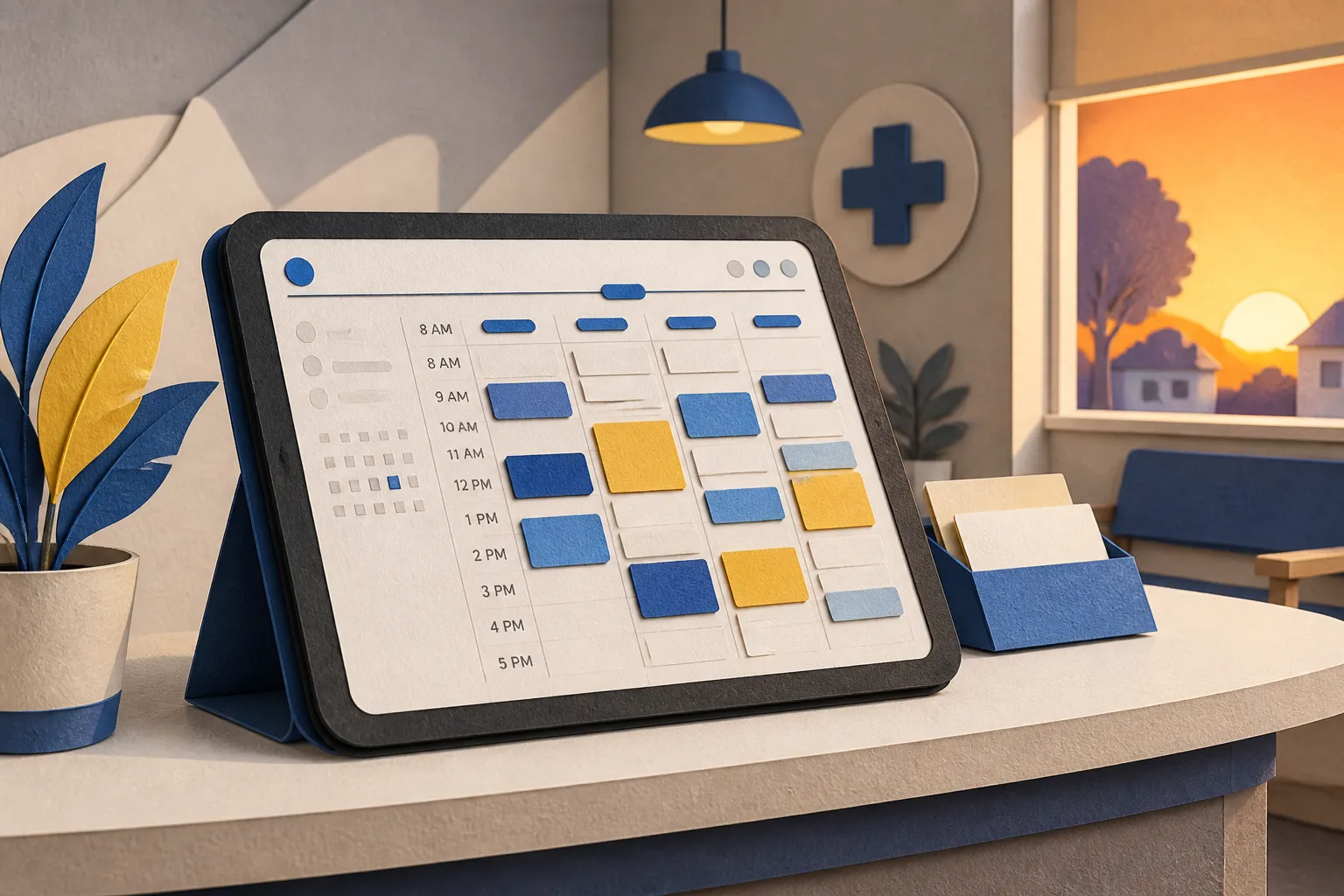
Once your rules are set, turn on patient-led scheduling. At builts.ai, we connect to Open Dental and your calendars to power Recall Self-Booking and Booking Automation. Patients receive a secure link, see real-time availability, and choose a slot that fits. Your front desk handles fewer calls and fewer back-and-forth messages.
Configuration that prevents bad bookings
- Map appointment types: Tie each recall type to the correct procedure code, default length, and time pattern so the system only offers valid slots.
- Booking windows: Allow booking from today out to a defined horizon, for example 45 days. Exclude provider vacation blocks and surgery days. Offer earlier times to overdue patients first.
- Operatory rules: Permit self-booking only in hygiene ops unless a provider explicitly accepts recall in a doctor operatory.
- Buffers and cleanup: Enforce a 5- to 10-minute buffer so back-to-back recalls do not crowd charting and room turnover.
- Waitlist refill: When a patient cancels, reopen the slot to a ranked waitlist of patients who asked for earlier times. Send the first invite, then cascade to the next if unclaimed after 15 minutes.
How it runs day to day
- Self-service scheduling: Patients book against live provider calendars with instant confirmation. The appointment writes back to Open Dental in the right operatory with the right type and notes.
- Two-way replies: Patients can text questions. Our AI agent handles routine items, from parking info to paperwork links, and flags exceptions for staff.
- Voice AI for inbound calls: Patients who prefer the phone can call and self-book through our Voice AI agent. Staff only take calls that need a human.
Reminders and after-hours coverage that cut no-shows
Once a slot is booked, confirmations and reminders should run without manual work. Our Multi-Channel Reminders send SMS and email at 7 days, 48 hours, 24 hours, and 2 hours before the visit. Patients confirm with one tap. If they need to reschedule, the same link offers new times and the old slot reopens to your waitlist.
Message flow that patients act on
- Instant confirmation: Thanks, [FirstName]. Your hygiene visit is [Date] at [Time] with [ProviderShort]. Location: [Address]. Add to calendar: [ICS Link].
- Prep message at 48 hours: Include forms, insurance reminders, and simple arrival notes. If you require a card on file or a missed appointment fee, state it clearly.
- Final nudges: At 24 hours and 2 hours, ask for a quick Y to confirm. If they reply N, auto-send the reschedule link and alert the waitlist.
- Fallback for non-responders: If there is no reply by 24 hours, place an automated outbound call in the early evening. The Voice AI confirms or moves the booking without staff dialing.
For nights and weekends, our After-Hours Patient Triage answers routine questions and routes true emergencies to your on-call protocol. You keep coverage without burning out your team.
Measure results and keep improving
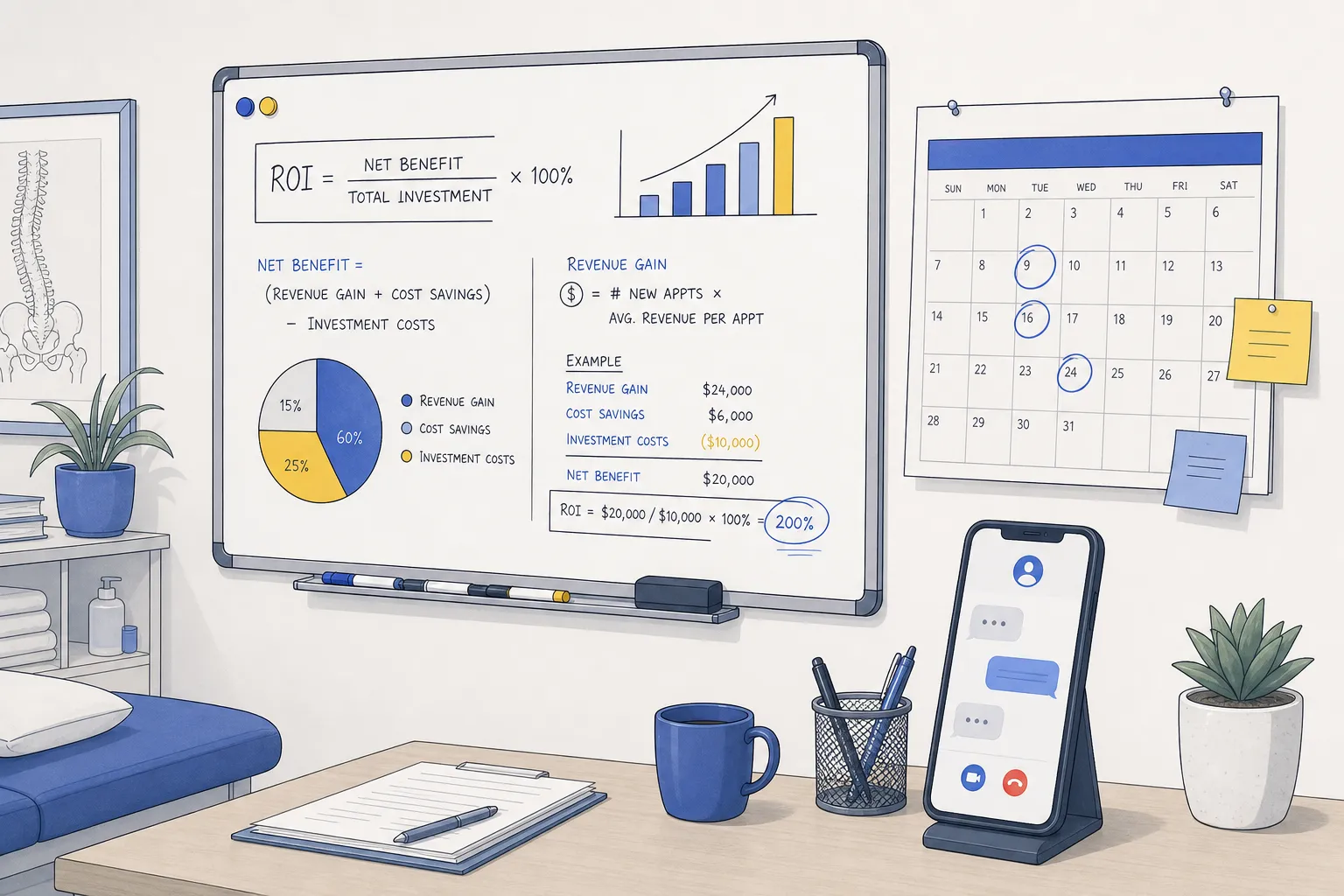
Track a small set of numbers so you can see what fills chairs and what needs a tweak. We can push structured activity logs into Google Sheets or your CRM via n8n or Make, so you get reporting without extra data entry.
- Reach rate: Due patients who received and opened a recall message. Target 85%+ with clean lists.
- Booking rate: Patients who self-book within 7 days of first outreach. Many clinics land between 25% and 45% in the first month.
- Time to fill: Average time from invite to confirmation. Use it to see which days and providers convert fastest.
- No-show rate: Compare pre-automation to post-automation with the reminder cadence live. A 20% to 40% drop is common when confirmations are two-way.
- Recovered chair time: Hours filled from last-minute cancels via the waitlist. Aim to refill at least 50% of same-day gaps.
Common pitfalls and quick fixes
- Dirty lists: Outdated numbers and inactive patients waste sends. Fix Wireless Phone, Text OK, and PatStatus before you start.
- Too many choices: Offering every operatory creates confusion. Limit self-booking to recall-eligible ops and blocks.
- Vague copy: Patients ignore soft asks. State why they are due, what to do, and give one clear link.
- No waitlist logic: If canceled slots do not auto-offer to patients who asked for earlier times, you lose easy wins.
- Manual retyping: If staff still re-enter bookings, you lose the time savings. Ensure appointments write back to Open Dental with the right type and notes.
While recall fills existing demand, keep building new demand so your calendar stays healthy. For a practical overview of content, technical fixes, and how a backlink building service with an AI SEO checklist helps clinics show up in AI answers and Google, this guide is a good starting point.
Where builts.ai fits: we are an AI automation agency for small businesses with a focus on Toronto, Ontario, and North America. For dental clinics, we connect to Open Dental to trigger Recall Self-Booking, manage Multi-Channel Reminders, and run Customer Service Automation so patients get instant answers by chat, email, phone, and SMS. Our AI agents resolve routine questions and booking requests, typically removing 60 to 80% of front-desk tickets. We implement on your existing tools, including integrations built with n8n and Make, so there is no migration or retraining.
Key takeaways
- Clean recall data and consent flags make automation accurate and safe.
- Patient self-booking tied to Open Dental fills hygiene chairs without phone tag.
- Reminders at 7, 48, 24, and 2 hours reduce no-shows and auto-refill late cancels.
- Track reach rate, booking rate, time to fill, no-shows, and recovered chair time.
- Use a ranked waitlist and two-way messaging to keep the schedule tight.