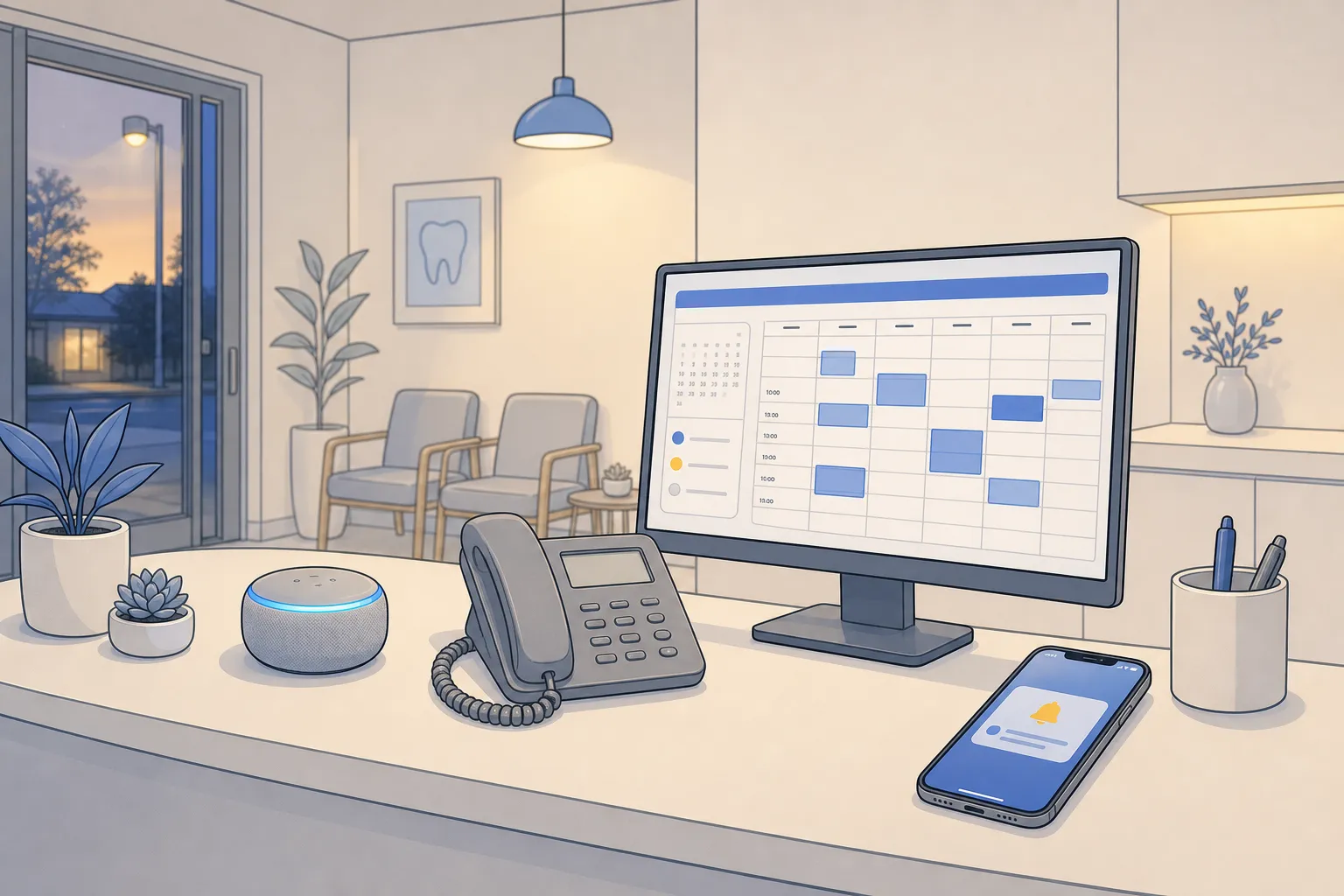
Your customers want quick answers, easy booking, and a straight path to resolution. Your team wants fewer repetitive tasks and clean handoffs when a human is needed. An AI-powered customer platform gives you both: it handles routine work at scale across chat, email, and phone while your staff focus on the calls and cases that require judgment.
Built well, these systems resolve 60–80% of common support tickets automatically, book appointments against live calendars, send reminders, invoice at job completion, and push updates to the tools you already use. The result is faster responses, fewer no-shows, and steadier cash flow without adding headcount.
What an AI-powered customer platform actually does
Think of it as your front door, switchboard, and calendar in one. It listens on every channel, answers the predictable questions, and moves each request to the next step so nothing stalls.
Core jobs it should cover
- Self-service scheduling against real-time availability with instant confirmation and rescheduling.
- Multi-channel reminders by SMS and email at 7-day, 48-hour, 24-hour, and 2-hour checkpoints with one-tap confirm or reschedule, and automatic waitlist backfill.
- Customer service automation that answers FAQs, gathers context, and routes edge cases with a full transcript.
- After-hours lead capture and voice AI agents that pick up the phone and chat overnight and on weekends, book what they can, and escalate when rules say to.
- Automated invoicing and collections triggered on job completion with polite, scheduled follow-ups.
- Integrations that keep your calendars, tickets, and financials in sync without a rip-and-replace.
Customers judge you against the simplest digital experiences they use daily. The first step should be as quick as starting a puzzle on Jigsaw Station, not a maze of forms and emails.
Must-have capabilities and integrations
Small teams need coverage and clarity more than novelty. The features below reduce busywork and protect the customer experience.
- Real-time calendars. Offer live slots and enforce rules (buffers, travel time, provider skills). Updates flow both ways when customers reschedule.
- Voice AI that knows your playbook. Phone agents handle booking, intake, and FAQs, then follow on-call rules and escalation paths you set.
- After-hours triage. Screen for urgency, collect complete intake, and route emergencies per policy while answering routine questions automatically.
- Dispatch coordination. Read technician calendars in platforms like ServiceTitan, Housecall Pro, or Jobber, assign by skill and location, and confirm with the customer.
- Sales automation. Qualify leads, schedule consults, send nudges, and keep the pipeline moving without manual chasing.
- Finance and bookkeeping automations. Generate invoices on completion, reconcile payments, and sync to accounting so numbers never get retyped.
- Task and project automation. Auto-assign and escalate work so ownership is obvious and nothing quietly ages.
- Reviews and reputation. Ask at the right moment, route negative feedback for a fast save, and post positive reviews.
- Custom workflows. Build the edge-case steps your business needs with workflow tools like n8n or Make.
- Use existing tools. Connect to Dentrix, Open Dental, Jane App, Eaglesoft, Cliniko, ServiceTitan, Housecall Pro, Jobber, and Google Calendar so staff keep working where they are comfortable.
Blueprints by industry
Dental clinics and healthcare
- Recall self-booking messages patients due for hygiene, shows live slots by provider or operatory, books them automatically, and updates the chart and reminders.
- After-hours patient triage screens for true emergencies like severe pain or bleeding, follows your on-call protocol, and resolves routine questions (insurance, prep, parking) without staff.
- No-show control with multi-channel reminders and waitlist refill to keep chairs productive.
- System sync keeps calendars and patient records aligned with Dentrix, Open Dental, Jane App, Eaglesoft, or Cliniko.
- Checkout and invoicing sends invoices or claims at visit end and follows up on balances until closed.
Law firms and professional services
- After-hours lead capture gathers contact details, matter type, and urgency, then books consults or flags high-risk issues for attorney review.
- Voice intake handles routine screening and rescheduling while staff focus on sensitive or complex calls.
- Self-service consults show live availability across attorneys with rules for practice area and jurisdiction.
- Sales steps score leads, send follow-ups, and move signed clients into onboarding tasks automatically.
Home and local services
- Smart dispatch checks technician calendars in ServiceTitan, Housecall Pro, or Jobber, assigns by skill, part availability, and zone, then confirms the window with the customer.
- After-hours conversions turn late-night calls and chats into booked visits or emergency routes with pricing and ETA expectations set up front.
- Arrival and prep reminders reduce no-shows and missed access windows with day-of updates.
- Instant invoicing triggers on job completion with stored payment methods and clear receipts.
Real estate
- Booking automation lets buyers and sellers book showings or listing consults against real-time calendars with travel buffers and lockbox notes.
- Lead qualification pre-screens inquiries, schedules tours, and revives cold leads with timed follow-ups.
- Listing Q&A answers common property questions and routes sensitive matters to the agent with full context.
Rollout, metrics, and safety
A practical 30-60-90 day plan
- Days 1–30. Map intake, booking, support, and invoicing. Connect calendars and systems (Dentrix, Open Dental, Jane App, Eaglesoft, Cliniko, ServiceTitan, Housecall Pro, Jobber, Google Calendar). Launch self-service scheduling and reminders for one high-volume service. Capture common FAQs into a starter knowledge base.
- Days 31–60. Add after-hours coverage with voice AI and chat. Turn on automated invoicing and collections for completed work. Use n8n or Make to push transcripts and statuses into your CRM and task system.
- Days 61–90. Expand to more services and channels. Add sales automation and review requests. Layer in task and project automation for inter-team handoffs and escalations.
KPIs to track from day one
- Self-booking rate. Share of bookings made without staff. Target 40–70% depending on industry and service mix.
- No-show rate. Compare before and after reminders. Expect a measurable drop once the 7/48/24/2-hour sequence is live.
- First-response time. Aim for instant answers for FAQs across chat, email, and phone with clear human fallback options.
- Automated resolution rate. Share of inquiries fully handled without human help. Mature setups reach 60–80% for routine tickets.
- After-hours capture. Leads or patients booked overnight or on weekends that would have gone to voicemail.
- Days sales outstanding. Track how automated invoicing and reminders shift cash flow.
Safety, guardrails, and handoffs
- Define intent boundaries. List what the system can do and what routes to staff. Always provide an obvious way to reach a human.
- Follow on-call rules. For clinical or urgent work, encode your triage policy so emergencies move fast and non-urgent cases are scheduled promptly.
- Confirm and log. Reflect key details back to the customer. Store summaries and transcripts in the right system so your team sees context before picking up the thread.
- Review and refine weekly. Audit transcripts and outcomes, close knowledge gaps, and tune routing rules. Small tweaks prevent repeat mistakes.
Partner selection and ROI in Toronto and North America
If you prefer a partner over building in-house, look for an AI customer service agency that understands small business constraints. A capable AI automation agency in Toronto or Ontario should meet you in your current stack rather than pushing a migration.
What to ask for
- A pilot that launches one service line with self-service scheduling and reminders in 30 days.
- Proof they can connect to tools you already use: Dentrix, Open Dental, Jane App, Eaglesoft, Cliniko, ServiceTitan, Housecall Pro, Jobber, and Google Calendar.
- A clear plan for knowledge base content, voice AI coverage, and handoff rules.
- Reporting on self-booking, automated resolution, after-hours capture, first-response time, and days sales outstanding.
- Capacity to add sales steps, invoicing, reviews, and custom workflows as you grow.
Cost and ROI. Frame the math around time, revenue, and cash flow. If your front desk spends 20 hours a week on scheduling and reminders, self-service booking plus reminders returns most of those hours to patient care or billable work. Catching two extra after-hours bookings a week fills idle gaps for a technician. Automated invoicing accelerates payment, which improves cash position. Track savings and revenue against subscription and setup costs each quarter, and expand only where the numbers prove out.
Key takeaways
- An AI-powered customer platform should cover booking, reminders, support, invoicing, and follow-ups across chat, email, and phone.
- Start with one service line, ship in 30 days, then add after-hours voice, sales steps, and back-office automations.
- Measure self-booking, no-shows, first-response time, automated resolution, after-hours capture, and DSO.
- Choose a partner that works inside your current stack, proves integrations, and reports clearly on results.
If you are ready to cut busywork and give customers instant answers, start with self-service scheduling and reminders, then layer in customer support automation where your team repeats the same steps each day. Add voice and after-hours once your core flows are steady. That is how small business automation pays off without adding risk.