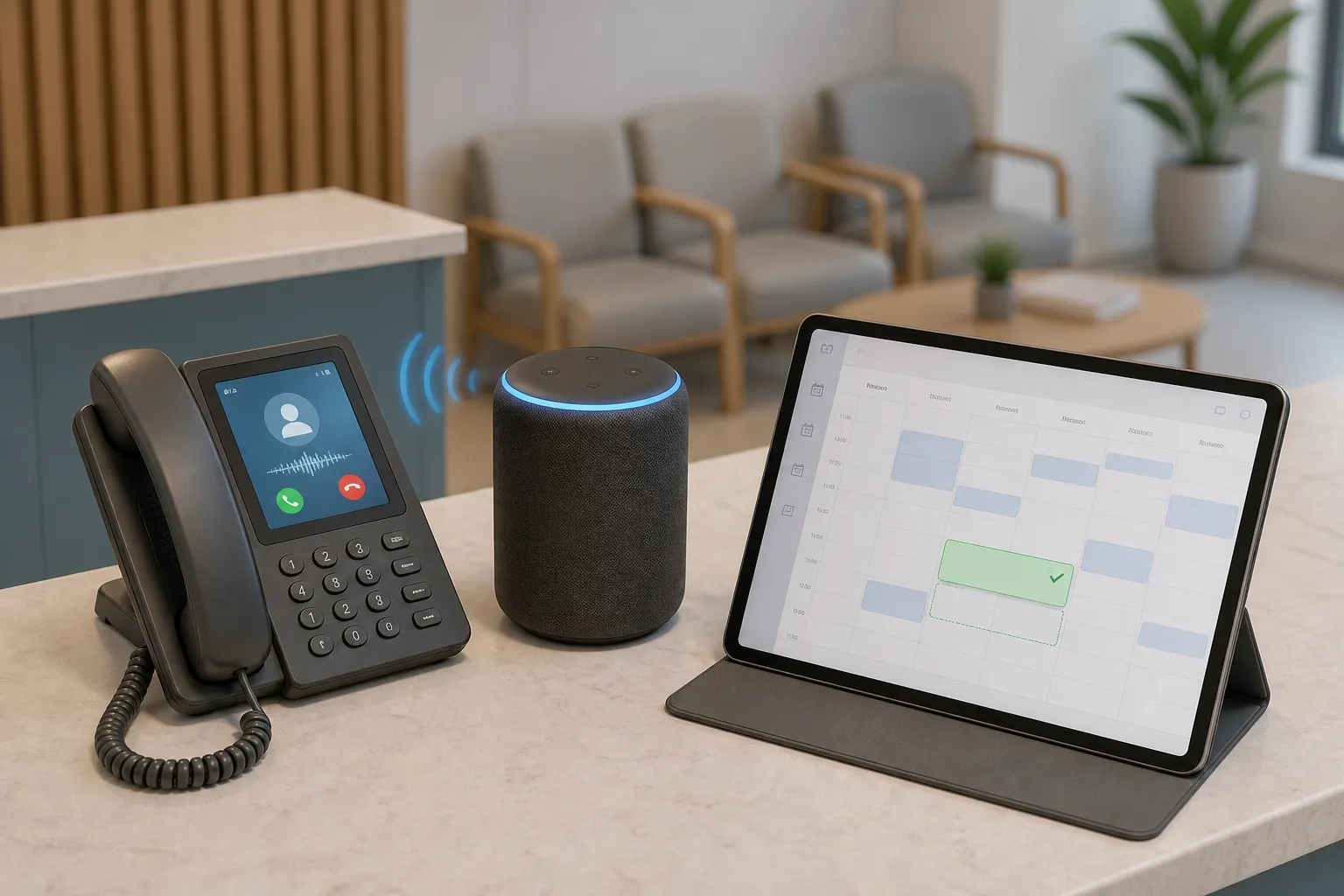
You do not need a new platform to move faster. Most small businesses already have the tools and data they need. What is missing is a tight plan that automates busywork without hurting service quality. With a clear checklist, you can capture more leads overnight, fill the calendar, get paid sooner, and let AI resolve 60–80% of routine support across chat, email, and phone.
Use this small business automation checklist to scope, implement, and prove wins. It focuses on lead capture, booking, invoicing and collections, reviews, and task handoffs across chat, email, and phone for dental clinics, law firms, real estate teams, and home and local services.
Readiness and risk checks
- Map every customer entry point. List each path a customer can take: website forms, web chat, Facebook and Instagram DMs, Google Business Messages, the main phone line and overflow numbers, voicemail, SMS, and shared inboxes like info@ and support@. You cannot automate handoffs you have not mapped.
- Write a response promise with numbers. Set targets you will hold the system to. For example: new leads in under 5 minutes during business hours, under 10 minutes after hours with triage; existing customers within 1 business hour; voicemail callbacks within 30 minutes. These become your acceptance criteria.
- Inventory systems and owners. Note your CRM, calendar, practice or field tools, billing, and ticketing. Include editions, API access, and who controls credentials. For clinics, include Dentrix, Open Dental, Jane App, Eaglesoft, or Cliniko. For field teams, list ServiceTitan, Housecall Pro, or Jobber. Add Google Calendar or Outlook, your phone provider, email provider, and accounting (QuickBooks or Xero). Clear ownership prevents integration stalls.
- Baseline the work for one normal week. Capture volumes by channel, first response time, time-to-book, no-show rate, time to invoice, and days sales outstanding. Also count after-hours contacts and the share of calls that go to voicemail. These numbers let you prove ROI later.
- Confirm consent and data rights. Ensure SMS and email consent is recorded per contact. Check regional rules such as CASL and PIPEDA in Canada, TCPA in the U.S., HIPAA for healthcare, and call recording laws. Clean consent and compliant scripts reduce blocked messages and risk.
- Mark non-automatable exceptions. Spell out cases that must reach a human. Examples: severe pain or bleeding for dental must follow on-call protocol; law firm conflict checks and new-client acceptance must be manual until cleared; real estate offers near deadline must escalate; gas leaks, carbon monoxide alarms, or no-heat in winter must page on-call immediately.
- Assign a process owner per workflow. One accountable owner per flow keeps changes intentional and outcomes tracked.
High-ROI workflows that pay back first
- After-hours lead capture and triage. Capture name, contact, address, and service need on chat, forms, and phone. Offer to book the next available slot or route true emergencies to on-call. Dental: pain triage and next-day exam. Home services: no heat, burst pipe, or lockout. Law: schedule a consult and flag urgent matters to a lawyer.
- Self-service scheduling with real-time availability. Let customers book directly into Google Calendar or practice/field software with instant confirmation. Show correct provider, room, equipment, or technician constraints. Include new-patient vs recall visit lengths for clinics and job duration buffers for field work.
- Multi-channel reminders with one-tap actions. Send SMS and email at 7-day, 48-hour, 24-hour, and 2-hour intervals. Allow “C” to confirm and “R” to reschedule, and reopen cancelled slots to the waitlist. For home services, add a tech-on-the-way text with live ETA.
- Automated invoicing and collections. Trigger invoices when work is marked complete. Offer card-on-file, ACH, or tap-to-pay links. Send a same-day reminder, then 3-, 7-, and 14-day nudges before escalation. For projects, send deposit requests on acceptance and progress invoices on milestone completion.
- Recall self-booking for hygiene and follow-ups. Generate recall lists by last-visit date and clinical need, then text and email a self-booking link. Stagger waves so staff can handle replies. Include insurance or prep instructions in the confirmation.
- Intake and pre-screen for law firms. Collect matter type, conflict details, and jurisdiction in a short form or phone flow. Auto-schedule a consult only if criteria match, otherwise route to a human for review.
- Dispatch coordination for field teams. Check tech availability, skill, and territory in ServiceTitan, Housecall Pro, or Jobber, then offer the first fit to the customer and push the job to the board. Stop juggling calendars by hand.
- Voice AI for routine phone calls. Handle FAQs, appointment changes, and simple bookings by phone so staff only take calls that need judgment. Set clear transfer rules and always offer an opt-out to a human.
- 24/7 customer service automation. Answer common questions, collect photos or documents, lookup orders or appointments, and route complex tickets to the right queue. Well-trained AI can resolve 60–80% of routine tickets and keep first response time near instant.
- Reviews and reputation. Send review requests 1–2 hours after a successful visit, and a gentle nudge 48 hours later. Include context like provider name or project type to increase response rate.
Implementation blueprint: tools, data, and steps
- Connect to existing systems first. Use built-in integrations or APIs for Dentrix, Open Dental, Jane App, Eaglesoft, Cliniko, ServiceTitan, Housecall Pro, Jobber, Google Calendar or Outlook, your telephony, and accounting. Orchestrate with n8n or Make so you do not add new software.
- Clean calendars and resources. Fix provider hours, service durations, travel buffers, and blackout dates. Accurate calendars are the backbone of scheduling and reminders.
- Standardize services and pricing. Use clear names, codes, and prices in your CRM or practice/field software. Automations depend on consistent data to select the right service and invoice line items.
- Draft message templates. Write SMS and email copy for confirmations, reminders, reschedules, invoices, deposits, and overdue notices. Keep copy short, specific, and with one action per message.
- Define routing and on-call rules. Document who handles what by skill, location, or urgency across business hours and after hours. Include escalation timeouts and backup contacts.
- Set payment terms and cadence. Decide when invoices go out, how many reminders you send, and when to escalate. Clear terms reduce awkward collections work.
- Map fields and IDs. List the fields each workflow reads and writes: contact ID, appointment ID, service code, invoice number, status, and consent flags. Mapped fields speed debugging.
- Create test users and sample jobs. Seed fake contacts, appointments, and invoices so you can test without touching real customers.
- Lock down access. Use least-privilege roles for automation connections, rotate keys, and log every action. Security is part of reliability.
- Speed up knowledge curation. If you need reference material for canned replies, tools like X-Post-Copier can copy X.com posts with media and links into your notes faster than manual pasting.
- Start with one workflow in one location. Pick the biggest gap between effort and value, such as self-service scheduling, and pilot it where the team is most open.
- Sketch the happy path and exceptions. Diagram the ideal flow and define branches for conflicts, no-shows, or emergencies. Clear branches avoid surprises.
- Build the flow in n8n or Make. Example: trigger on “new lead” in CRM, validate consent, query calendar for next 3 slots, send SMS and email with booking link, hold slot on click, confirm, create appointment, and write back status. Add error alerts to Slack or email.
- Add after-hours capture. For chat and forms, collect name, address, service need, and urgency. For phone, set IVR or a voice agent to do the same, then book or route based on rules.
- Wire up invoicing. On job complete, create invoice in accounting, send payment link, and schedule reminders. For deposits, trigger on booking confirmation with a cutoff date.
- Test end-to-end. Use test contacts to run through messages, voice prompts, calendar holds, invoice math, and status updates across connected systems.
- Train the team. Show staff what runs automatically, where to view logs, and how to intervene. One-page SOPs beat long decks.
- Go live with rollback. Launch during low-traffic hours and keep a manual fallback for the first week.
- Expand by proven value. Once KPIs improve, add recall self-booking for dental, dispatch coordination for field teams, and timed review requests.
KPI tracker and cadence
- Booking efficiency. Track self-service booking rate, time to first available slot, and no-show rate. Aim for a rising self-serve share and 20–40% fewer no-shows after reminders.
- Lead speed to action. Measure time from lead creation to first reply and to booked appointment. Keep replies under 5 minutes and watch close rate rise as delay drops.
- After-hours capture. Count after-hours leads captured, appointments booked, and correct emergency routing. Coverage should move toward 100% and errors toward zero.
- Collections speed. Track time to invoice and days sales outstanding. Target same-day invoicing and steady drops in DSO as reminders go out on schedule.
- Support efficiency. Track first response time, resolution time, and the share of tickets resolved without a handoff. Well-trained AI should resolve the majority of routine tickets while CSAT holds or improves.
- Task reliability. Monitor SLA hit rate and overdue items. Aim for 95%+ on-time completion.
- Reputation lift. Watch review request send rate, review volume, and average rating. Consistent sends beat occasional blasts.
- Cadence. Review KPIs weekly for the first month, then monthly. Keep a change log and archived templates so you can roll back edits that hurt performance.
Key takeaways
- Start narrow with high-ROI workflows like booking, reminders, and invoicing.
- Build on existing systems using n8n or Make and clean field mapping.
- Write clear exception rules for after-hours and emergencies.
- Prove value with a simple KPI dashboard and a weekly review.
If you want help from an AI automation agency Toronto businesses use, we build on top of your current tools so there are no migrations or retraining. The same applies if you are searching for an AI automation agency Ontario wide or anywhere in North America. We deploy AI customer service agents that resolve 60–80% of routine tickets across chat, email, and phone, plus booking, lead follow-up, and back-office automations for dental clinics, law firms, real estate teams, and home and local services.
Adopt the checklist, pick one workflow, and move. Momentum is how you compound time savings across the front desk, support inbox, and field teams.