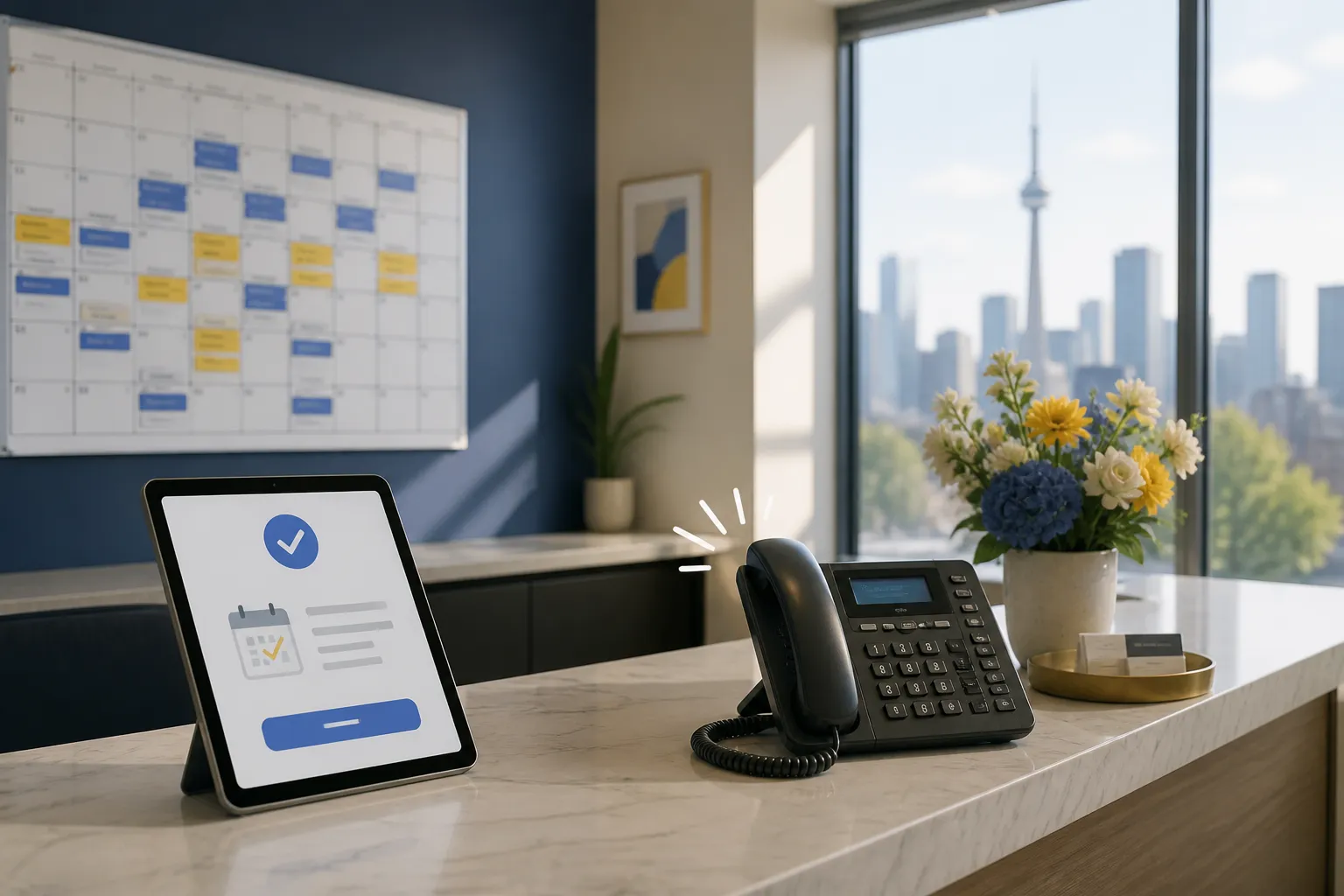
Your phones and inbox repeat the same questions: availability, pricing, rescheduling, paperwork, and basic troubleshooting. Meanwhile, no-shows and slow follow-ups chip away at revenue. Well-implemented customer service AI agents can resolve 60-80% of routine tickets across chat, email, and phone, keep calendars full, and trigger the back-office tasks that close the loop.
This guide shows how small teams deploy these agents, which workflows pay off first, and how to track results. Examples come from clinics, law firms, real estate teams, and home and local services across North America, with practical notes for Ontario-based businesses.
How AI customer service agents work
Customer service AI agents are software workers that handle predictable requests with clear rules. They pull data from your systems, follow decision trees, and hand off anything unusual or high risk to a person. The strongest results come when you tie the agent to real calendars, CRMs, and billing rather than keeping it as a stand-alone chat widget.
Core jobs that deliver value
- Customer service automation. Instant answers to FAQs, policy lookups, warranty or insurance checks, basic troubleshooting, and smart routing so the right person sees the right issue.
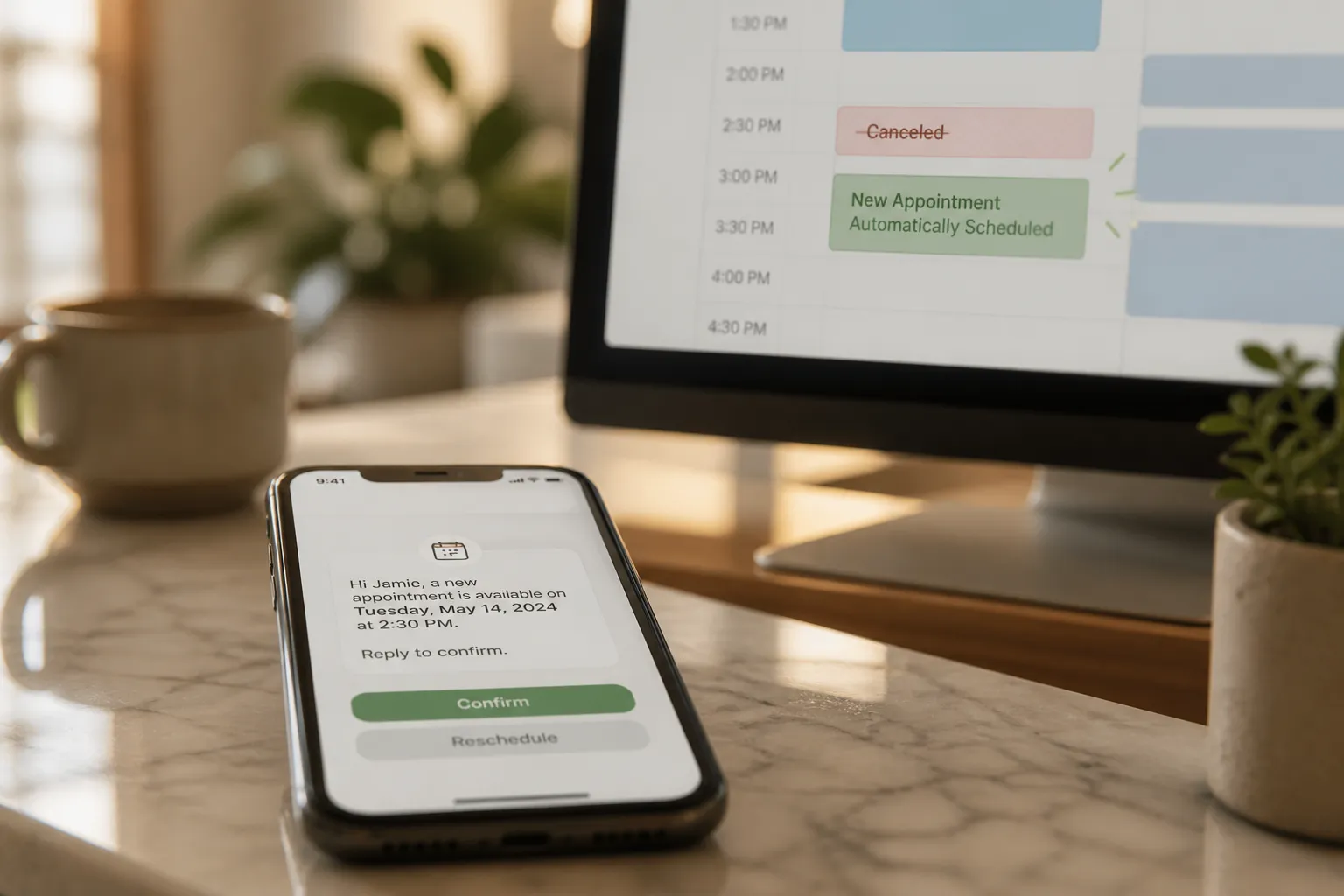
- Booking automation. Self-service scheduling against live availability with instant confirmations. Use reminders at 7-day, 48-hour, 24-hour, and 2-hour marks to reduce no-shows.
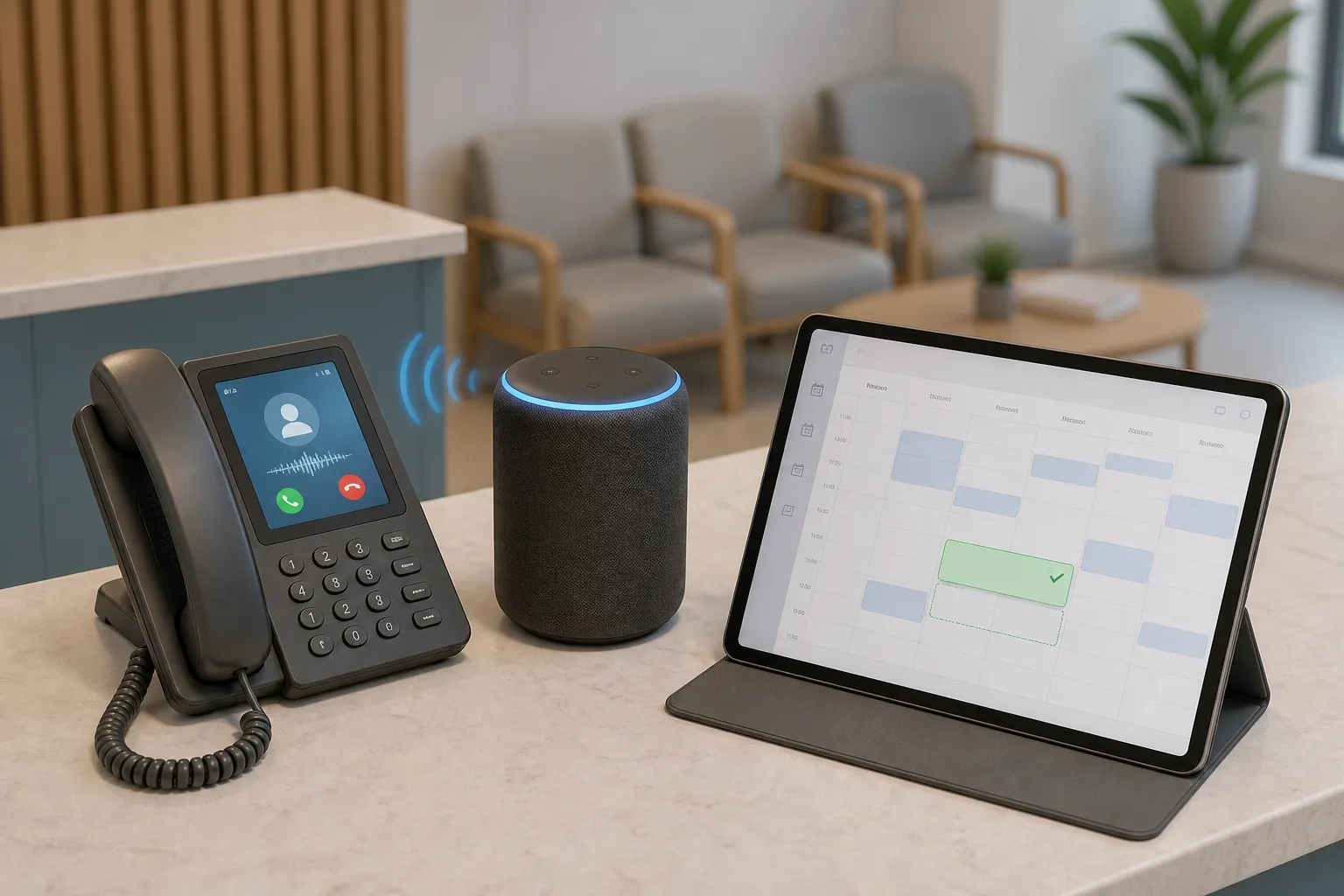
- Voice agents on the phone. Answer and triage calls, book or reschedule routine visits, and escalate sensitive requests. Staff pick up only the calls that need judgment.
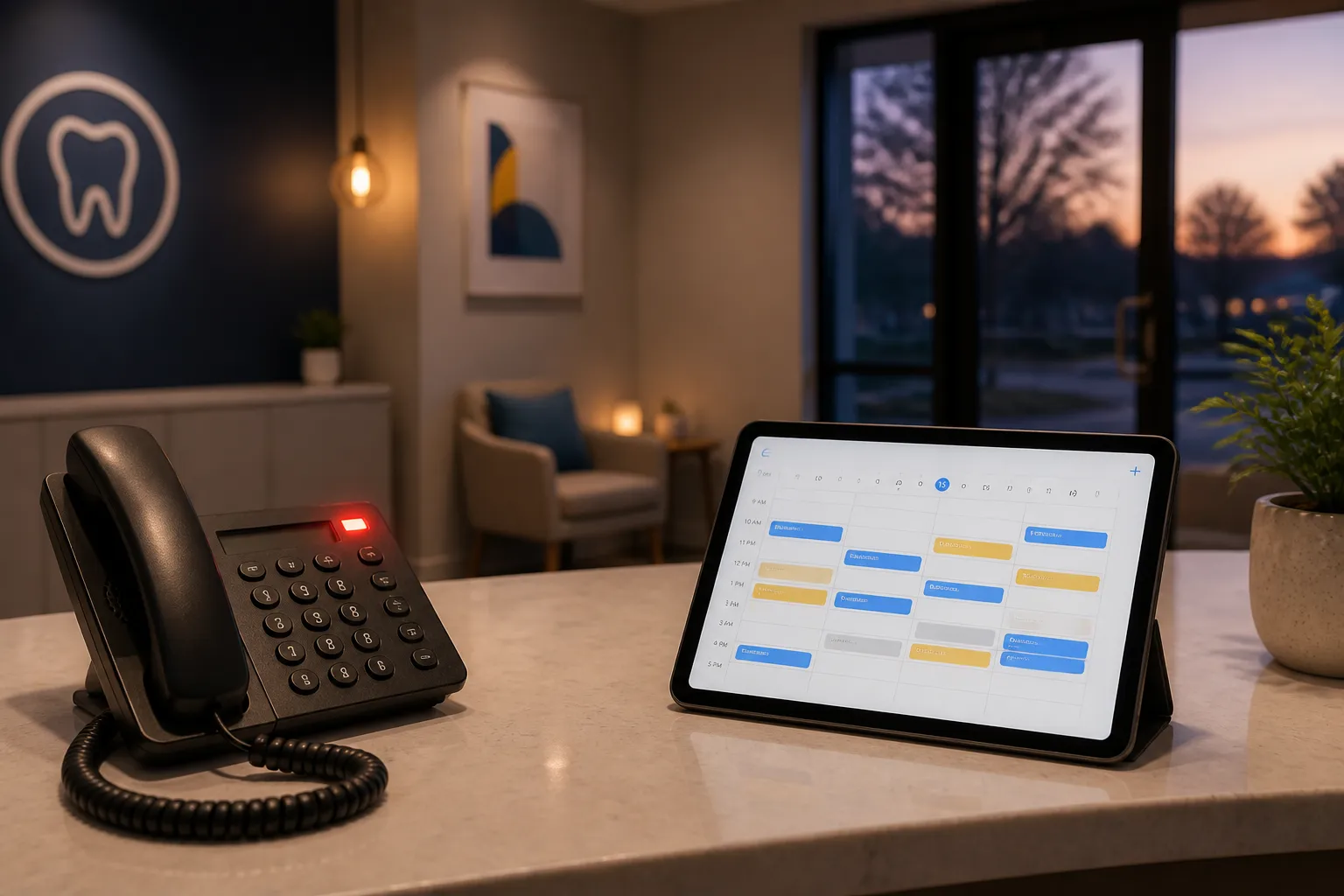
- After-hours coverage. Triage true emergencies according to your protocol, handle common questions with approved answers, and capture leads with contact details and urgency.
- Finance and invoicing. Send invoices the moment a job is marked complete and follow up on unpaid balances with polite, spaced reminders.
- Dispatch coordination. For field teams, check technician availability in ServiceTitan, Housecall Pro, or Jobber, assign by skill and location, and confirm with the customer.
Fit with your tools and team
Good deployments sit on top of your existing systems. Connect to Dentrix, Open Dental, Jane App, Eaglesoft, Cliniko, ServiceTitan, Housecall Pro, Jobber, and Google Calendar. Keep your CRM, spreadsheets, and accounting platforms as the source of truth. For orchestration between tools, automation platforms like n8n and Make let you define reliable, auditable workflows without moving your data. Add sales follow-up, task and project automation, customer onboarding, bookkeeping tasks, and review prompts when you want end-to-end coverage.
Industry playbooks that work
Dental clinics and healthcare
Front desks juggle recalls, new patient intake, and after-hours messages. A reliable first win is recall self-booking: the agent texts or emails patients due for hygiene, shows live openings by provider or operatory, books them, and logs the reason code. Pair with after-hours triage that flags emergencies like severe pain or bleeding, follows your on-call protocol, and gives approved guidance for routine questions. Use multi-channel reminders with one-tap confirm or reschedule. When a visit is marked complete, trigger an invoice and a follow-up for outstanding treatment plans.
Law firms and professional services
Prospective clients want quick clarity on services, eligibility, and next steps. A voice agent can pre-qualify leads, collect intake details, and place them on your calendar. Route matters to the right practice area with clear labels and required fields. If the person is not ready to book, put them into a lead nurture with spaced email and SMS touches and a self-serve link to schedule when ready.
Real estate teams
Buyers and sellers ask about showing times, disclosures, and timelines. The agent can answer common questions, schedule tours against agent availability, and confirm access instructions. For open houses, it can log attendee details, send property packets, and set the next step with the assigned agent. After hours, it captures interest, secures contact details, and books the follow-up slot.
Home and local services
Dispatch is often the bottleneck. Use dispatch coordination to check tech availability in ServiceTitan, Housecall Pro, or Jobber, assign based on skill, location, and job duration, and send a firm arrival window. For standard jobs, a voice agent can quote from a price book and book the visit. After completion, send an invoice, request a review, and schedule maintenance reminders.
KPIs and the business case
Pick three measurable goals and tie each to a workflow the agent will change. Set a baseline for 2-4 weeks, then review weekly for the first month of rollout.
- First response time. Target instant answers on chat, helpful email autoresponders with next steps, and live pickup on phone via a voice agent.
- Self-serve booking rate. Track the share of appointments made without staff. Expect this to climb as reminders and confirmations reduce back-and-forth.
- No-show rate. Reduce missed appointments with multi-channel reminders and one-tap confirm or reschedule. Measure by location and provider.
- Deflection. Count tickets and calls resolved without a human. Segment by intent so you can see which workflows need refinement.
- Payment speed. Measure time from job completion to invoice sent and to payment received. Look for fewer manual touches and a shorter tail of late payers.
- Customer satisfaction. Ask one or two CSAT questions after resolved chats or calls. Sample, do not survey everyone.
A simple ROI check: Deflected contacts per month × average handling cost per contact + incremental bookings from after-hours coverage − subscription and setup costs. Most teams see payback when the agent reliably handles 60-80% of routine contacts and adds even a handful of after-hours bookings per week.
Implementation and rollout
1) Map the highest-volume requests
Export the last three months of tickets, calls, and chats. Group by intent: booking, rescheduling, pricing, service area, paperwork, and emergencies. Prioritize the top five. Each becomes a workflow the agent handles end to end with a clear success state.
2) Connect calendars and data
Reliable automation runs on current data. Connect your practice or field service tools and Google Calendar. Sync customer records, provider rules, service areas, and inventory or operatory constraints. Use n8n or Make to orchestrate steps between systems and to log each action for audit.
3) Design short, safe conversations
Write the shortest path to the outcome. For booking: confirm identity, present times that fit the rules, confirm, and send a reminder. For triage: collect symptoms, apply decision rules, and escalate if needed. Lock down pricing language, cancellation rules, and any clinical or legal text to approved content.
4) Define escalation and handoff
Set triggers such as urgency phrases, repeated confusion, or requests outside policy. On the phone, your voice agent should transfer to staff or voicemail with a timestamped summary. In chat and email, tag the intent, attach the transcript, and set a priority. Make it easy for staff to see what happened and pick up the thread.
5) Close the loop after the conversation
Use reminders to reduce no-shows. Trigger invoices the moment a visit is marked complete. If a task needs human eyes, create a work item with owner and due date. For reusable how-to content, short screen recordings can prevent tickets altogether. To keep them accessible, read the article Fast Subtitles - How to Get Accurate Captions in Minutes and add subtitles to video online so viewers can follow with sound off and non-native speakers are not left behind.
6) Train your team and set clear expectations
Show staff where transcripts live, how handoffs arrive with context, and how to correct a mistaken answer. Tell customers what the agent can do. For example: “Book, reschedule, and answer common questions 24/7.” Clear boundaries build trust.
7) Safeguards and privacy
Create a short policy for what the agent may and may not say. Require explicit handoff for anything that affects safety, legal outcomes, or significant money. Limit data access to what each workflow needs, and log transcripts and decisions for audit. Ontario clinics and firms should confirm the setup matches local privacy expectations and in-clinic protocols.
Choosing a capable partner
If you want a partner to plan, build, and maintain your system, look for an ai customer service agency that works with small business realities. You want someone who can design booking flows, connect to your existing software, and keep an eye on metrics, not just hand you a bot and walk away. For local support and on-site knowledge, many Ontario firms prefer an ai automation agency Toronto or an ai automation agency Ontario partner that understands clinic workflows and field service platforms used across the region.
Key takeaways
- Automate a few high-volume requests first. Make those reliable end to end.
- Connect to calendars, CRMs, and field service tools so answers and bookings are always accurate.
- Measure first response time, self-serve booking rate, deflection, no-shows, payment speed, and CSAT.
- Use reminders, invoicing, and dispatch coordination to capture value after the conversation.
- Set clear escalation rules so customers reach a human when it matters.
- Use n8n or Make to orchestrate steps and keep an audit trail across systems.
- Work with a partner who builds on your existing tools and understands your industry.
Customer service AI agents work when they are grounded in your real process, tied to your data, and measured against outcomes your team cares about. Start with one job, make it reliable, then add the next.
FAQ
What types of customer requests should I automate first?
Start with high-volume, low-risk tasks like booking, rescheduling, hours, directions, basic pricing, and standard policy questions. Add after-hours triage or lead capture once these flows are stable.
How do AI phone agents work with my staff?
Voice AI agents answer routine calls, collect details, and book or route as needed. They transfer to a human with a summary when the request is urgent, complex, or outside policy.
Can AI agents use my current calendar and software?
Yes. With integrations to tools like Google Calendar and industry platforms, agents can read availability, write bookings, and update records without migrating systems.
How do I prevent wrong or misleading answers?
Use approved templates for policies and pricing, restrict the agent’s knowledge to vetted sources, and set strict escalation rules. Review transcripts and tune wording regularly.
How fast can I see results from customer support automation?
Many teams see faster first responses and more self-serve bookings within a few weeks. The biggest gains come after a month of tuning intents, reminders, and escalation rules.