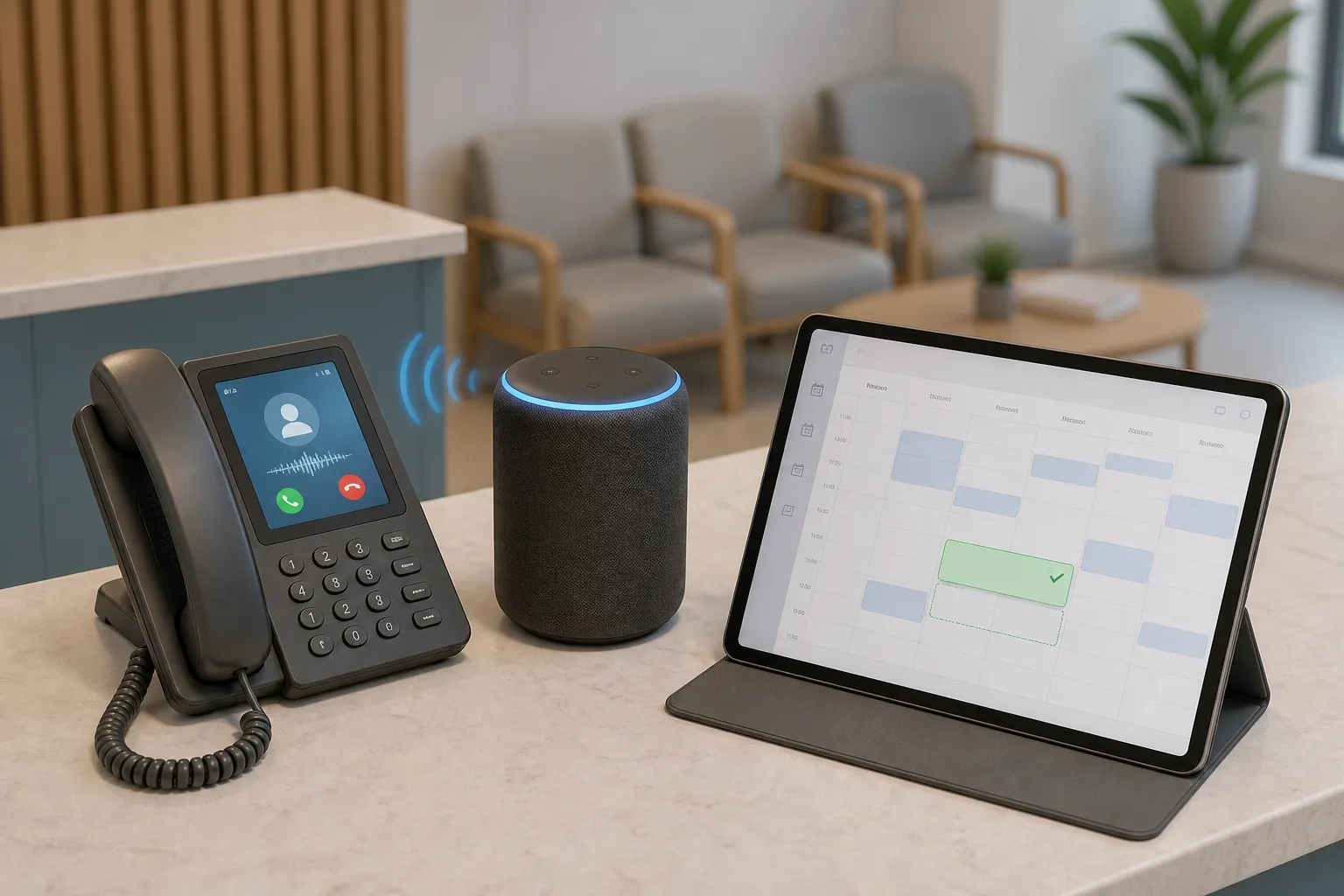
AI customer service and booking automation can cut response times, fill calendars, and resolve 60–80% of routine tickets across chat, email, and phone. The hard part is picking the right partner to design it. If you operate in Ontario, the choice often narrows to a local agency you can meet on site versus a remote shop with broader reach. The right answer depends on how you handle data, how your front desk works today, and how fast you need to iterate.
Use this guide to weigh the tradeoffs for clinics, law firms, real estate teams, and home and local services across Toronto, Ontario, and North America.
| Criterion | Ontario-based agency | Remote agency |
|---|---|---|
| Discovery and kickoff | On-site shadowing of reception or dispatch. Faster, truer process maps. | Video-first discovery. Requires high-quality screen captures and samples. |
| Privacy and compliance | Fluent in PIPEDA, PHIPA, and Canadian residency expectations. | May use cross-border vendors. Needs a precise written data map. |
| Integrations and tools | Hands-on with Canadian clinic and field tools. Minimizes migrations. | Broad platform experience. Strong at API-first and custom adapters. |
| Support SLAs and time zone | Same time zone for real-time edits during office hours. | Follow-the-sun support possible for coast-to-coast operations. |
| Iteration speed | In-person pilot days with live script and routing tweaks. | Asynchronous clips and ticketed changes. Scales with clear process. |
| Travel and cost | On-site days add travel. Transparent local billing and taxes. | No travel. Rates vary by region and specialization. |
| Fit for regulated use | Strong for PHI, legal intake, and after-hours triage. | Great for non-PHI cases and cloud-native stacks. |
Local vs remote: what actually changes
Discovery is the first fork. An Ontario team can sit at your reception or dispatch bench for a morning to watch call queues, voicemails, cancellations, and handoffs. That cuts weeks off requirements for customer service automation, after-hours lead capture, and voice agents. A remote team can reach the same understanding with screen recordings, sample call logs, intake forms, and a shared runbook. You will get there, but it may take more review cycles to remove assumptions.
Delivery cadence differs. Local partners can run an on-site pilot day, then adjust prompts, routing rules, confidence thresholds, and reminder timing with your staff in the room. Remote partners tend to run short daily standups, ship test environments, and collect feedback in annotated clips. That style suits teams that document well and already live in shared tools.
Context matters. When a snow day in Toronto triggers a wave of cancellations, a local agency knows what that means for multi-channel reminders, waitlist backfill, and phone scripts. A remote team can design for the same event if those patterns are captured in your playbook.
Privacy and Canadian compliance
If you handle patient or client data in Ontario, confirm where data sits, who can access it, and what is logged. For clinics, align to PIPEDA and PHIPA expectations. For law firms and professional services, ensure confidentiality terms, access controls, and data residency are explicit. Ask every agency to document the stack that stores booking details, call recordings, and message content, and to list any subprocessors and data flows that leave Canada.
Ontario-based agencies are often set up with Canadian-hosted components by default. That can shorten compliance reviews with your insurer and privacy officer. A remote partner can meet the same bar. Make sure you receive a written data map, a subprocessor list, and retention settings for chat, email, and phone transcripts. Non-negotiables in either case: SSO for staff access, role-based permissions, audit logs you can export, and an incident response plan you understand.
Test with real scenarios. For after-hours triage, verify that emergencies route to on-call exactly as your protocol requires while routine questions are answered automatically. For recall campaigns, ensure opt-in, consent language, and unsubscribe paths match your policy. For voice AI, confirm call-recording disclosures and consent flow meet your sector standard.
Onboarding, training, and integrations
Time to value depends on fitting automations to the tools your team already uses. For clinics that often means Dentrix, Open Dental, Jane App, Eaglesoft, Cliniko, and Google Calendar. For field and home services it is commonly ServiceTitan, Housecall Pro, Jobber, and calendar and call systems your CSRs rely on. A capable ai automation agency Ontario will connect to those tools directly or through an orchestration layer in n8n or Make, so staff do not learn a new system just to handle the same work.
Practical patterns by vertical:
- Dental and medical clinics: self-service scheduling against real-time availability with instant confirmations, recall self-booking that fills hygiene and follow-up slots, and multi-channel reminders at 7-day, 48-hour, 24-hour, and 2-hour intervals to cut no-shows.
- Law firms: intake triage that captures matter type, conflicts screening prompts for staff review, secure document request links, and after-hours call handling that separates urgent court or custody issues from routine inquiries.
- Real estate: showing requests that route by geography and price band, open house follow-up with pre-qualification questions, and listing inquiries answered with current data pulled from your CRM.
- Home and local services: dispatch coordination that checks technician calendars in ServiceTitan, Housecall Pro, or Jobber, assigns by skill and proximity, confirms with the customer, and reschedules intelligently when weather or traffic disrupts the day.
Voice AI agents take the routine calls so your team only handles issues that need a person. Email and chat agents resolve repetitive questions and booking requests, deflecting most tickets while keeping human review for edge cases.
An Ontario-based partner like builts.ai focuses on fast setup in Toronto and across the province using your existing CRM, calendars, and practice or field tools. We deploy customer service automation, booking automation, and voice AI without migrations, so your team trains once and stays in flow.
Training methods vary. Local teams often run floor walks, sit with reception for an hour, and record tailored mini-guides. Remote teams lean on playbooks, short how-to clips, and well-labeled workflows you can review later. Both should provide a staging environment and run live tests before go-live. In complex mobile flows, teams sometimes use tools like FlyTrap to explore apps, generate end-to-end tests, and catch issues early.
Measure from day one. Capture baselines before launch: time to first response, first-contact resolution, no-show rate, booking lead time, invoice aging, and after-hours call volume. Tie each automation to a target and run a weekly review for the first month to adjust prompts, routing, and reminder cadence.
Support SLAs and iteration speed
Customer support automation is not set-and-forget. Ask for an SLA with specifics: critical incidents acknowledged within 15 to 60 minutes during business hours, non-urgent tickets answered within one business day, and typical change requests shipped within 1 to 3 days. Clarify how fixes are prioritized when a phone tree misroutes calls or when a reminder template needs a same-day edit.
Time zone alignment often matters more than headline response times. An Ontario partner can jump on an 8:30 a.m. call with your office manager, ship a tweak by lunch, and observe the afternoon rush. A remote team can match that cadence if they staff your hours. Global shops that follow the sun help if you run coast to coast or want overnight batch jobs and data syncs handled while you sleep.
Plan a tuning window. For workflows that touch patients, clients, or dispatch, expect daily edits in the first 10 to 14 days. If your use case is stable, like invoicing or sales follow-ups, a ticketed flow with weekly checkpoints is often enough.
When a remote partner makes sense
Remote is a good fit when your stack is cloud-first and your data risk is low. E-commerce style use cases, review management, and analytics tuning rarely need Canadian residency, so you can shop globally for niche skills. Remote also helps when you need 24/7 coverage or your team already works async in shared tools with clean APIs.
Hybrid models are common. An Ontario agency can own patient-facing flows like after-hours triage, recall self-booking, and voice handling for inbound calls, while a remote specialist tunes analytics or runs A/B tests on reminder timing. Make ownership crystal clear, share dashboards, and keep a single playbook for handoffs.
Stay local when you carry regulated data, rely on phone booking at volume, or need dispatch logic that reflects Ontario geography and winter realities. Go remote when the specialty you need is rare, your team is comfortable with async collaboration, or you want support that spans time zones.
Verdict: which is right for you
If you are a dental clinic, law firm, real estate team, or home services business in Ontario, start local for anything that touches patients, clients, or field visits. You will move faster on discovery, pass compliance reviews with fewer cycles, and get tighter feedback loops in your time zone. Add remote help where a niche skill or 24/7 coverage would move the needle. The best partner will launch on your current tools without migrations and hit measurable targets in weeks, not months.
Key takeaways
- Local teams shorten discovery and speed iteration by watching real workflows on site.
- For Ontario clinics and firms, confirm Canadian residency, a written data map, and exportable audit logs.
- Integrate with your current CRM, calendars, and practice or field tools through native APIs or n8n/Make.
- Expect clear SLAs: rapid response for incidents, next-day replies for non-urgent tickets, and 1 to 3 day change windows.
- Measure impact. Track deflection, no-shows, first response, and resolution time before and after launch.
- Use remote partners for niche skills or 24/7 coverage, and local for regulated, phone-heavy, or dispatch-heavy work.