Your calendar fills up in bursts, then sits half empty after no-shows or late cancellations. Staff lose hours returning calls and emails when a quick confirm or reschedule would have kept the day full. Appointment scheduling automation fixes this by exposing live availability, sending smart reminders, and refilling freed slots before they go stale.
Below is a practical build you can run in a clinic, law firm, real estate office, or home and local services company. It uses self-service scheduling, multi-channel reminders, and a waitlist that actually works. It also keeps your current tools in place while AI agents handle routine questions and changes across chat, email, and phone so your team can focus on the work that needs judgment.
Expose real-time availability that respects your rules
Customers should only see bookable slots that match service length, provider skills, locations, and travel time. When they book, the slot locks instantly and everyone gets a clear confirmation.
Configuration checklist
- Service definitions. Set exact durations, required buffers, and prep/cleanup. A 45-minute hygiene recall should not land in a 30-minute gap. Pair services that must run together and exclude combos that overrun.
- Provider rules. Map who can do what by license, seniority, or practice area. Route pediatric cleanings to trained hygienists. In legal, prevent initial consults from landing on trial days. In real estate, prevent showings during scheduled open houses.
- Resources and rooms. Respect chair or room capacity. Do not double-book a CBCT room or a conference room needed for a signing.
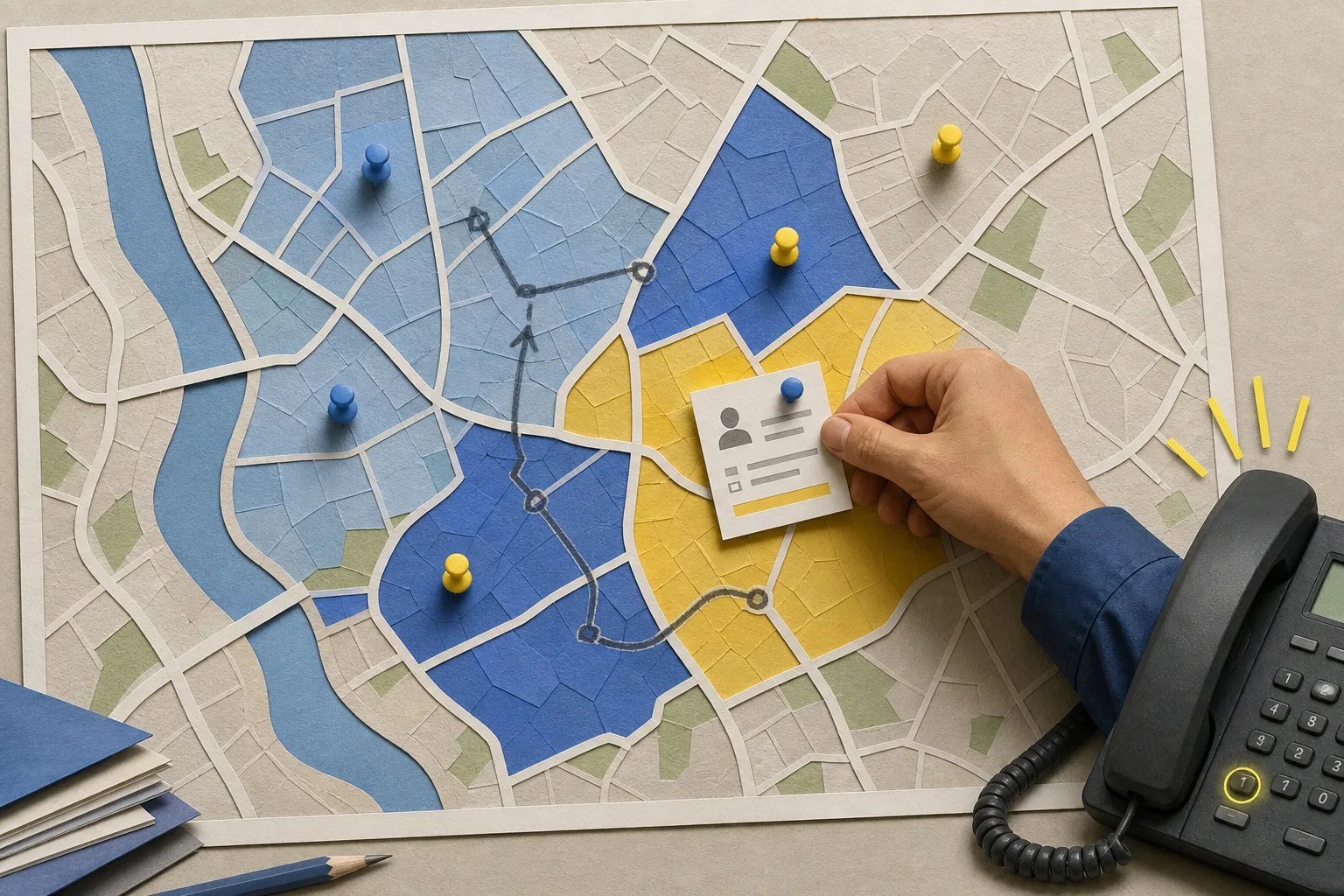
- Locations and zones. Keep mobile technicians mapped to service zones to avoid long drives between jobs. Apply travel buffers that grow with distance and traffic windows.
- Calendar truth. Keep using the system your team trusts. Read and write availability to Google Calendar or Microsoft 365 and sync provider rules from your practice, CRM, or field service tools. This avoids migrations and retraining.
- Two-way sync. Hold the slot the moment a customer selects it and reconcile conflicts in under a second. Cancel or move events should free buffers and return the slot to inventory.
- Blackouts and holidays. Honor out-of-office, lunch, CE days, court dates, and service-wide holidays automatically.
For dental teams, Recall Self-Booking can contact patients due for hygiene, surface your live schedule, and book them automatically. For local services, After-Hours Lead Capture can answer web chat, forms, and calls to collect service need and urgency, then book visits or route emergencies while you sleep.
If you are building a custom portal, a boilerplate like ShipAhead with authentication, payments, i18n, admin, and deployment tooling can speed up the build so your scheduling UI talks cleanly to your calendar and CRM.
At builts.ai we deliver Booking Automation with Self-Service Scheduling and Multi-Channel Reminders that reopen cancelled slots to your waitlist. As an AI automation agency in Toronto and Ontario serving North America, we build on top of your current stack so your team keeps working in the tools they know.
Confirm, hold, and make changes easy
The fastest way to cut no-shows is to make it effortless to confirm or reschedule. Confirmation should be instant and obvious, and every message should include a one-tap path to change plans.
What good confirmation includes
- Instant receipts. Show an on-screen confirmation and send SMS and email the moment the appointment is created. Include date, time, location, provider, service, and any prep notes. Attach an .ics file so it lands on the customer’s calendar.
- Calendar holds with buffers. Block the service, prep, travel, and cleanup on the right provider calendar. Mark busy so other bookings cannot land there. If a provider makes a manual change, reconcile the hold and notify the customer.
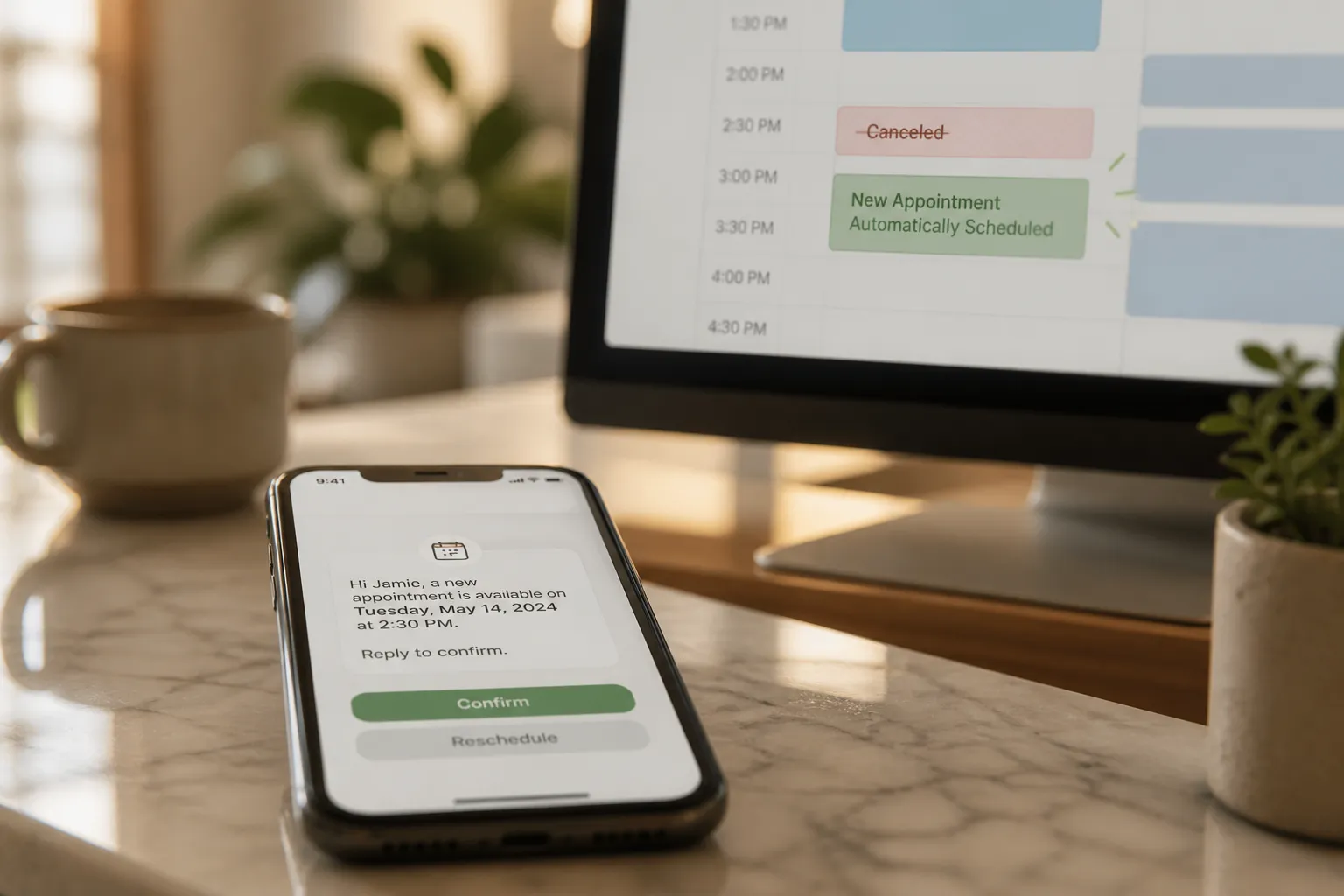
- One-tap changes. Every message should include visible Confirm and Reschedule actions. Deep links should preserve context (service, provider, location) so rescheduling takes seconds, not minutes.
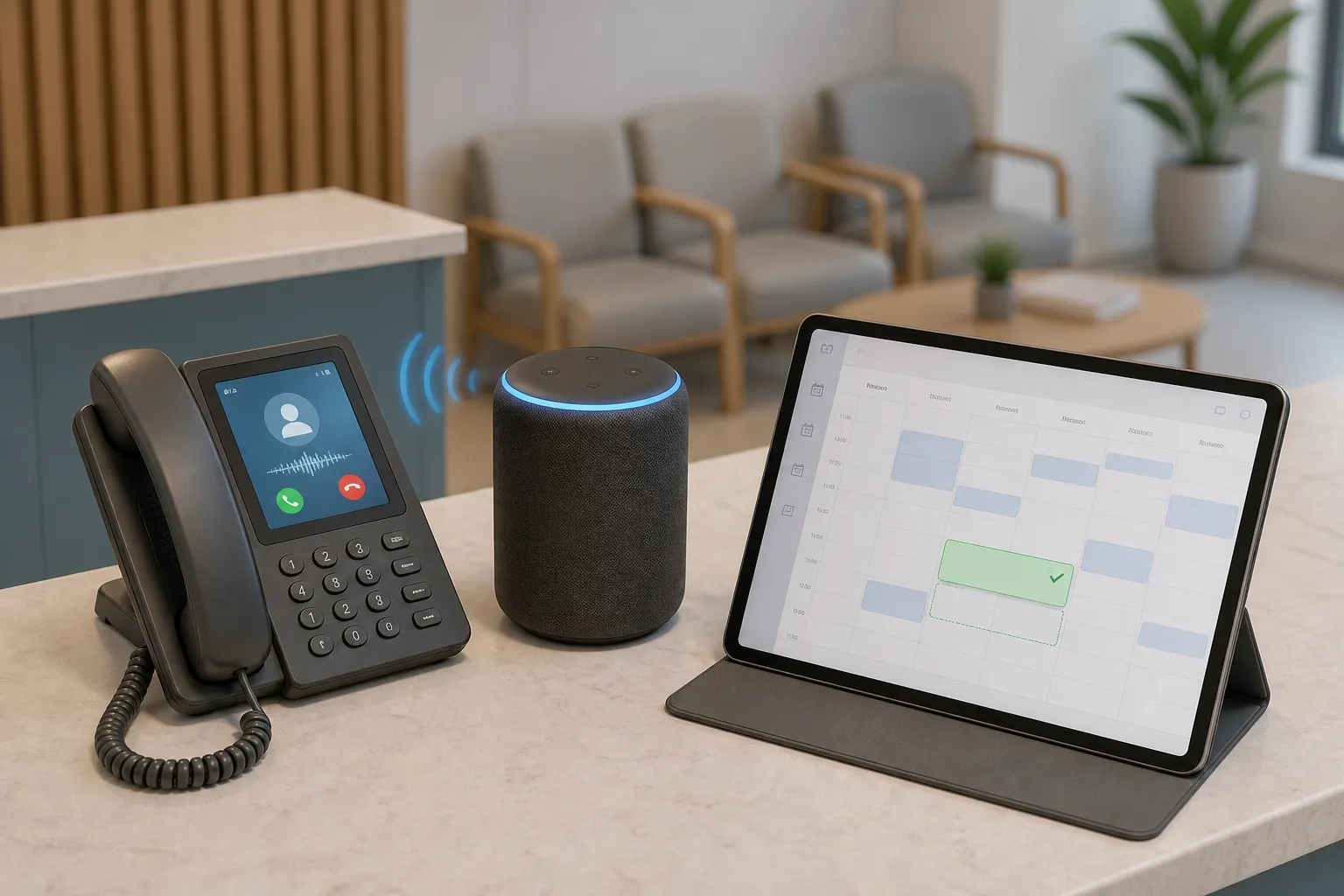
For phone-first customers, Voice AI Agents can handle routine bookings and provide confirmations so staff only take calls that truly need a human. The same applies to web chat and email: AI agents can resolve most confirm/reschedule requests and common questions across all three channels, then escalate edge cases with the full conversation history.
Reminder cadence and templates
Use a predictable cadence and keep copy short with a single action. Align cadence to service risk and refill windows.
- 7 days before. Anchor the time on the customer’s calendar.
- 48 hours before. Encourage early reschedules while you can still refill.
- 24 hours before. Final check for next-day readiness.
- 2 hours before. Day-of nudge that catches most forgets.
Sample SMS
- 7 days: "Hi Sarah, your dental cleaning is Tue, Apr 16 at 2:00 PM with Kelly. Confirm or reschedule here: [secure link]"
- 48 hours: "Reminder: Tue 2:00 PM with Kelly. Need a different time? Tap here to reschedule: [secure link]"
- 24 hours: "Tomorrow 2:00 PM. Please confirm so we can hold your spot: [one-tap confirm]"
- 2 hours: "We will see you at 2:00 PM. If you are running late, update us here: [secure link]"
Sample email
Subject: Confirm your appointment on Tue at 2:00 PM
Body: Hi Sarah, thanks for booking a 45-minute cleaning with Kelly on Tue, Apr 16 at 2:00 PM. Please confirm or reschedule with one click: [Confirm] [Reschedule]. Location, parking, and prep notes are below.
Messaging tips
- One ask per message. Confirm or reschedule. Do not bury the action under extra text.
- Plain language. Customers skim on mobile. Put the action above the fold.
- Channel preference. If someone never taps SMS but opens email, shift their default channel. Track this automatically.
- Compliance and quiet hours. Include opt-out where required. Send based on the customer’s time zone. Honor language preferences.
Prevent no-shows, refill cancellations, and cover after-hours
No-shows concentrate by service type, time of day, and lead source. Use automation to reduce risk and to refill fast when a slot opens.
Reduce risk before day-of
- Track confirmations. Any appointment not confirmed 24 hours out should get a short follow-up on the other channel. If SMS was quiet, send email, and the other way around.
- Gate high-risk slots. For chronic no-shows, offer fewer same-day options or require a quick confirmation to hold a spot. Make the rule clear up front.
- Remove friction. Include arrival instructions, parking, building access codes, or intake forms in the 24-hour reminder.
Work a live waitlist automatically
- Maintain a ranked queue. Score by service, provider match, location, flexibility, and urgency. Keep separate queues if providers or locations cannot be swapped.
- Auto-offer freed slots. When a cancellation lands, message the first few qualified people. The first to accept gets the slot and everyone else keeps their place.
- Respect windows. Offers should expire after a short window (for example, 10 - 15 minutes) to keep the queue moving without spamming.
- Example SMS: "2:00 PM today just opened with Kelly. Want it? Reply YES to switch. Otherwise ignore."
After hours, After-Hours Patient Triage can identify true emergencies and follow your on-call protocol while handling routine questions automatically. After-Hours Lead Capture can collect address, service need, and urgency, then book visits or route emergencies so your morning starts with a full calendar. For home and local services, Dispatch Coordination Automation checks technician availability in ServiceTitan, Housecall Pro, or Jobber, assigns the right tech by skill and location, and confirms with the customer.
Close the loop: invoicing, reviews, and measurement
Finish strong the moment the work is done. Fast invoicing speeds up cash flow and timely reviews protect your reputation.
Automate billing and collections
- Instant invoicing. Send the invoice as soon as the visit is marked complete. Automated Invoicing & Collections can follow up with polite reminders on a schedule your finance team approves.
- Keep data in sync. Finance & Invoicing and Bookkeeping Automation post payments and update reporting without manual entry so reconciliations do not slip.
Ask for reviews at the right time
- Smart timing. Send the review request after payment clears or within 24 hours of a successful visit.
- One-tap link. Route to the platform that matters most to your business. Review & Reputation workflows can handle timing and routing.
- Sample SMS: "Thanks for visiting today. Would you share quick feedback? It helps others find us: [review link]"
Metrics to watch
- Confirmation rate by service and channel
- No-show rate and late-cancel rate
- Refill rate for canceled slots and average refill time
- Reminder opt-out rate and message deliverability
- Time-to-pay and percentage paid on first invoice
Key takeaways
- Self-service scheduling against live availability cuts inbound calls and late-night email threads.
- A clear confirm-and-hold flow with one-tap changes prevents double booking and reduces buyer’s remorse.
- Use a 7d, 48h, 24h, 2h reminder cadence to lift confirmations and lower no-shows without over-messaging.
- Waitlists turn cancellations into revenue by refilling freed slots in minutes, even after hours.
- Automated invoicing and timely review requests finish the job and keep cash flow and reputation healthy.
If you want this built for you, an AI customer service agency that understands small business automation can deliver it end to end. builts.ai connects to your existing tools, orchestrates bookings and reminders with n8n or Make, and keeps your team focused on work that needs a human across chat, email, and phone.
FAQ
How many reminders should I send for each appointment?
Four is a good starting point: 7 days, 48 hours, 24 hours, and 2 hours before the visit. Adjust based on confirmation rates and customer feedback.
Can this work with my existing calendar and practice or field service software?
Yes. The approach builds on your current systems and connects to tools like Google Calendar and your practice or field service platform so staff keep their workflows.
What if a customer cancels at the last minute?
Send an instant offer to your waitlist. People already nearby or flexible can often fill the slot within minutes, which protects your day’s revenue.
Is SMS reminder messaging allowed for all customers?
Get consent during intake and include opt-out instructions. Respect quiet hours and local regulations. Email can serve as a fallback for those who prefer it.
How fast can a small clinic or service business set this up?
Most teams can go live in weeks, not months, since it builds on existing tools. Start with one service and one location, then roll out in phases.