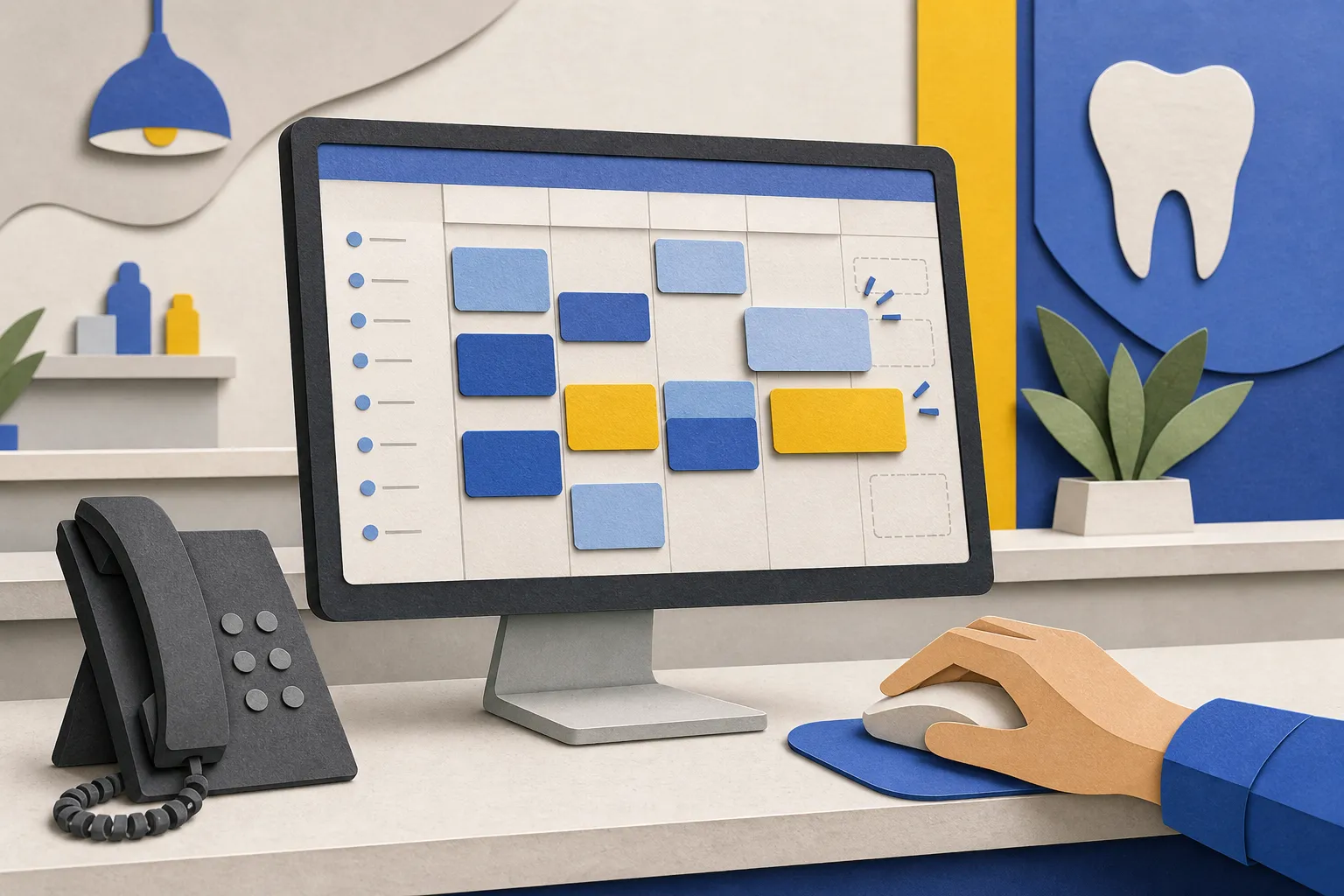
Empty chair time drains production. Manual calls and sticky notes cannot keep up with a busy front desk. Here is a practical way to use Open Dental appointment automation so patients can self-book, your recall list moves every week, and no-shows decline without adding headcount.
At builts.ai, we connect to Open Dental so clinics can run Self-Service Scheduling, Recall Self-Booking, and Multi-Channel Reminders across web, chat, email, and phone. Bookings write back to your schedule in real time, guardrails protect provider time, and patients see the same availability everywhere.
Prepare Open Dental for automation
Clean schedules make automation reliable. Before you turn on self-booking, standardize the building blocks in Open Dental so the system can offer valid slots and avoid conflicts.
Checklist inside Open Dental
- Appointment types and durations. Set clear lengths for common reasons. Example: adult recall 60 min, child recall 40 - 50 min, new patient exam + X-rays 90 min, filling 60 - 90 min by surface count, crown seat 30 min, consult 30 min. Color-code types so staff instantly spot them.
- Providers, operatories, and hours. Map who works where and when. If hygiene uses dedicated rooms, mark those operatories and limit which providers can be booked there.
- Blocks, buffers, and cutoff rules. Place setup/turnover buffers before long procedures. Add same-day cutoff for complex visits while leaving hygiene open if you want to fill gaps.
- Clinic locations. For multi-site practices, keep separate calendars and appointment-type availability per location. Confirm time zones if you serve patients across borders.
- Recall rules. Define intervals for prophy vs perio maintenance and link them to the correct appointment reason so recall messages open the right booking view.
With builts.ai, our Integrations with Existing Systems read live availability and write confirmed bookings back to Open Dental. We Use Existing Tools your team already knows, add audit logs, and follow HIPAA and PIPEDA practices. If your developer plans a custom patient portal alongside automation, this Nuxt SaaS starter kit comparison is a solid overview of a modern stack for a fast, secure front end.
Self-service scheduling that protects your day
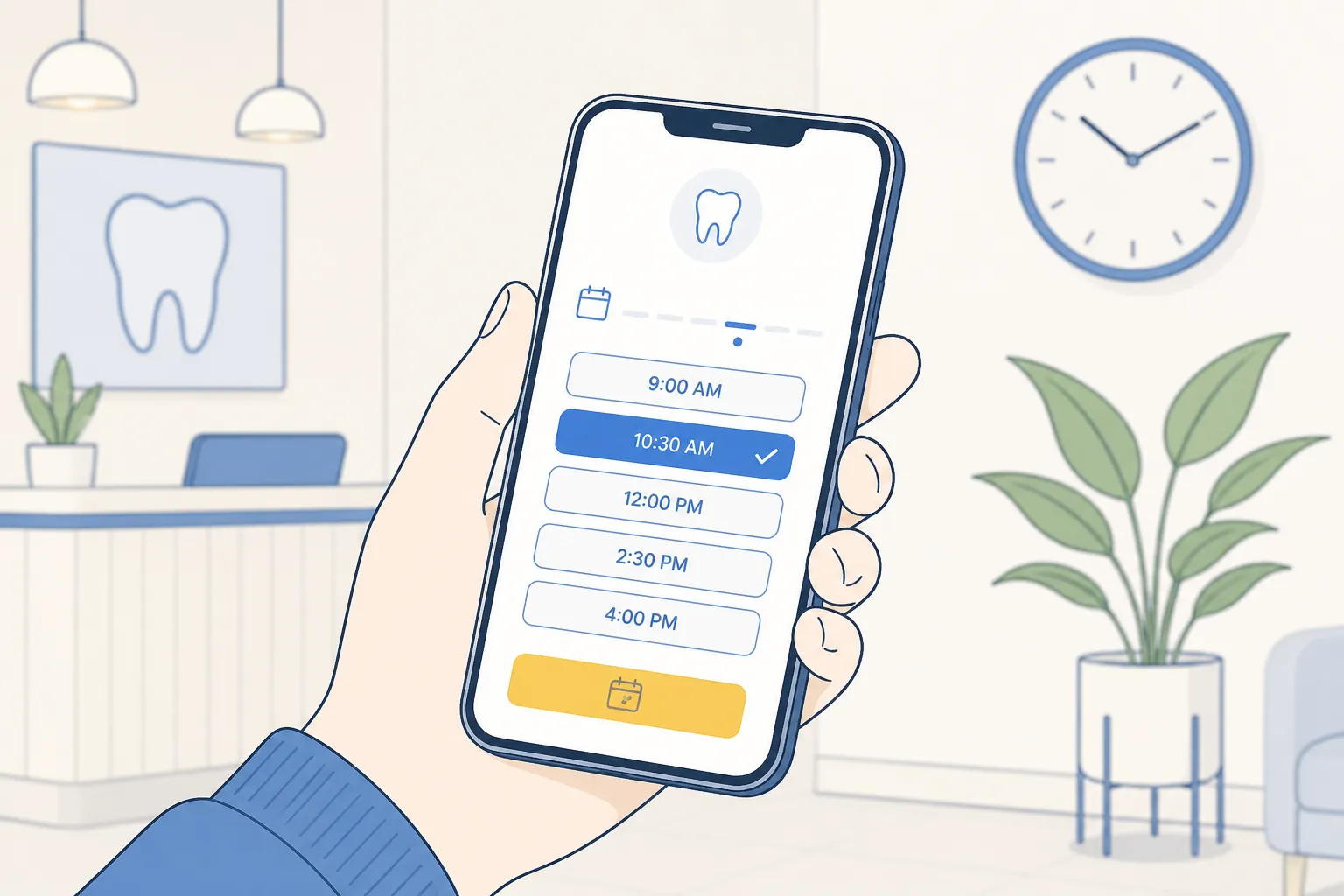
Give patients a mobile-friendly booking page linked from your website, your Google Business Profile website button, recall messages, and email signatures. Patients choose a reason, preferred provider or first available, and get instant confirmation. The same logic powers chat and phone so there is one source of truth.
Practical guardrails
- Short, clear reasons. Keep the menu tight: recall cleaning, new patient exam, filling, crown seat, consult, emergency. Each reason maps to length, provider eligibility, and allowed operatories.
- Cutoffs and capacity caps. Allow same-day hygiene while blocking same-day long restorative. Cap daily volume for complex procedures so they do not crowd hygiene.
- Location routing. Ask location first for multi-site clinics, then filter availability to that calendar. If a location is full, offer waitlist or nearest alternative.
- Intake and insurance capture. For new patients, collect basic demographics, insurance plan, and consent before confirmation. Route edge cases to staff review.
- Optional card-on-file. For lengthy visits or chronic no-shows, require a card hold or deposit per your policy. Automate reminders about the policy so it does not surprise patients.
Phones still matter. Our Voice AI Agents answer routine booking calls, confirm, or reschedule using the same inventory the website sees. Staff pick up only when a case needs human judgment. Once a slot is taken, we write the appointment to Open Dental and queue reminders automatically.
Recall self-booking that keeps hygiene full
Most lists of due and past-due patients are underworked because outreach happens in short bursts. Recall Self-Booking runs daily, segments intelligently, and books directly into your calendar without phone tag.
Rollout plan that avoids calendar shock
- Start with 90 days of due and past-due. Segment by last visit date and perio status. Warm up volume weekly so hygiene days stay balanced.
- Cadence that respects attention. Email first with a direct booking link. If no action in 48 hours, send a short SMS. For high-value families, add one phone attempt at a low-volume time of day.
- Friction-free links. Each message opens a pre-filtered booking view for recall with their usual provider or first available. No portal login, no forms until after the time is picked.
- Family scheduling. Offer a “book for another family member” option after confirmation to capture sibling and partner visits in one flow.
After hours, our After-Hours Lead Capture continues working. If a patient calls or submits a form at night, we triage. True emergencies route to your on-call protocol. Routine items, like a chipped filling without pain, get a first-available link or next-day callback booking. For severe pain or bleeding, After-Hours Patient Triage follows your instructions precisely.
Reminders, confirmations, and fast gap recovery
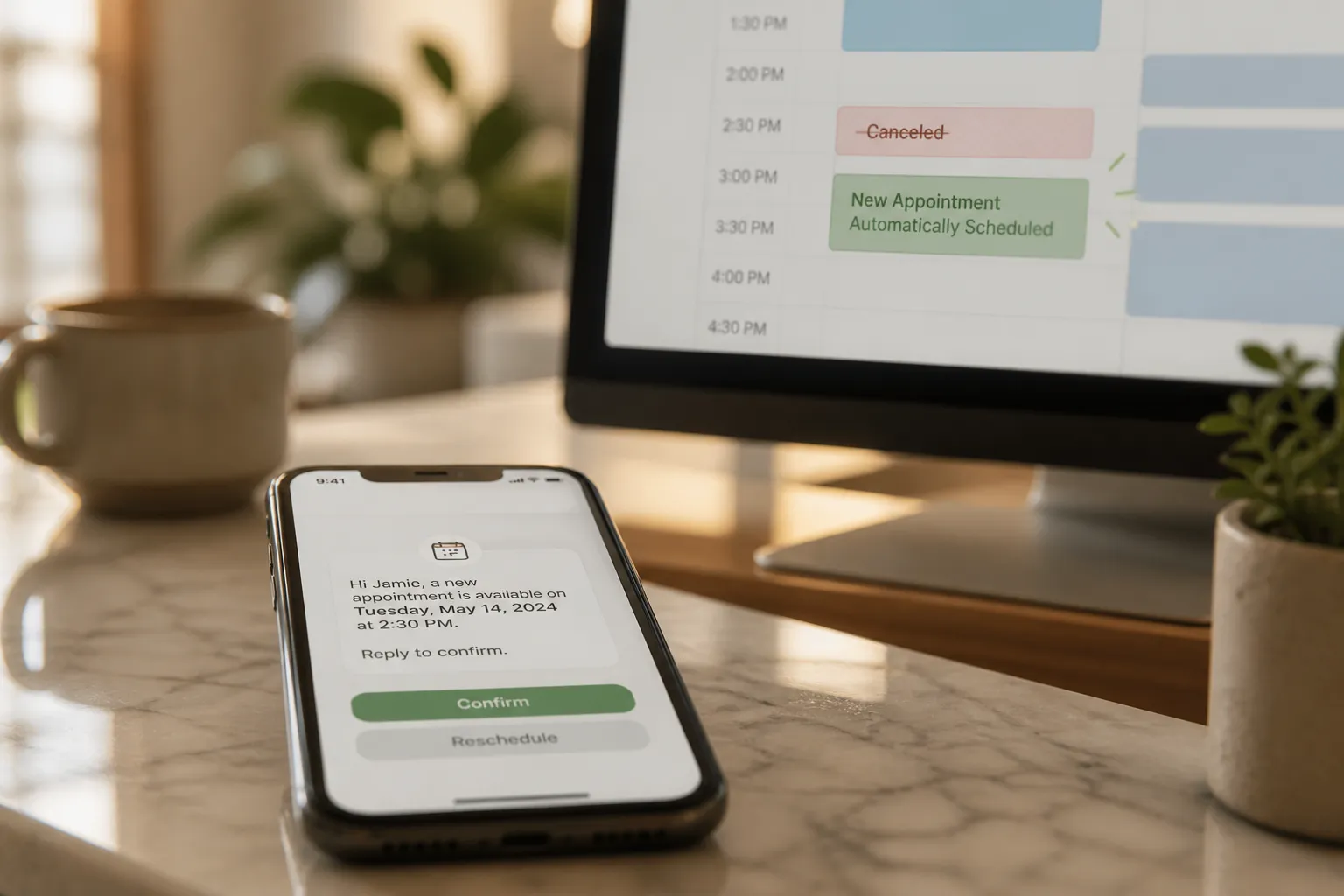
No-shows fall when timing and actions are clear. Our Multi-Channel Reminders send SMS and email at 7 days, 48 hours, 24 hours, and 2 hours. Every touch offers one-tap confirm or reschedule. A cancel instantly reopens the slot to your waitlist and invites the best-matching patient to claim it.
Message examples you can adapt
- 7 days. “Hi [Name], your [Visit Type] is [Day, Date] at [Time] at [Clinic, Address]. Confirm or pick a new time.” Include parking or transit tips.
- 48 hours. Repeat core details and add forms link for new patients. Nudge for confirmation if not yet confirmed.
- 24 hours. Short, clear reminder. Call out any prep, such as arriving 5 minutes early.
- 2 hours. Final heads-up and directions. Encourage punctuality so the day runs on time.
Keep links near the top. For families, include a concise schedule by person and time. For specialty visits, add one-sentence prep guidance. Keep the whole message readable without scrolling on a phone.
Measure, iterate, and implement
Automation should pay for itself quickly. Track a small, consistent set of metrics weekly, tune, and expand.
- Chair utilization. Scheduled hours ÷ total provider hours. Target a 5 - 10 point lift in the first 60 days.
- Short-notice fill rate. Opened inside 48 hours that get rebooked ÷ all last-minute openings.
- No-show rate. Missed appointments ÷ total visits. The 7-48-24-2 cadence typically reduces this steadily.
- Recall conversion. Patients contacted who book a recall within 14 days, tracked by cohort and message template.
- After-hours bookings. Appointments created outside office hours across web, chat, and phone.
When numbers stall, adjust one thing at a time:
- No-shows flat: tighten the 24-hour and 2-hour copy and make the reschedule link obvious.
- Hygiene crowding: shorten self-booking windows for long restorative and reserve late-week hygiene blocks.
- Recall lagging: A/B test email subject lines and the first 120 characters of your SMS. Keep the booking link above the fold.
Implementation checklist
- Standardize Open Dental appointment types, durations, provider-op pairing, blocks, and locations.
- Define booking rules per reason: cutoffs, buffers, provider restrictions, and location routing.
- Launch Self-Service Scheduling. Place links on your site, Google profile, recall emails, and SMS.
- Turn on Recall Self-Booking. Start with a 90-day due/past-due segment, expand weekly.
- Activate Multi-Channel Reminders at 7, 48, 24, and 2 hours with one-tap confirm/reschedule.
- Review utilization, short-notice fill, no-shows, recall conversion, and after-hours bookings weekly for 8 weeks.
Because builts.ai integrates with Open Dental and other systems such as Dentrix, Eaglesoft, Jane App, and Google Calendar, we fit your current stack. We also connect booking flows to Customer Service Automation and back-office work like lead follow-up, inbox triage, and simple billing nudges. For clinics in Toronto and across Ontario, we can configure dispatch-style coordination across providers or locations without changing the tools your staff already know.
Key takeaways
- Clean Open Dental data first: types, lengths, providers, operatories, blocks, and locations.
- Offer Self-Service Scheduling across web, chat, and phone with guardrails that protect provider time.
- Run Recall Self-Booking continuously to fill hygiene days from due and past-due lists.
- Use a 7-48-24-2 reminder cadence with one-tap confirm/reschedule and a live waitlist to recover cancellations fast.
- Track utilization, short-notice fill rate, no-shows, recall conversion, and after-hours bookings. Iterate weekly.
If you want help connecting Open Dental to self-booking, recall outreach, and reminders, our AI customer service agents and booking automations are built for clinics that want fewer gaps and a calmer front desk.
FAQ
How long does it take to set up Open Dental appointment automation?
Most clinics go live in 2 to 4 weeks once appointment types, provider schedules, and booking rules are confirmed. Cleanup of your schedule speeds things up.
Can patients pick their usual hygienist when self-booking?
Yes. Patients can choose a preferred provider or first available, and the system only shows valid slots based on your rules.
What reminder cadence works best for reducing no-shows?
A proven sequence is 7 days, 48 hours, 24 hours, and 2 hours by SMS and email with one-tap confirm or reschedule. Keep the message short and clear.
Will this replace my front desk team?
No. Automation handles routine booking and reminders so your team can focus on complex cases, treatment planning, and patients who need personal attention.
Does this work for multi-location dental practices?
Yes. We map providers and appointment types across locations so patients see the right calendar and can book at the nearest or preferred clinic.