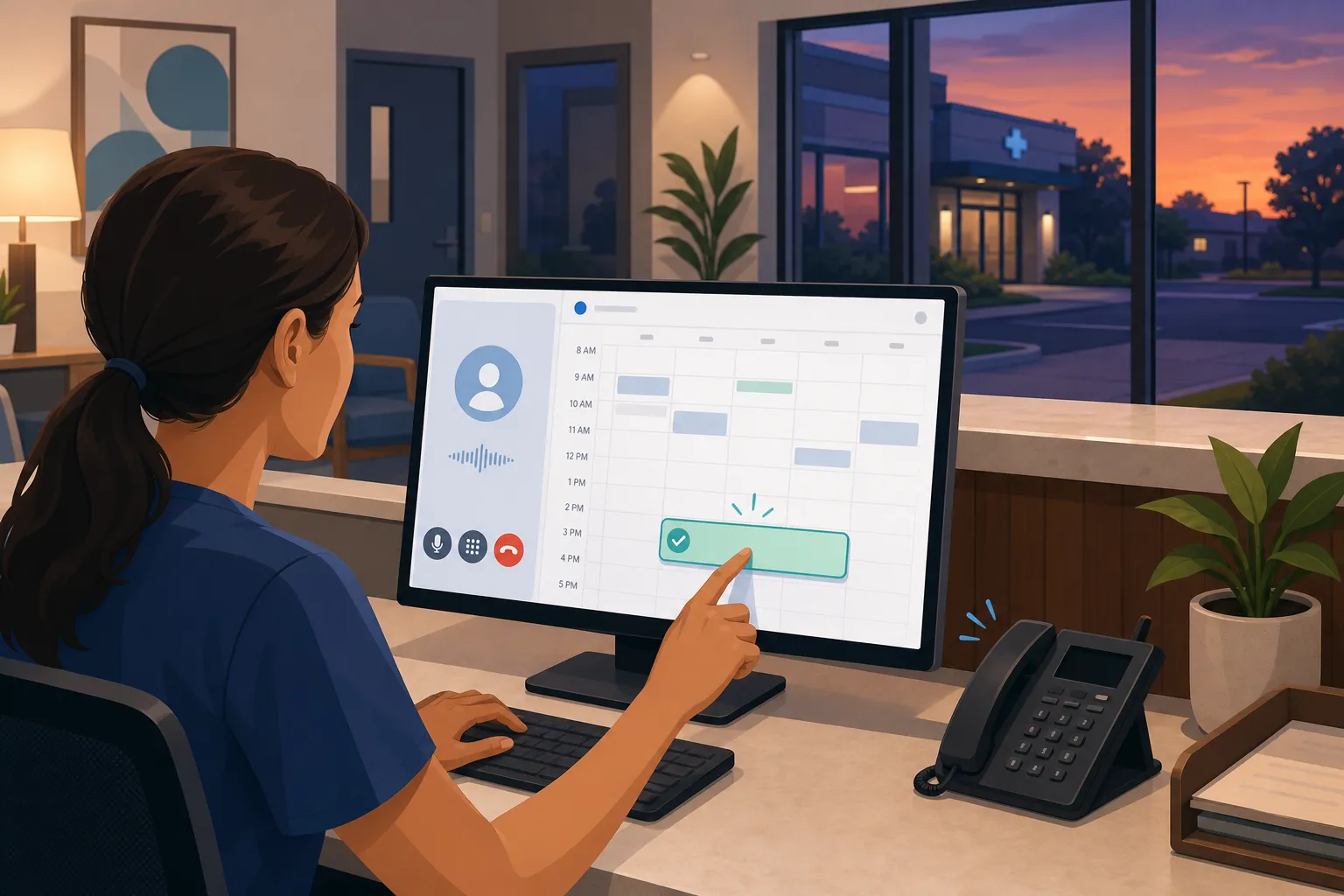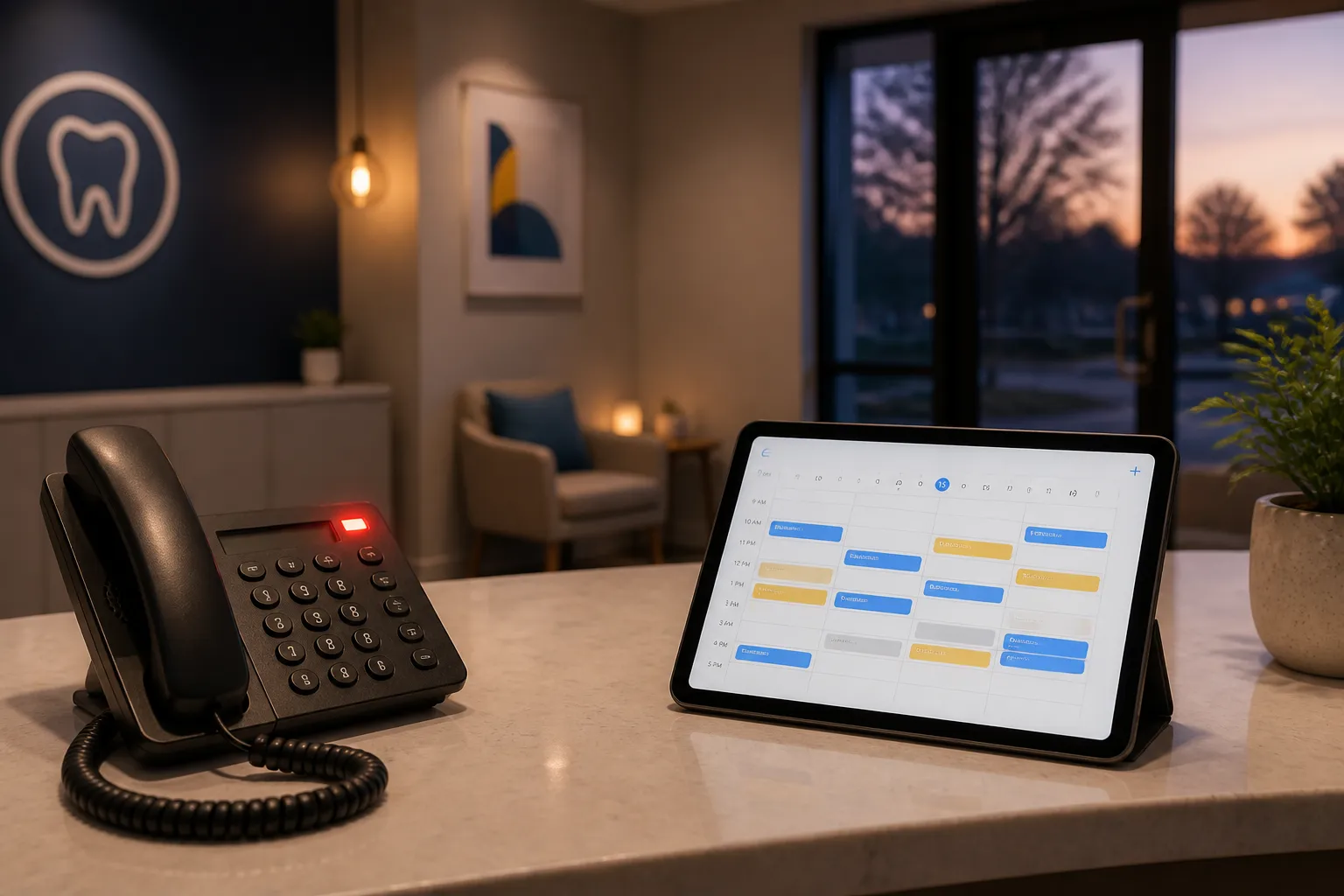
Missed calls, overflowing inboxes, and no-shows drain profit. An ai agent for customer service can absorb routine questions, bookings, and after-hours triage so your team handles the work that truly needs a person.
This guide explains how AI agents operate across chat, email, and phone, where they pay off fastest, how to connect them to your existing systems, and what to measure so quality improves every week.
What an AI agent for customer service actually does
An AI customer service agent sits on your channels, understands intent, takes the next step, and escalates when needed. It is not a basic chatbot. It uses your policies and data to answer questions, create or update records, and complete tasks like booking, rescheduling, or dispatch.
Well-implemented agents resolve 60 to 80 percent of routine tickets with clear, documented handoffs for edge cases and sensitive topics. The same brain can work across chat, email, and voice, so customers get a consistent experience after hours and during peak times.
What this looks like in practice:
- Chat and email: The agent recognizes intents like booking, rescheduling, pricing, paperwork, status checks, and emergencies. It retrieves policy text, checks calendars, proposes times, collects forms, and confirms outcomes with a reference number.
- Phone: A voice agent greets callers, verifies identity, confirms needs, books or triages, and summarizes the call by SMS or email. Use high-accuracy speech-to-text and natural TTS so callers are not repeating themselves. Keep target latency under 1 second between turns.
- Actions and records: Through an orchestration layer such as n8n or Make, the agent reads and writes to systems like Dentrix, Open Dental, Jane App, Eaglesoft, Cliniko, ServiceTitan, Housecall Pro, Jobber, and Google Calendar. It can create invoices, post payments within thresholds, and update tickets with full audit trails.
- Safety and escalation: You define an allowlist of actions, hard limits for payments and discounts, and phrases that trigger immediate human review. Low-confidence answers fall back to a human with full context attached.
Example flow: A patient texts to move a cleaning. The agent verifies name and date of birth, checks hygiene slots, offers two options, updates the appointment, sends a calendar invite, and triggers reminders. If the message mentions severe pain, the agent follows your on-call protocol and escalates.
Where AI agents pay off for small businesses
Start with the moments that cost you money: slow replies, empty slots, after-hours missed leads, and back-and-forth that ties up staff.
Dental and healthcare practices
- Self-service scheduling: Let patients book against real-time availability with instant confirmation so front-desk time shifts from phone duty to in-clinic care.
- Multi-channel reminders: Send SMS and email nudges at 7-day, 48-hour, 24-hour, and 2-hour intervals. One-tap confirm or reschedule reduces no-shows 20 to 40 percent and reopens cancelled slots to a waitlist.
- Recall self-booking: Proactively contact patients due for hygiene recall and fill gaps automatically.
- After-hours triage: Screen for true emergencies like severe pain or bleeding, follow your on-call protocol, and auto-answer routine questions. For Ontario clinics, align with PHIPA and PIPEDA for consent and data handling.
These workflows stabilize the schedule, boost production per day, and prevent urgent cases from slipping through cracks.
Home and local services
- After-hours lead capture: Answer web chat, forms, and calls when the office is closed. Collect address, service need, photos or video, and urgency. Book visits or route emergencies. Many teams see 30 to 50 percent of new inquiries arrive outside business hours.
- Dispatch coordination: Check technician calendars in ServiceTitan, Housecall Pro, or Jobber. Assign by skill, location, and SLA. Send the customer an arrival window and a live-update link.
- Voice agents on the phone: Handle routine bookings and status calls so your team takes only the conversations that need judgment.
The impact shows up as fewer missed jobs, faster first visits, and calmer days for the field team.
Law firms, real estate, and professional services
- Booking automation: Offer self-service consult scheduling with intake that routes matters or showings to the right person. For firms, include conflict-check prompts before calendar holds.
- Sales follow-up: Score and prioritize leads, run timed follow-ups, and keep the pipeline clean so good prospects do not go cold.
- Onboarding: Trigger engagement letters, ID verification, and document requests without manual chasing.
If a meaningful slice of support comes from people not finding answers online, invest in clearer content too. A tool like RankGoat can write helpful posts, earn dofollow backlinks, and fix indexing issues so customers find answers in Google and AI search before they contact support.
Rollout and integrations that stick
Step-by-step rollout plan
- Quantify your top contacts: Pull 30 to 60 days of calls, chats, and emails. Tag by intent and channel. You will usually find a few intents drive 70 percent of volume.
- Pick one high-impact workflow: Appointment scheduling or after-hours triage tends to pay back first because it cuts wait times and fills capacity.
- Write clear policies and responses: For each intent, define the goal, the steps, red lines, and exact phrasing. Include examples of good answers and when to escalate.
- Connect your systems: Use n8n or Make to link tools like Dentrix, Open Dental, Jane App, Eaglesoft, Cliniko, ServiceTitan, Housecall Pro, Jobber, Google Calendar, e-sign tools, and your CRM. For voice, connect to your carrier or a platform like Twilio or Aircall, then route calls to the agent during defined hours.
- Set guardrails: Allowlist actions, cap payments and discounts, and require a human for anything outside policy, complex complaints, or private health details beyond scripted intake.
- Pilot after hours first: Start where queues are longest. Measure containment, bookings, and handoffs. Keep a human on-call to step in.
- Train from real transcripts: Review misses weekly. Add new intents, tighten wording, and expand FAQs. Keep a change log and version prompts so you can roll back.
- Expand to daytime coverage: Once quality is steady, let the agent handle routine daytime traffic. Add phone, then back-office tasks like invoicing and collections.
Under the hood, the agent should ground answers in your sources, cite the policy it used, and log every action. Keep per-channel service levels, for example first response in under 10 seconds on chat and under 2 rings on phone.
Buy vs. build: when to partner with an agency
Building in-house can work if you have time, data access, and someone to maintain prompts, workflows, and integrations. Most small teams prefer an ai customer service agency that brings proven playbooks, safety checks, and prebuilt connections. If you want local support, an ai automation agency Toronto or an ai automation agency Ontario partner can configure industry-specific workflows, align with Canadian privacy expectations, and still support teams across North America.
Measure, maintain, and govern your AI customer service
Metrics that show if it is working
- Containment rate: Percent of contacts fully handled by the agent without a person, by channel. Target 60 to 80 percent once mature.
- First response time: Seconds to first reply on chat and email. Fast replies lift CSAT and booking rate.
- First contact resolution: Percent solved in one touch. Watch the mix of solved, assisted, and escalated.
- Booking rate and no-show rate: Track how self-service scheduling and reminders change fill and attendance.
- Payment speed: Compare days-sales-outstanding before and after automated invoicing and collections.
- Dispatch success: For field work, track first-visit completion when coordination assigns by skill and location.
- CSAT and review volume: Use short post-contact surveys and watch review trends over time.
Operational habits that keep quality high
- Weekly transcript reviews: Sample solved and escalated cases. Tighten rules where the agent hesitated or overreached.
- Knowledge updates: Keep pricing, policies, hours, provider schedules, and holiday closures current.
- Safe handoffs: Make escalation easy for the agent and the customer. Ensure the human sees full history, transcripts, and recent actions.
- Access controls and logging: Limit data by role, rotate keys, and keep audit logs for actions and changes.
- Privacy and compliance: Align with PIPEDA and, for Ontario healthcare, PHIPA. Use consent prompts for call recording and SMS. Redact sensitive data in logs and set retention windows. If you operate in the U.S., consider HIPAA where applicable.
Key takeaways
- Start with one workflow where delays cost money, such as appointment scheduling or after-hours triage.
- Connect the agent to your current systems through n8n or Make so it can see schedules, create invoices, and route work.
- Set clear guardrails and escalation rules. Pilot after hours, then expand to daytime and phone.
- Measure containment, first response, bookings, no-shows, payment speed, and CSAT. Improve weekly from real transcripts.
- Consider a local ai customer service agency if you want faster setup and proven playbooks tailored to your industry and region.
FAQ
What is an AI agent for customer service?
It is software that handles routine support across chat, email, and phone, completes tasks like booking or invoicing when allowed, and hands off to a person for complex cases.
Can an AI agent handle phone calls as well as chat and email?
Yes. Voice AI agents can answer routine calls, book appointments, provide status updates, and escalate to staff for issues that need a human.
How does an AI agent connect to my existing tools?
It integrates with systems like Dentrix, Open Dental, Jane App, Eaglesoft, Cliniko, ServiceTitan, Housecall Pro, Jobber, and Google Calendar so it can read schedules and take actions.
What should I automate first in a small business?
Start with appointment scheduling automation, reminders to cut no-shows, and after-hours triage or lead capture. These workflows usually deliver fast wins.
Is this a good fit if my business is in Toronto or Ontario?
Yes. An ai automation agency in Toronto or across Ontario can configure industry-specific workflows and align with local expectations while supporting North America.