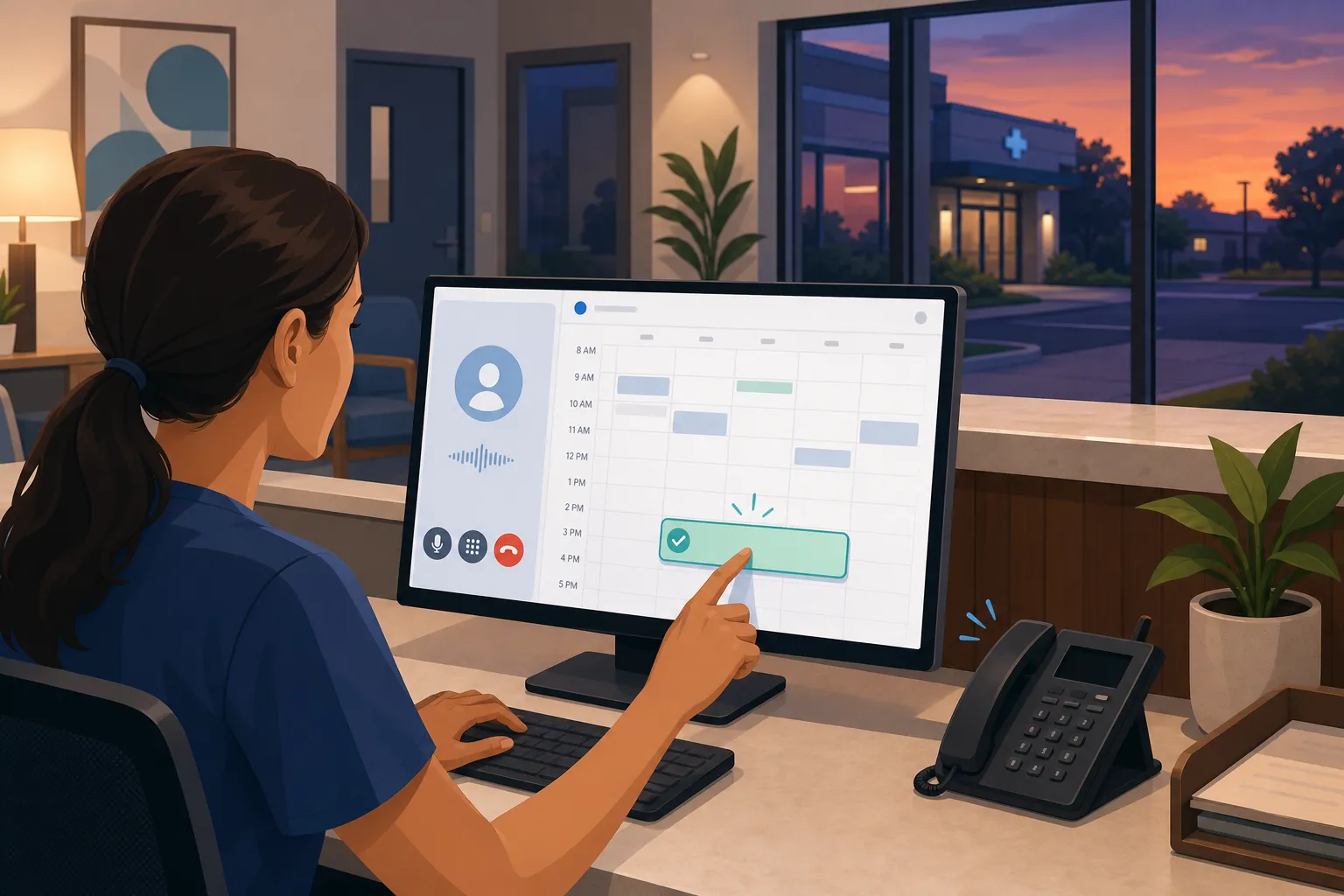
Too many tickets, phones that never stop ringing, and customers who expect instant answers at all hours. AI customer service helps small teams resolve 60 - 80% of routine support across chat, email, and phone without hiring a call center or losing sleep.
Below you will find a clear definition, how it works behind the scenes, where it helps most, when a human should step in, real examples by industry, and a safe way to pilot it in your business.
What is AI customer service?
AI customer service is software that answers questions and completes common support tasks across chat, email, SMS, and phone, then hands off complex issues to the right person. It uses your policies, schedules, and systems to give accurate, 24/7 help and to take real actions like booking, rescheduling, and sending invoices.
Core components
- Knowledge and policies. Answers come from approved sources only: help docs, intake forms, service menus, pricing rules, insurance or warranty terms, and templates. The agent cites these sources internally so you can audit what it used.
- Intent and context. The agent identifies what a customer wants, captures details like name, address, order or patient ID, and keeps context across a thread or call so customers do not repeat themselves.
- Actions, not just answers. The system books or reschedules, creates or updates CRM records, opens tickets, sends invoices, or triggers workflows. We wire actions through tools like n8n and Make so they run against your calendar, CRM, practice software, or field service platform.
- Channels. Meet customers where they already are: website chat, email, SMS, and phone via Voice AI agents that can answer, verify identity, and complete tasks.
- Handoff. When confidence is low, policy says “human only,” or a customer asks, the agent routes to a person with the full transcript and next best step.
- Controls and audit. You set guardrails and view logs. Track resolution rate, time to first response, deflection from phone, no-show rate, collections time, and customer satisfaction.
How AI agents resolve tickets
The flow below shows how an AI agent handles a request from start to finish. The same pattern works for dental clinics, law firms, real estate teams, and home or local services.
- Understand the request. The agent detects intents like “book cleaning,” “reschedule appointment,” “warranty issue,” “request a showing,” or “emergency plumbing.” It clarifies missing info with one or two concise questions.
- Check data. It looks up the customer or patient, past jobs, eligibility, open balances, or plan status in your systems. For example, it can see that a dental patient is due for recall or that a homeowner has an active service plan that covers diagnostics.
- Take action. The agent executes the task. Examples:
- Scheduling. Offers live openings from Google Calendar, Outlook, or your practice or field service software, then books and writes back the appointment.
- Dispatch. Checks technician calendars in ServiceTitan, Housecall Pro, or Jobber, matches by skill and proximity, and assigns the job.
- Finance. Generates an invoice, emails it, and starts a reminder cadence at 7, 3, and 1 day before due date. Stops reminders when paid.
- Sales follow-up. Scores a lead, sends a summary, and schedules a consult or showing.
- Confirm and notify. The agent sends a clear summary and triggers reminders across SMS and email so customers can confirm or reschedule with one tap.
- Escalate if needed. If the customer shows frustration, requests a specialist, or a policy gate applies, the case routes to a person with the transcript, classification, and suggested next step.
At builts.ai, that looks like 24/7 Customer Service Automation and Voice AI Agents that handle routine issues and route complex cases across chat, email, and phone. We connect to your stack through native integrations and automation platforms like n8n and Make, so your team does not need to migrate.
Operating guardrails that keep quality high
- Confidence thresholds. If the agent is not sure what the customer wants, it narrows the question. If uncertainty persists, it escalates with context.
- Policy gates. Some actions always go to a human, such as legal advice, clinical diagnosis, fee waivers, or changes to signed terms.
- Time and tone. If a customer repeats themselves, uses urgent language, or the timer on a call exceeds a set limit, fast-track the handoff.
- Financial controls. Set caps on discounts or refunds, require approvals for credits, and log every change.
Use cases by industry
Dental clinics and healthcare
- Recall self-booking. Patients due for hygiene are contacted automatically, offered live openings, and booked without staff calling down a list.
- After-hours triage. The agent flags true emergencies like severe pain or bleeding, follows your on-call protocol, and answers common questions about swelling, sensitivity, or insurance coverage.
- No-show reduction. Multi-channel reminders with one-tap confirm or reschedule reopen canceled slots to your waitlist.
- Integrations. Works with tools like Dentrix, Open Dental, Jane App, Eaglesoft, Cliniko, and Google Calendar so bookings and notes stay in sync.
Home and local services
- After-hours lead capture and booking. The agent answers calls and web chat, gathers address and service need, and books the right visit or routes emergencies.
- Dispatch coordination. Pulls technician schedules from ServiceTitan, Housecall Pro, or Jobber, matches by skill and proximity, and confirms with the customer.
- Automated invoicing. Sends the invoice as soon as the job is marked complete and follows up with reminders to speed up payment.
Professional services and law firms
- Intake and consultations. Booking automation offers available slots for consultations with required intake questions handled upfront. Conflict checks can run before scheduling.
- Sales automation. Lead scoring and follow-ups keep prospects warm, then hand off to a person for qualified calls.
- Client onboarding. Documents, checklists, and tasks are assigned automatically so nothing falls through the cracks.
Real estate
- Appointment scheduling. Prospects pick showing times that fit live calendars. Last-minute changes trigger quick reschedules to save the slot.
- Lead follow-up. Timed reminders and messages keep buyers and sellers engaged until a human takes over for negotiations.
E-commerce and retail
- Order questions and returns. The agent answers status questions, initiates returns, and sends labels based on your policy.
- Finance and invoicing. Payment collection and reporting run without manual data entry.
- Marketplace operations. For sellers on marketplaces, tools such as MeliBoost (software to manage and automate Mercado Libre operations, including orders, messages, inventory, and CFDI invoicing) show how targeted automation can reduce manual work and speed up response times.
How to get started safely
- List your top 20 intents. Start with the questions and tasks that repeat daily. Booking, rescheduling, pricing, warranty, invoice requests, and basic troubleshooting usually top the list.
- Connect to source systems. Use existing tools like your CRM, practice software, field service platform, spreadsheets, accounting software, and calendars. Start with read-only access while you test. Orchestrate actions through n8n or Make so changes are traceable.
- Write guardrails. Define what the agent can and cannot do. Examples: never change pricing, never give legal or clinical advice, and always escalate when certain keywords appear. Set caps and approval flows for refunds and discounts.
- Pilot one channel. Launch on chat or email first. Measure resolution rate, first response time, and deflection from phone. Review 50 to 100 transcripts before expanding.
- Add booking automation. Offer self-service scheduling with clear windows and instant confirmation. Layer in SMS and email reminders at 7-day, 48-hour, 24-hour, and 2-hour intervals to cut no-shows.
- Expand to phone with Voice AI. Route common calls like booking and confirmations to a phone agent. Give staff only the calls that need a person. Set a max call time and transfer triggers.
- Automate back-office follow-up. Turn on automated invoicing and timed reminders so collections do not rely on manual nudges. Add lead follow-up sequences, document checklists, and dispatch coordination.
- Review and iterate. Audit transcripts weekly, fix unclear answers, and adjust rules. As confidence grows, expand to after-hours triage and dispatch. Track before-and-after metrics for 30, 60, and 90 days.
If you want a partner, an AI automation agency in Toronto or across Ontario like ours can build on your existing systems with Customer Service Automation, Voice AI Agents, Booking Automation, Finance and Invoicing, and industry workflows for dental, law, real estate, and home services. At builts.ai, we keep your current stack and connect it with n8n and Make so your team can focus on the work that needs a person.
Key takeaways
- AI customer service answers and acts across chat, email, SMS, and phone, then hands off complex issues to people.
- Start with repetitive, high-volume tasks like booking, reminders, invoicing, and lead follow-up. Add phone and after-hours once quality is proven.
- Plan handoffs with clear triggers and approval gates so customers never feel stuck with a bot.
- Build on your existing tools, review transcripts weekly, and track resolution rate, response time, no-shows, and collections to keep accuracy high.
FAQ
What is AI customer service?
It is software that answers common questions and completes tasks like booking, reminders, and invoicing across chat, email, and phone, then hands off complex cases to people.
How does AI customer service work in practice?
It detects a customer’s intent, checks your systems for context, takes the right action such as scheduling or invoicing, confirms the outcome, and escalates when rules or confidence require a human.
Will AI customer service replace my support team?
No. It handles repetitive work so your team focuses on complex and sensitive issues. You control what the AI can do and when cases move to a human.
What should a small business automate first?
Start with booking and rescheduling, reminders, after-hours lead capture, and invoice follow-up. These are high-volume tasks with clear rules and measurable impact.
How do I keep data safe with AI support?
Limit the agent’s permissions, log every action, and set guardrails on what it can say or do. Connect only to trusted systems and review transcripts regularly.