Your phones are busy, your inbox is fuller, and your best people spend hours chasing no-shows and overdue invoices. Automation fixes the work that kills your day without touching the quality your customers expect. Modern AI agents now resolve 60 - 80% of routine support across chat, email, and phone, and they do it consistently.
This practical guide shows how service businesses turn bookings, support, dispatch, and billing into automated workflows that pay for themselves. It is written for dental clinics, law firms, real estate teams, and home and local services in Toronto, Ontario, and across North America.
Core automations that move the needle
Self-serve bookings that keep calendars full
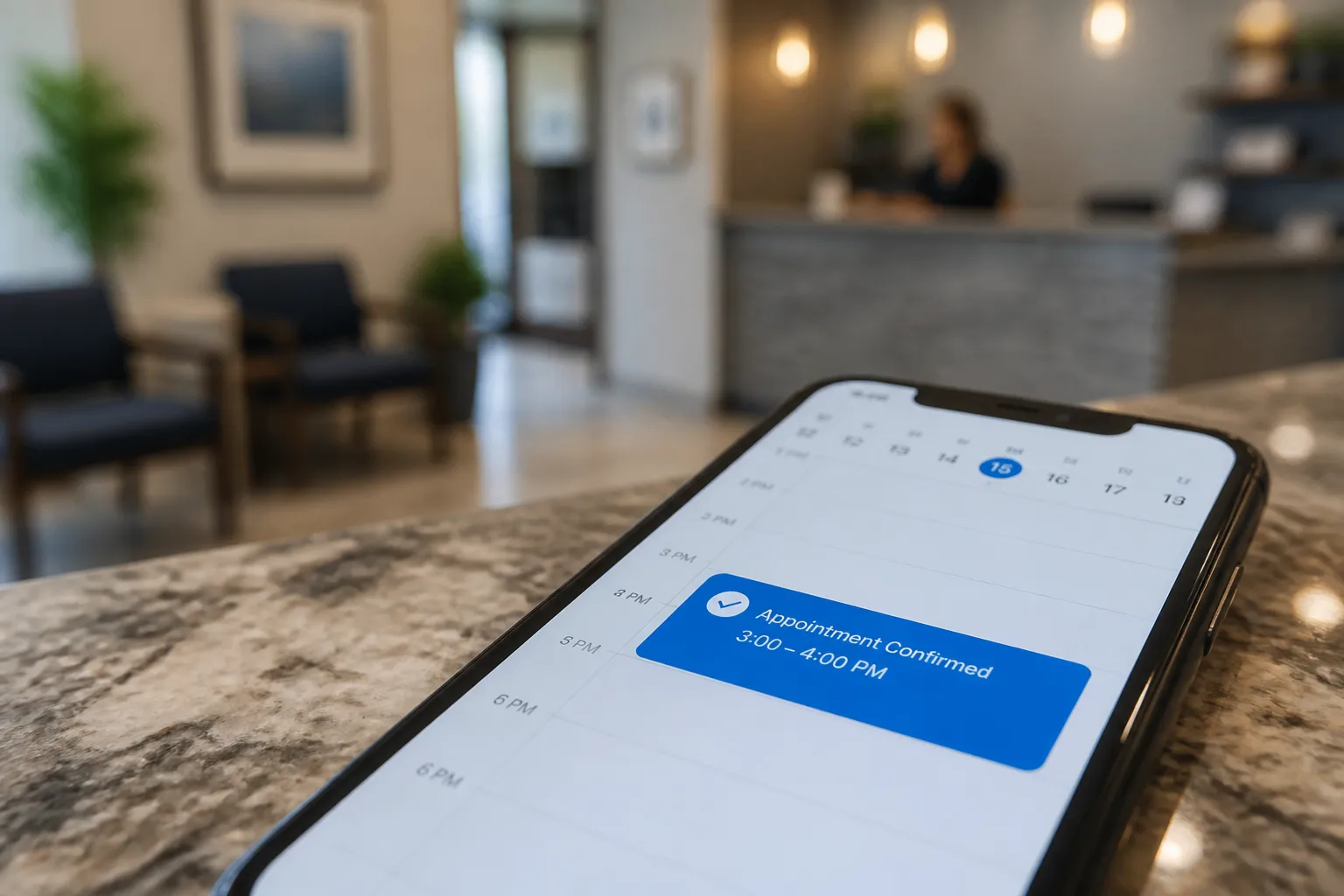
Self-Service Scheduling lets customers pick from real-time availability and confirm instantly. For clinics, Recall Self-Booking reaches patients due for hygiene with a link to live slots. Pair scheduling with Multi-Channel Reminders at 7 days, 48 hours, 24 hours, and 2 hours that include one-tap confirm or reschedule. If someone cancels, the slot goes to your waitlist automatically. That simple loop prevents gaps and cuts back-and-forth email.
Practical details that matter: include the location and parking note in every reminder, add a direct "text us if you are running late" reply option, and send a follow-up when a reschedule happens so the new time is locked in.
AI customer service that answers 24/7
Customer Service Automation gives fast, accurate answers on the channels your customers actually use. AI agents resolve common requests like hours, pricing ranges, insurance basics, appointment changes, and document requirements, and escalate anything that needs judgment. Well-configured agents settle 60 - 80% of support tickets across chat, email, and phone. Voice AI Agents can also book routine appointments and capture intake details so your team sees a clean summary instead of raw voicemails.
After hours, set clear rules. Clinics use After-Hours Patient Triage to detect red flags like severe pain or bleeding, follow the on-call protocol, and reassure non-urgent callers with accurate guidance. Home services teams use After-Hours Lead Capture to collect address, problem type, photos if available, and urgency, then book the first available slot or page an on-call technician for emergencies.
Dispatch, billing, and follow-up that close the loop
For home and local services, Dispatch Coordination Automation checks availability in systems like ServiceTitan, Housecall Pro, or Jobber, assigns by skill and proximity, and sends the customer a confirmation with the tech’s name and ETA. Tie this to reminders so travel time and no-shows stop derailing the day.
On the back office side, Automated Invoicing & Collections issues invoices the moment work is marked complete and follows up on a schedule that matches your policy. Add card-on-file for repeat clients and send receipts automatically. Bookkeeping Automation posts payments and reconciles line items so reporting stays current without manual data entry.
Sales does not get left behind. Sales Automation scores leads, sets next steps, and keeps follow-up moving. Customer Onboarding sends the right forms and prep guidance after a booking. Review & Reputation asks happy customers for reviews and routes negative feedback to a private inbox so you can fix issues quickly.
Use your existing stack
You should not have to migrate platforms to get results. Automations can sit on top of your CRM, calendars, billing, and practice software. We typically orchestrate workflows in n8n or Make, then connect the apps you already use. Triggers kick off when a form is submitted, a call ends, a case is created, or an appointment changes. Actions send replies, book slots, update records, and notify your team in the tools they live in.
Common integrations include Dentrix, Open Dental, Jane App, Eaglesoft, and Cliniko for clinics; ServiceTitan, Housecall Pro, and Jobber for trades; plus Google Calendar, Outlook, Slack, Stripe, QuickBooks, and your email provider. In practice, that looks like this:
- A dental clinic connects Open Dental for live availability. Patients book cleanings online, reminders go out automatically, and cancelled slots notify the waitlist within minutes.
- A plumbing company uses Jobber for schedules. New leads from web chat and phone are captured after hours, qualified, and booked to the nearest available tech automatically with a confirmation SMS.
- A law firm runs consult bookings on Google Calendar. Intake forms, phone calls, and email inquiries land in one queue. The AI answers common questions about fees, documents, and timelines and routes anything sensitive to the right staff member.
For teams in the GTA, an AI automation agency in Toronto or across Ontario will already be familiar with local service norms and privacy expectations and can set up and maintain these workflows without disrupting your day.
Industry playbooks that pay for themselves
Dental clinics
- Online booking + recalls: Self-Service Scheduling plus Recall Self-Booking keeps hygiene chairs full. Patients due for recall get a text with live openings and confirm in one tap.
- No-show prevention: Multi-Channel Reminders at 7 days, 48 hours, 24 hours, and 2 hours reduce missed visits and free cancelled slots for your waitlist.
- After-hours triage: After-Hours Patient Triage screens for symptoms that trigger the on-call dentist and answers routine questions automatically.
- Faster collections: Automated Invoicing & Collections sends invoices as treatment is completed and follows up on a steady schedule.
Law firms
- Intake and booking: After-Hours Lead Capture collects matter type, location, and urgency, then books consults to the right attorney’s calendar. Voice AI Agents answer common questions and gather required details.
- Support routing: Customer Service Automation provides answers on fees, documents, and timelines and routes complex matters to the right staff member.
- Billing discipline: Automated Invoicing & Collections reminds clients on a steady schedule so your team spends less time chasing payments.
Real estate teams
- Lead follow-up: Sales Automation scores new leads, triggers follow-ups, and keeps your pipeline current without manual nudges.
- Showings and inspections: Booking Automation enables self-service with reminders so buyers, sellers, and inspectors show up on time.
- Reputation flywheel: Review & Reputation requests reviews after closings and routes negative feedback to a private channel.
Home and local services
- First contact to dispatch: After-Hours Lead Capture handles forms, chat, and phone calls, gathers address, service need, and urgency, then books visits or routes emergencies.
- Right tech, right job: Dispatch Coordination Automation checks availability in ServiceTitan, Housecall Pro, or Jobber, assigns by skill and location, and confirms with the customer.
- Get paid sooner: Finance & Invoicing sends invoices and reminders as soon as the job is complete. Bookkeeping Automation posts payments and reconciles without manual entry.
Launch plan and governance
Good automation mirrors your policies and knows when to hand off. Start by writing simple rules. What counts as an emergency. Which appointments need staff review. Which discounts are allowed. Configure escalation in Customer Service Automation and Voice AI Agents so a human can step in when needed. Log every AI handoff with a timestamp and reason so you can audit decisions later.
Keep a live feedback loop. Public voting boards and roadmaps show what customers want next and help you prioritize scripts and features. For a practical overview of customer feedback software and pricing trade-offs, see Feedjolt vs Canny: Pricing, Voting, and Roadmap Fit. Use feedback to adjust answer phrasing, add missing intents, and tune reminder timing.
A 90-day plan to launch with confidence
Days 1 - 30: Map and baseline
- List the top 10 questions and top 10 booking reasons by channel. Phone, email, chat, forms.
- Measure no-show rate, average days to collect payment, and average first-response time. Capture a two-week baseline.
- Pick two quick wins: turn on Self-Service Scheduling with reminders and enable Automated Invoicing & Collections.
Days 31 - 60: Pilot core workflows
- Publish the first version of your knowledge base. Cover the top 20 FAQs and define clear escalation rules.
- Enable Voice AI Agents for routine calls like booking, rescheduling, and intake capture. Record and review early calls to improve prompts.
- Connect dispatch automation to your scheduling tool and send confirmation messages with technician name and ETA.
Days 61 - 90: Expand and harden
- Add After-Hours Lead Capture and, for clinics, After-Hours Patient Triage with your on-call protocol.
- Layer on Sales Automation, Customer Onboarding, and Review & Reputation. Train staff on when to step in and how to annotate an AI handoff.
- Run weekly reviews of transcripts, missed intents, and ticket tags. Update scripts and routing rules. Compare metrics to your baseline.
In each phase, look for clear deltas. No-show rate should fall as reminders and self-booking go live. Time-to-invoice and time-to-collect should shrink once invoices go out instantly. First-response time should drop with AI handling common questions. Share these numbers with your team so everyone sees the wins.
Key takeaways
- Start with bookings, support, and invoicing. They produce fast wins and clear ROI.
- Keep your current stack. Orchestrate with n8n or Make and integrate practice, field, and finance tools.
- Set simple rules and escalation paths so AI handles routine work and your team handles the rest.
- Review feedback and metrics monthly. Tune scripts, reminders, and routing based on real data.
Automation is not about replacing your team. It is about giving them back hours every week while customers get faster, more reliable service. If you serve local clients in Toronto, Ontario, or anywhere in North America, the right AI customer service agency can design, build, and maintain these workflows without disrupting your day.
FAQ
What is small business automation?
It is the use of software to take over repetitive work like booking, reminders, invoicing, support responses, and dispatch so your team can focus on higher-value tasks.
Do I need to switch my CRM or scheduling software?
No. The workflows connect to the tools you already use, with integrations for systems like Dentrix, Open Dental, Jane App, ServiceTitan, Housecall Pro, Jobber, and Google Calendar.
How does AI customer service work across phone, email, and chat?
AI answers common questions, books routine appointments, and routes complex issues to the right person. Voice agents handle standard calls, while ticket routing ensures timely human follow-up when needed.
Where should I start to see results quickly?
Begin with self-service booking plus reminder sequences and automated invoicing with follow-ups. Most teams see faster confirmations, fewer no-shows, and quicker collections.
How do I handle emergencies after hours?
Define clear rules. For clinics, set symptoms that trigger the on-call protocol. For trades, flag urgent issues like water or electrical hazards. The system routes emergencies and books routine cases automatically.