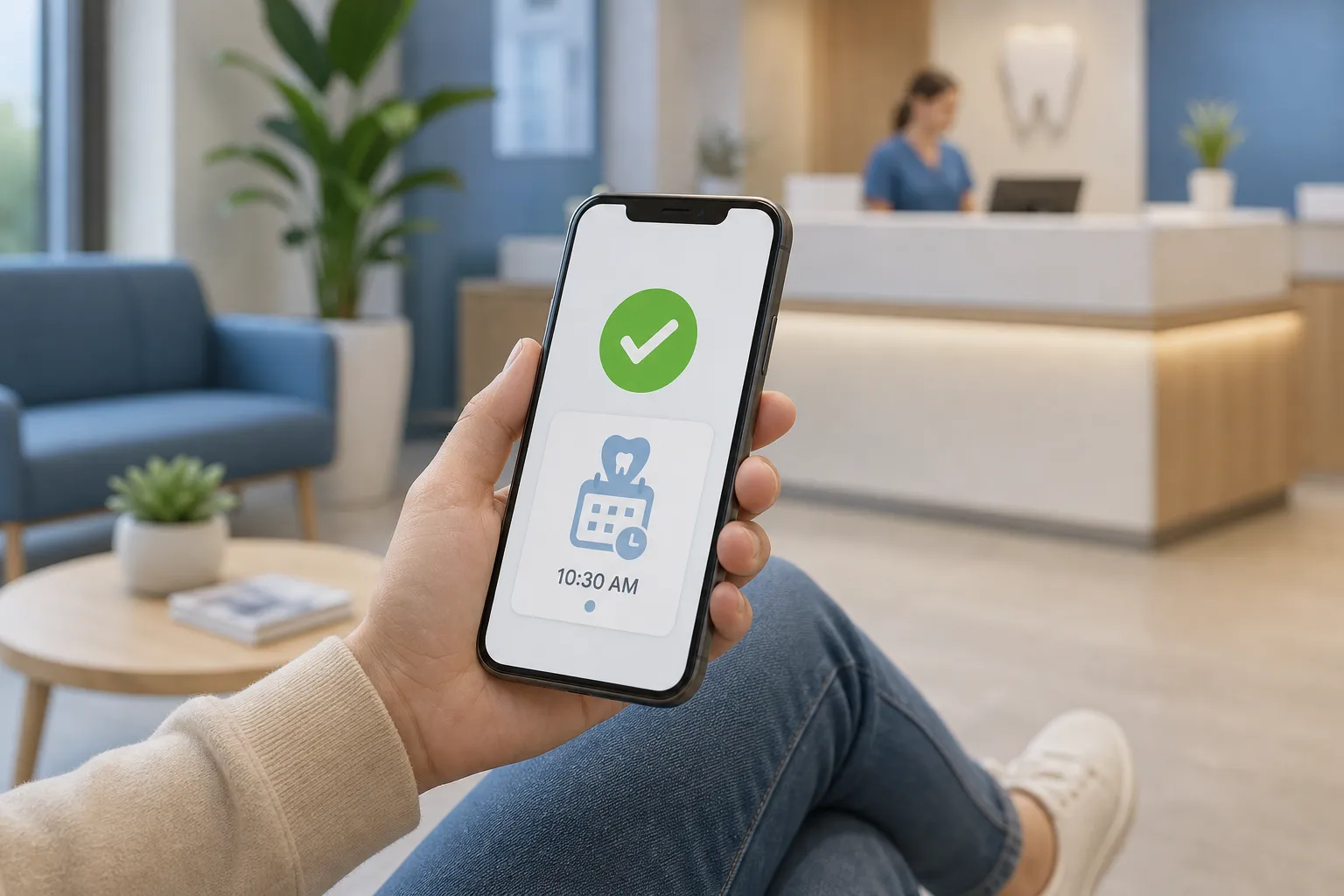
Phones jam at 8 a.m., empty slots appear at 3 p.m., and the recall list never shrinks. The pattern is familiar, and it is fixable. Appointment automation lets patients book themselves in real time, nudges overdue patients to return, and keeps the calendar tight with reminders that people actually use. When the booking layer talks to your practice software and your front desk sets clear rules, you remove busywork without losing control.
This guide shows how to design self-booking that respects clinical constraints, build recall workflows that people welcome, prevent no-shows, and connect it all to Open Dental, Jane App, Eaglesoft, or Cliniko with a clean QA plan. It also covers rollout so your team adopts it without stress.
Where clinics lose time
Manual phone scheduling stacks demand into a few peak hours. Patients who work shifts or manage childcare cannot call during office time, so they leave voicemail or give up. The front desk then juggles visit lengths, provider preferences, rooms, and eligibility while the line grows. One last-minute reschedule can strand short gaps that go unused the rest of the day.
Recall lists go stale when outreach is irregular or the path to book is unclear. People intend to come back but forget the date or cannot find a time quickly. No-shows and late cancels compound the problem if reminders are one-size-fits-all or cannot trigger instant waitlist outreach.
Automation solves these specific gaps. A self-booking layer exposes only the right openings. A recall engine reaches people at the right time with a two-tap path to book. A reminder cadence reduces no-shows and reclaims cancelled time by notifying the right patients first.
Self-booking that respects clinical rules
The goal is simple: let patients book themselves while your clinical rules stay enforced. That requires clear visit definitions, real-time availability, and a short form that captures what the team needs to prepare.
Set booking rules once, apply them everywhere
- Visit types and lengths. Define common options such as new patient exam, recall exam and cleaning, follow-up, emergency triage, physio assessment. Map each to the correct duration in your practice software.
- Buffers and room turnover. Add automatic buffers for sanitization or charting so back-to-back visits do not collide.
- Provider and resource constraints. Hygienist-only recall slots, clinician-only complex work, rooms reserved for imaging. Your self-booker must respect these constraints by pulling from labeled time blocks.
- Patient status gates. New vs existing logic, referral requirements, age limits for pediatric visits. Show the right options based on who is booking.
Show live openings and confirm instantly
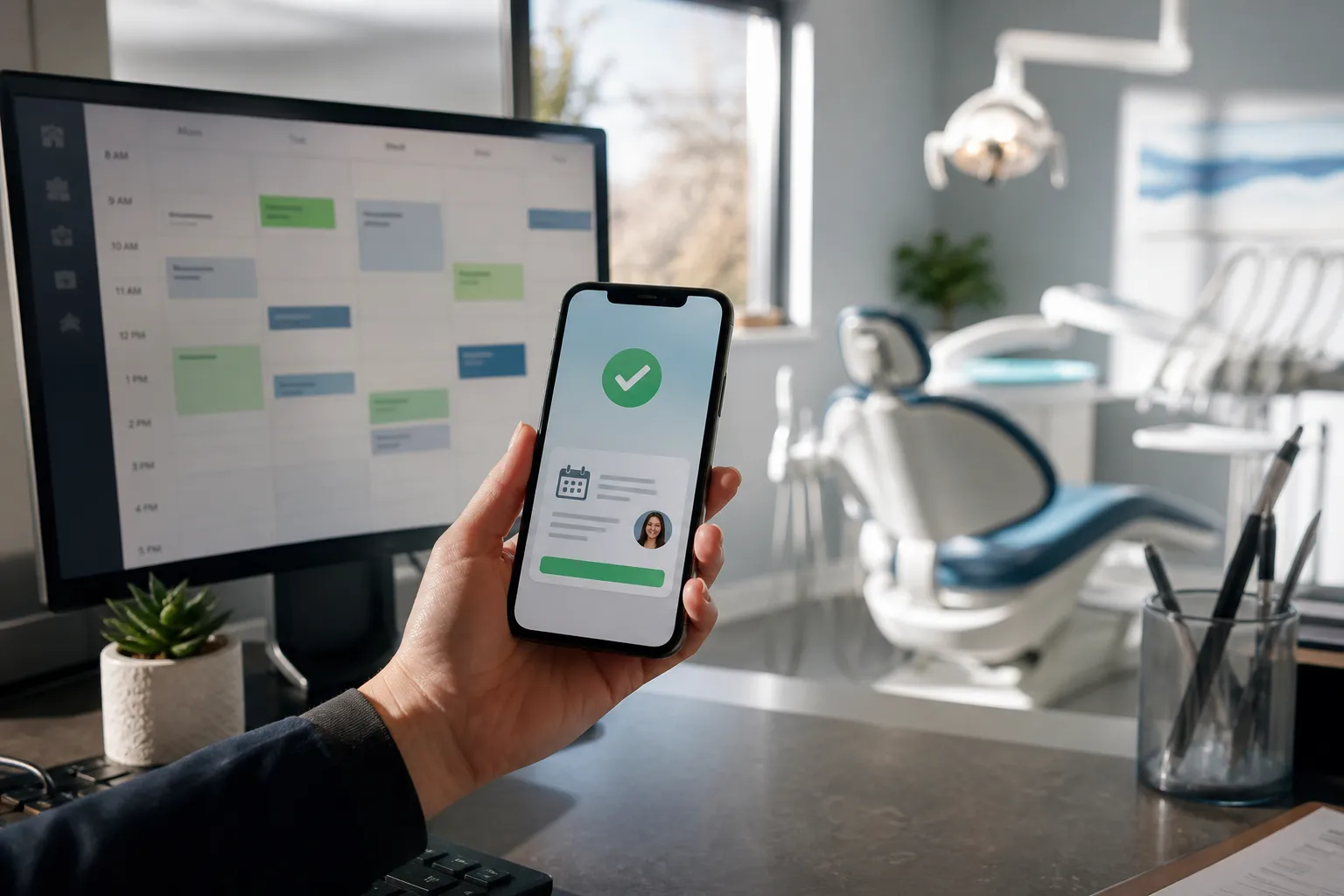
Patients trust the system when it shows real-time availability and confirms on the spot. The self-booking layer should write back to the source of truth so staff and patients see the same calendar. Hold a slot for a short window during checkout to prevent double-booking, and release it automatically if the patient abandons.
Collect only what you need
Keep the form lean. Name, contact details, visit reason, and required consents are usually enough to place the booking. Put insurance uploads or referral documents on the confirmation page or in a follow-up message. Mobile users convert more when you remove nonessential fields.
Place entry points where patients already are
- Website. Add clear buttons on home, services, and contact pages. Label them with the visit type to cut clicks.
- Messages. Include deep links in SMS and email reminders and in recall outreach that open the correct visit type.
- In-clinic. Use a QR code at checkout so hygiene is rebooked before the patient leaves.
- Phone and chat. An AI phone agent or chat assistant can read real-time openings, capture intent in natural language, and complete the booking without staff involvement.
For clinics that want to phase in, start with hygiene and routine follow-ups. Keep provider-controlled procedures on staff booking while patients self-book common visits. At Builts.ai, we deliver self-service scheduling, recall self-booking, and multi-channel reminders integrated with Open Dental, Jane App, Eaglesoft, or Cliniko. Our AI agents handle chat, email, and phone so your team focuses on clinical work, not calendars.
Recall and waitlist automation that fills the book
Recall works when it is proactive, simple to act on, and respectful of preferences. Build a steady cadence and a booking path that takes seconds.
Segment your recall list
- Due soon. Coming due in the next 30 days.
- Overdue light. 1 to 3 months overdue.
- Overdue long. 3 to 12 months overdue.
- Lapsed. 12 months or more, or unreachable after multiple attempts.
Tailor message and timing. A due-soon patient needs a polite nudge and evening options. A long-overdue patient may respond to a quick check-in with a friendly tone and a link to the next available times.
Use recall links that book in two taps
Send a personalized link that shows real-time hygiene or follow-up slots and books automatically. The path should be pick a time, confirm details, done. The fewer fields, the higher the conversion. If a patient replies by phone, let staff finish the booking and close the loop in your system so the outreach stops.
Write like a person
- Due soon: “Hi Sam, you are due for your hygiene visit in May. Tap to pick a time that works for you.”
- Overdue light: “We saved a few evening spots next week for overdue cleanings. Want one?”
- Overdue long: “We have not seen you in a while and want to check in. If you would like to book, this link shows our next openings.”
Offer opt-out language and honor channel preferences. Record a patient’s choice to receive SMS, email, or phone, and target outreach to that channel. For clinics with multilingual communities, store preferred language and send templates accordingly.
Turn cancels into same-day fills
When a cancellation lands, notify a small waitlist slice first, then widen. Prioritize patients who asked for earlier times, those nearby on the same day, or those who have reschedule history. If no one takes it in a set window, release the slot to broader self-booking. Automated outreach moves fast while staff focus on patients in front of them.
Reminders that prevent no-shows
Reminders cut missed visits when they are timely, clear, and easy to act on. A multi-touch plan keeps the visit top of mind without spam.
A simple cadence that works
Send reminders at 7 days, 48 hours, 24 hours, and 2 hours before the visit. Include one-tap confirm and reschedule. If a patient cancels from a reminder, reopen that slot to the waitlist immediately. For high-value procedures, add a same-day morning check-in.
Write for speed and clarity
- Lead with date, time, practitioner, and location.
- Offer two actions. Confirm or find another time. Avoid long menus.
- Include prep notes only if essential, such as fasting, documents, or early arrival.
- Attach an .ics file in email so patients can add the visit to their calendar in one click.
After hours, let the system accept confirms and reschedules while routing true emergencies to on-call. An AI phone agent can answer common questions, capture a callback request, and update the chart so staff arrive to a clean inbox.
Integrations, QA, and rollout
Integration quality makes or breaks patient trust. The scheduling layer should read and write to your practice system in real time and respect your rules without manual workarounds.
Plan the core connections
- Practice software. Connect to Open Dental, Jane App, Eaglesoft, or Cliniko for visit types, providers, and availability. Use your system’s IDs as the single source of truth.
- Patient data. Map patient IDs, new vs existing logic, and contact details so reminders and recalls reach the right person and update the right chart.
- Permissions. Control who can book certain procedures and which calendars appear in self-booking. Hide provider-only work from patients.
- Automation layer. Orchestrate reminders, recalls, and waitlist rules with tools like n8n or Make so changes are auditable and easy to refine.
Test edge cases before go-live
- Booking. New and existing patient flows for each visit type, with and without insurance details.
- Reschedule. Patient-initiated reschedule within policy, and last-minute cancel that triggers the waitlist.
- Conflicts. Two people pick the same slot, or a provider becomes unavailable midday.
- Recalls. Due-soon and long-overdue segments get the correct message and link to the right visit types.
- Reminders. Each touch fires at the right interval and stops after confirm or cancel.
Data, security, and operations
- Audit trails. Staff can see who booked, when, and through which channel.
- Reporting. Track booking rate, recall conversions, reminder confirmation rate, no-show rate, and time recovered from the waitlist. Review weekly and adjust rules.
- Failover. If an integration is down, show a short request form, capture context, and alert staff with the patient’s preferred times.
- Privacy. Keep PHI in your practice system where possible. Minimize data in the scheduling layer and apply role-based access.
Rollout and change management
Start with one department or visit type, then expand. Hygiene or routine follow-ups are a good first wave. Add recalls next, then open select provider calendars once the team is comfortable. Train staff on two skills: how to finish a booking when a patient calls after starting online, and how to handle exceptions without breaking rules. A short playbook and a weekly huddle for the first month solve most issues.
Decide your build vs buy posture. If you have an internal dev team building a portal, boilerplates like ShipAhead can cut time for authentication, payments, and admin so you can focus on workflow logic. If you prefer an expert partner, an ai automation agency in Toronto and across Ontario can deploy appointment scheduling automation, recall self-booking, and multi-channel reminders on top of your current systems without migrations. At Builts.ai, we also connect AI phone, chat, and email agents so patients can book, reschedule, and get answers any time while your calendar stays accurate.
Key takeaways
- Show only the right slots, confirm instantly, and collect the minimum needed to book.
- Run recall as steady, segmented outreach with two-tap self-booking links and a smart waitlist.
- Use a 7-day, 48-hour, 24-hour, and 2-hour reminder cadence with one-tap actions.
- Integrate with Open Dental, Jane App, Eaglesoft, or Cliniko, and test edge cases before launch.
- Roll out in phases, measure booking and no-show metrics weekly, and refine rules as you go.