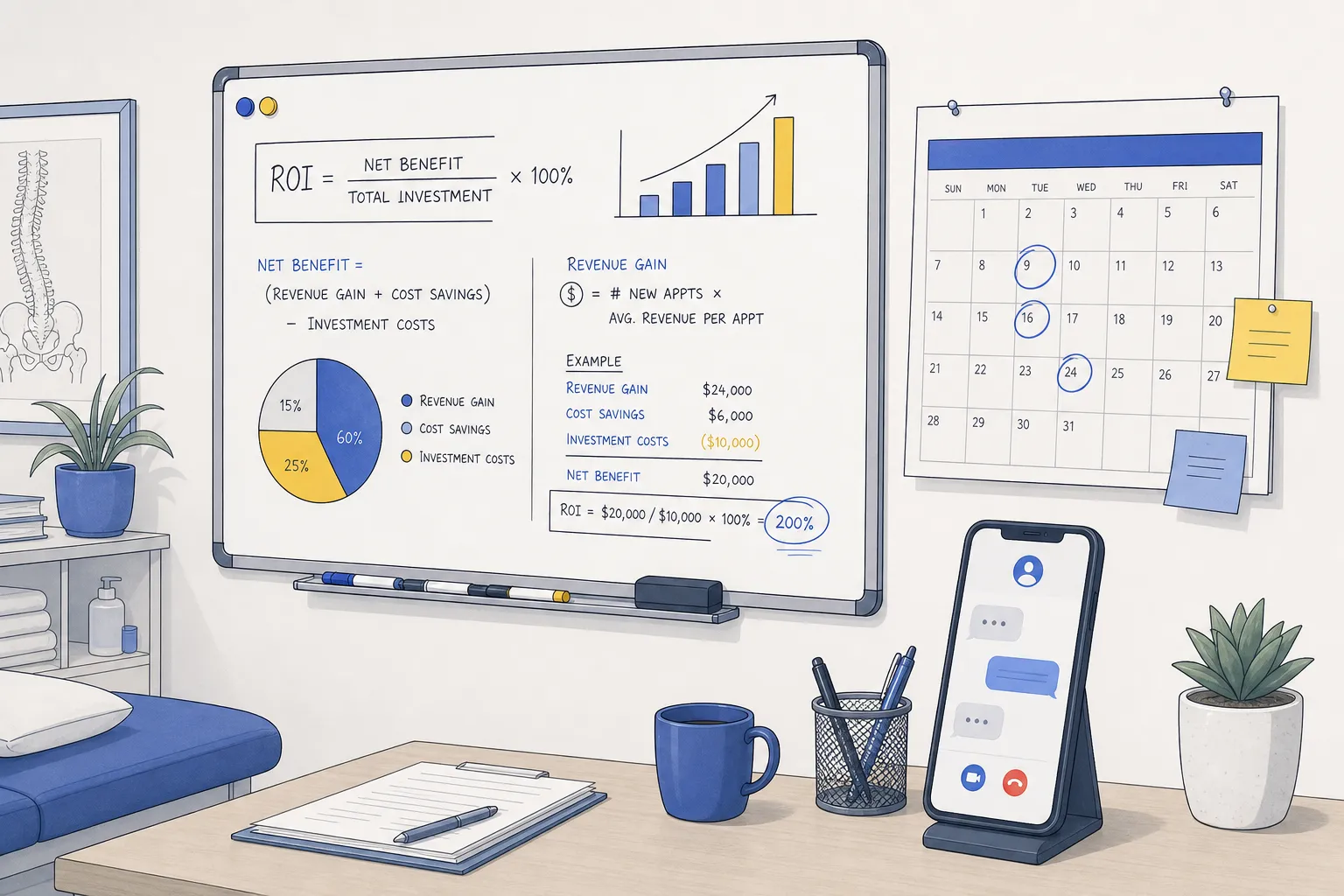
If you are going to put AI on your front line, you need numbers you can defend. This guide gives small and local businesses a simple ROI calculator, with working benchmarks from customer support, booking, and invoicing. The goal is a clear payback story you can share with partners and finance.
The model is practical. You will estimate avoided labor, incremental appointments, and cash flow gains, then compare them to a single monthly automation cost. Keep inputs realistic, test a low, base, and high case, and sanity check against headcount.
Gather the right inputs for your ROI sheet
Support volume and handle time
- Monthly contacts by channel: phone, email, chat. Pull from your phone system, helpdesk, and chat logs.
- Average handle time per contact by channel. Use minutes. If you do not have this, sample a week and extrapolate.
- Current first-contact resolution rate, if tracked.
Labor cost and coverage
- Hourly wage and a load factor for benefits, payroll tax, and overhead. Many teams use 1.25 to 1.4 times base wage.
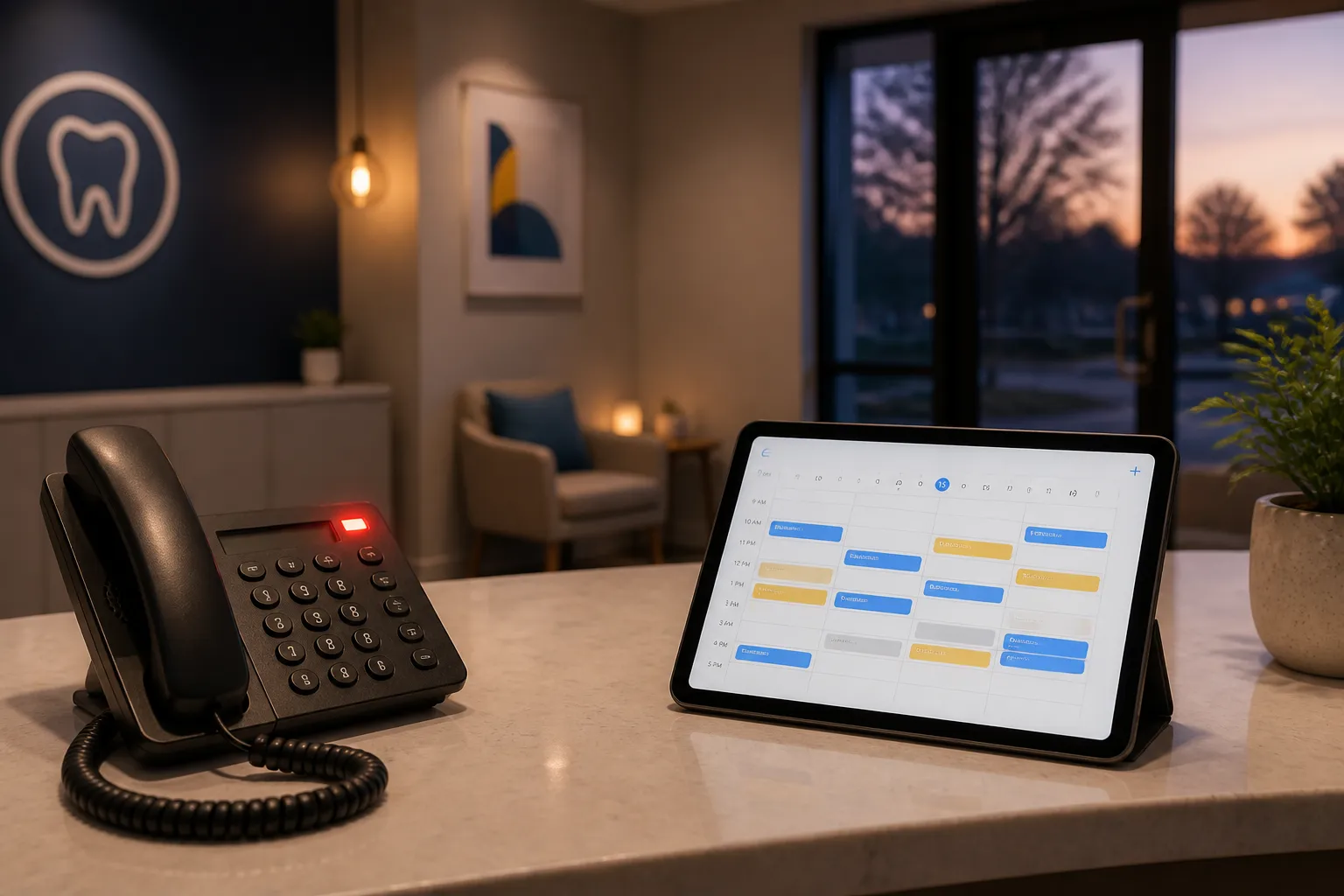
- After-hours and weekend contact share. Note what goes to voicemail, an answering service, or on-call staff today.
Booking and no-show data
- Monthly booking requests and current conversion rate to confirmed appointments or jobs.
- No-show rate and late-cancel rate, plus whether you run a waitlist.
- Average revenue per appointment or job.
Billing and cash flow
- Average invoice value and monthly invoice count.
- Days Sales Outstanding, or the average days from service completion to payment received.
Automation cost
- A single monthly figure that covers AI agents for chat, email, and phone, scheduling, and invoicing, plus usage. Keep it as one line for clean comparisons.
Industry notes: dental and clinics often have steady phone and chat peaks before 9 a.m. and at lunch, law firms see heavier email volume and scheduled callbacks, home and local services see phone-heavy bursts tied to weather and seasonality. Toronto and Ontario businesses with multilingual customers should segment by language if you can, since AI containment can differ by language mix.
Model support savings across chat, email, and phone
Support ROI has three levers. Treat them as separate lines in your sheet so you do not double count.
- Deflection rate: the share of contacts that never arrive because self-service answers or scheduling solve the need up front.
- Containment rate: the share of remaining contacts resolved by AI without a human. For routine, in-scope tickets, 60 to 80 percent is a realistic target when agents cover chat, email, and phone.
- Assist time reduction: minutes saved on human-handled contacts due to better triage, data collection, and routing.
Use this sequence per channel, then sum across channels.
- Baseline labor cost. Monthly Cost = Monthly Contacts x AHT minutes x Loaded Hourly Cost / 60.
- Deflection. Deflected Contacts = Baseline Contacts x Deflection Rate. Deflection savings = Deflected Contacts x AHT x Loaded Hourly Cost / 60. New Contacts = Baseline Contacts - Deflected Contacts.
- Containment. AI-resolved Contacts = New Contacts x Containment Rate. Containment savings = AI-resolved Contacts x AHT x Loaded Hourly Cost / 60. Human Contacts = New Contacts - AI-resolved.
- Assist savings. Assist Savings = Human Contacts x Assist Minutes Saved x Loaded Hourly Cost / 60.
- After-hours value. Add value from after-hours lead capture and non-urgent triage. For a quick proxy, use Average Revenue per Appointment for each booked after-hours lead, and Loaded Hourly Cost for avoided next-day escalations.
Tip: keep channels separate at first. Phone AHT is usually higher than chat, and after-hours gains on phone can be material when voicemail drop-off is high. Voice AI agents that confirm identity, collect intent, and schedule simple visits reliably lift containment on phone lines.
More appointments, fewer no-shows
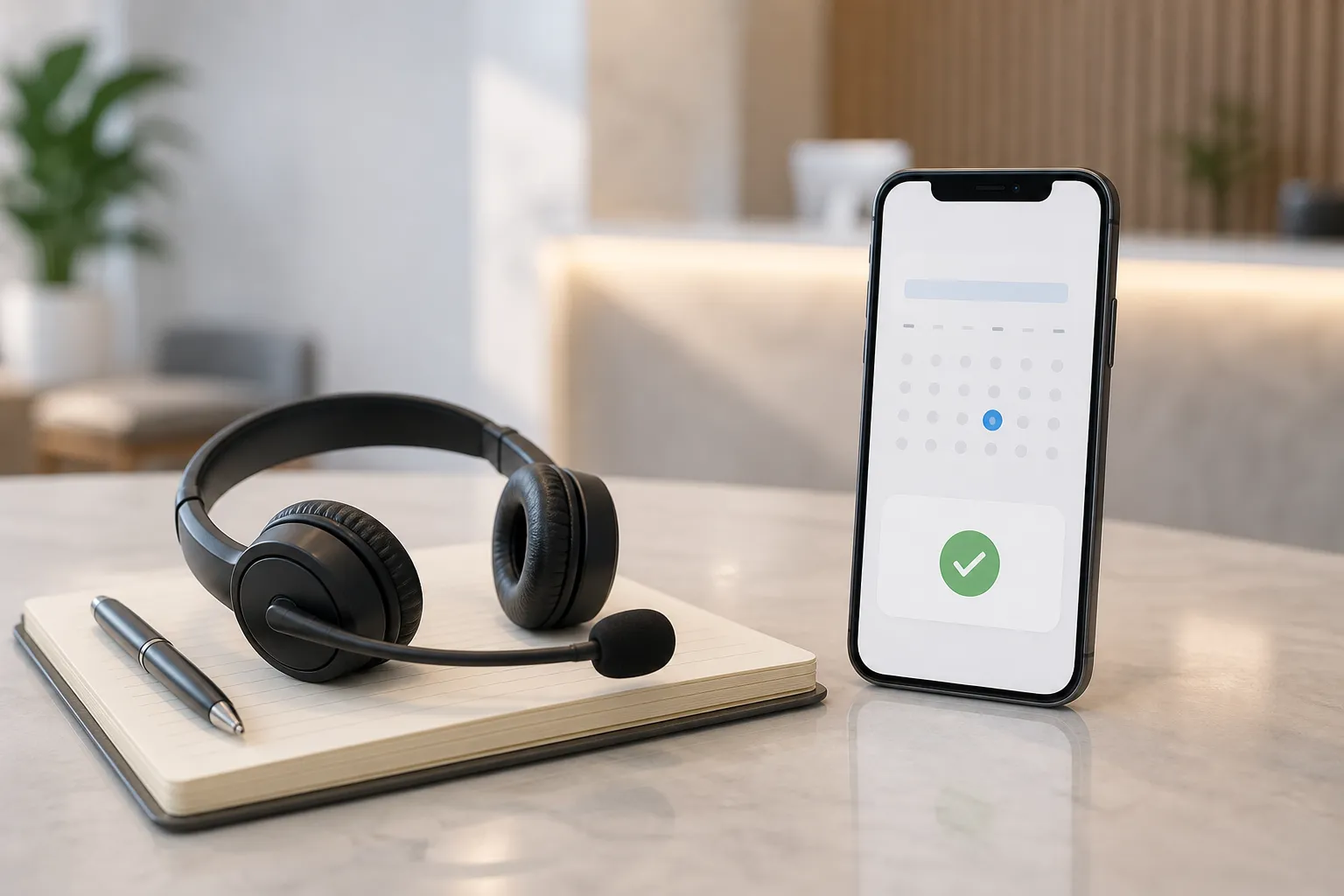
Self-service scheduling with real-time availability, plus multi-channel reminders, lift throughput. Customers can book or reschedule without a callback, get 7-day, 48-hour, 24-hour, and 2-hour reminders with one-tap confirm or reschedule, and canceled slots reopen to a waitlist automatically.
Incremental bookings from easier scheduling
- Baseline. Conversion = Confirmed Appointments / Booking Requests.
- Uplift. Choose a modest base-case uplift, often +2 to +10 percentage points depending on friction today. New Appointments = Requests x New Conversion.
- Revenue from uplift. Incremental Appointments x Average Revenue per Appointment.
Recovered revenue from fewer no-shows
- Baseline no-shows. Missed Appointments = Confirmed Appointments x No-show Rate.
- Reduction. Start with a 10 to 20 percent relative reduction for the base case. Sensitive or high-value appointments often benefit more from confirm prompts that gather intent.
- Refill rate. Recovered Appointments = Missed Appointments x Reduction x Refill Rate. If you run a waitlist that auto-fills reopened slots, your refill rate can be 60 percent or higher. Without a waitlist, start at 50 percent.
- Revenue recovered. Recovered Appointments x Average Revenue per Appointment.
If you coordinate field jobs, dispatch automation can add more uplift by selecting the right technician by skill and location from tools like ServiceTitan, Housecall Pro, or Jobber. That reduces drive time and failed visits, which shows up as more jobs completed per day. Treat these gains as incremental appointments.
Faster invoicing, cleaner books, stronger cash
Automated invoicing and collections send invoices when work is completed and follow up on schedule by email, SMS, or phone. Cash arrives sooner and fewer invoices fall through the cracks. You can also cut admin hours by syncing estimates, work orders, and payments to your accounting system using n8n or Make.
- Working capital. Average AR Balance = DSO (days) x Average Daily Billing. A shorter DSO frees cash. For example, a 5-day improvement on $120,000 in monthly billing frees about $20,000 on average.
- Cash value. If you use a line of credit, Monthly Cash Value ≈ Freed Cash x Annual Interest Rate / 12. If you do not price cash, still show the freed amount as risk reduction.
- Bad debt. If you have chronic late accounts, add a small relative reduction in bad debt for the base case and test sensitivity.
- Admin hours. Add invoicing, collections, and reconciliation hours saved to labor savings using Loaded Hourly Cost.
Roll it up: scenarios, benchmark, and pitfalls
- Monthly net benefit. Net = Support Labor Savings + Incremental Booking Revenue + Cash Flow Value + Admin Time Saved - Monthly Automation Cost.
- Payback period. If you have a one-time setup cost, Payback Months = Setup Cost / Net. If there is no setup cost, your payback is immediate when Net is positive.
- Three scenarios. Run Low, Base, and High by moving deflection, containment, conversion uplift, no-show reduction, DSO improvement, and refill rate within sensible bounds. Keep Monthly Automation Cost fixed across scenarios so the range isolates performance.
- Headcount sanity. If the model shows savings larger than two full-time agents, confirm that deflection and containment are not counting the same tickets twice.
Benchmark example: small clinic in Ontario
Assumptions. 2,000 monthly contacts at 4 minutes AHT, $28 hourly wage with a 1.3 load (loaded $36.40), 10 percent deflection, 60 percent containment on the remainder, 0.5 minute assist savings, 1,200 monthly appointments at $180 average revenue, +5 point booking conversion uplift, 15 percent relative no-show reduction with a 60 percent refill rate, $120,000 monthly invoicing with a 5-day DSO improvement.
Support savings. Deflected contacts = 200, savings ≈ 200 x 4 min = 800 min = 13.3 hours x $36.40 ≈ $485. Containment on remaining 1,800 contacts at 60 percent = 1,080 AI-resolved, savings ≈ 1,080 x 4 min = 4,320 min = 72 hours x $36.40 ≈ $2,621. Assist savings on 720 human contacts at 0.5 min ≈ 360 min = 6 hours x $36.40 ≈ $218. Total monthly support savings ≈ $3,324.
Booking uplift. If 1,200 confirmed appointments came from 2,400 requests at a 50 percent baseline conversion, a +5 point lift to 55 percent yields 1,320 confirmed, or +120 appointments. Incremental revenue ≈ 120 x $180 = $21,600.
No-shows. If baseline no-shows are 10 percent, missed = 1,200 x 10 percent = 120. A 15 percent relative reduction saves 18, and a 60 percent refill rate recovers ≈ 11 appointments. Revenue recovered ≈ 11 x $180 = $1,980.
Cash flow. A 5-day DSO improvement on $120,000 monthly billing frees ≈ $20,000. At a 10 percent APR line of credit, that is ≈ $167 per month in interest avoided. Many teams show the $20,000 as freed working capital rather than pricing it in the base case.
Even before adding admin hours saved from invoicing and reconciliation, the base case above shows meaningful monthly benefit. Your mix will differ. A Toronto home services firm running multiple crews may see larger gains from dispatch automation, while a dental clinic will see more from recall self-booking and after-hours patient triage. Tools in other categories follow the same ROI logic. For example, ApplyTOP shows how targeted automation can remove repetitive steps, and the same math applies when you price the time it replaces.
Common pitfalls.
- Double counting tickets. Apply deflection first, then apply containment on the remainder.
- Ignoring after-hours capture. Missed calls after 5 p.m. hide real losses. After-hours lead capture turns those moments into booked visits or urgent routes.
- No-show math without refill rate. Only refilled slots produce revenue. If you do not run a waitlist, add that first.
- Understating loaded cost. Include benefits, management time, tools per seat, and space to get a fair hourly rate.
- Poor integrations. If data does not sync, savings leak. Confirm integrations with systems like Dentrix, Open Dental, Jane App, Eaglesoft, Cliniko, ServiceTitan, Housecall Pro, Jobber, Google Calendar, and your accounting stack. Low-code tools like n8n and Make help close gaps when you need custom logic.
Where an AI automation agency fits. If you want one partner to execute the model you just built, look for an AI customer service agency that covers customer support automation across chat, email, and phone, appointment scheduling, and invoicing. You want self-service scheduling with real-time availability, multi-channel reminders, voice AI agents for routine bookings, 24/7 customer service automation, automated invoicing and collections, and custom workflows when your process does not fit a template. An option for small business automation in Toronto and across Ontario is an AI automation agency Toronto teams can work with locally.
Builts.ai serves dental clinics, law firms, real estate, and home and local services across North America. The team builds on your existing CRM, spreadsheets, accounting tools, and booking platforms so there are no migrations or retraining. They also offer sales automation, customer onboarding, review and reputation, task and project automation, bookkeeping automation, and industry-specific solutions when you need them.
Key takeaways
- Use a simple spreadsheet. Inputs drive the outcome, not fancy modeling.
- Model three levers: avoided support labor, more booked and kept appointments, and faster cash collection.
- Run Low, Base, and High scenarios. A range is more credible than a single number.
- Tie assumptions to features you will deploy, then track results by channel and adjust your inputs.
FAQ
What is the simplest way to build an ROI calculator for AI customer service?
Use a spreadsheet. Calculate baseline support cost, apply deflection and containment rates, add booking and no-show impacts, add cash flow gains, then subtract monthly automation cost.
How do I pick realistic containment and deflection rates?
Start conservative. Test a low case around 30 percent containment and 10 percent deflection, a base case at 60 percent containment and 15 percent deflection, and a high case above that only if your process is highly repeatable.
How do reminders reduce no-shows in the model?
Assume a relative reduction in no-shows, then multiply by a refill rate to reflect the share of reopened slots that actually get filled. Only filled slots produce revenue.
What if I cannot estimate DSO improvement from automated invoicing?
Run a base case at a small reduction, like 3 to 5 days, and a low case of zero. Track your first two months post-launch and update the model with your actual days-to-pay.
Can I include phone bookings handled by AI in savings?
Yes. Count them as contained contacts if no human was needed, or as assist savings if the agent’s handle time was reduced by data pre-collection or better routing.