At 8 a.m., the phones light up and the day can go sideways fast. A dispatcher has to choose between answering the queue and getting a tech on the road. This Toronto HVAC and plumbing contractor removed that bottleneck with rules-based dispatch inside ServiceTitan, Voice AI for routine calls, and multi-channel reminders that kept customers informed and schedules tight.
Baseline and goals
The company is a 25‑technician residential HVAC and plumbing contractor serving the west GTA. Three dispatchers handled 12 inbound lines and a shared inbox. ServiceTitan ran field operations. Google Calendar mirrored on‑call blocks so supervisors could see coverage at a glance.
Before the project, the team reported:
- Average speed to answer at 2:10 during the morning rush. Abandon rate at 28 percent.
- No‑show and late‑cancel rate at 9.8 percent for residential visits.
- After‑hours voicemail backlog averaging 170 messages per week.
- Scheduler rework. About 15 percent of jobs moved at least once due to skill mismatches or drive‑time conflicts.
- Manual reminder emails with no two‑way confirm. Staff spent 12 to 15 hours per week chasing confirmations.
Goals were specific: cut hold time, book more on first contact, reduce no‑shows, and keep dispatchers focused on exceptions instead of routine calls. Our approach used three tracks that did not change core systems: Dispatch Coordination Automation using ServiceTitan data, Voice AI Agents for common call types, and two‑way reminders that could confirm or reschedule without staff.
Dispatch automation that fits ServiceTitan
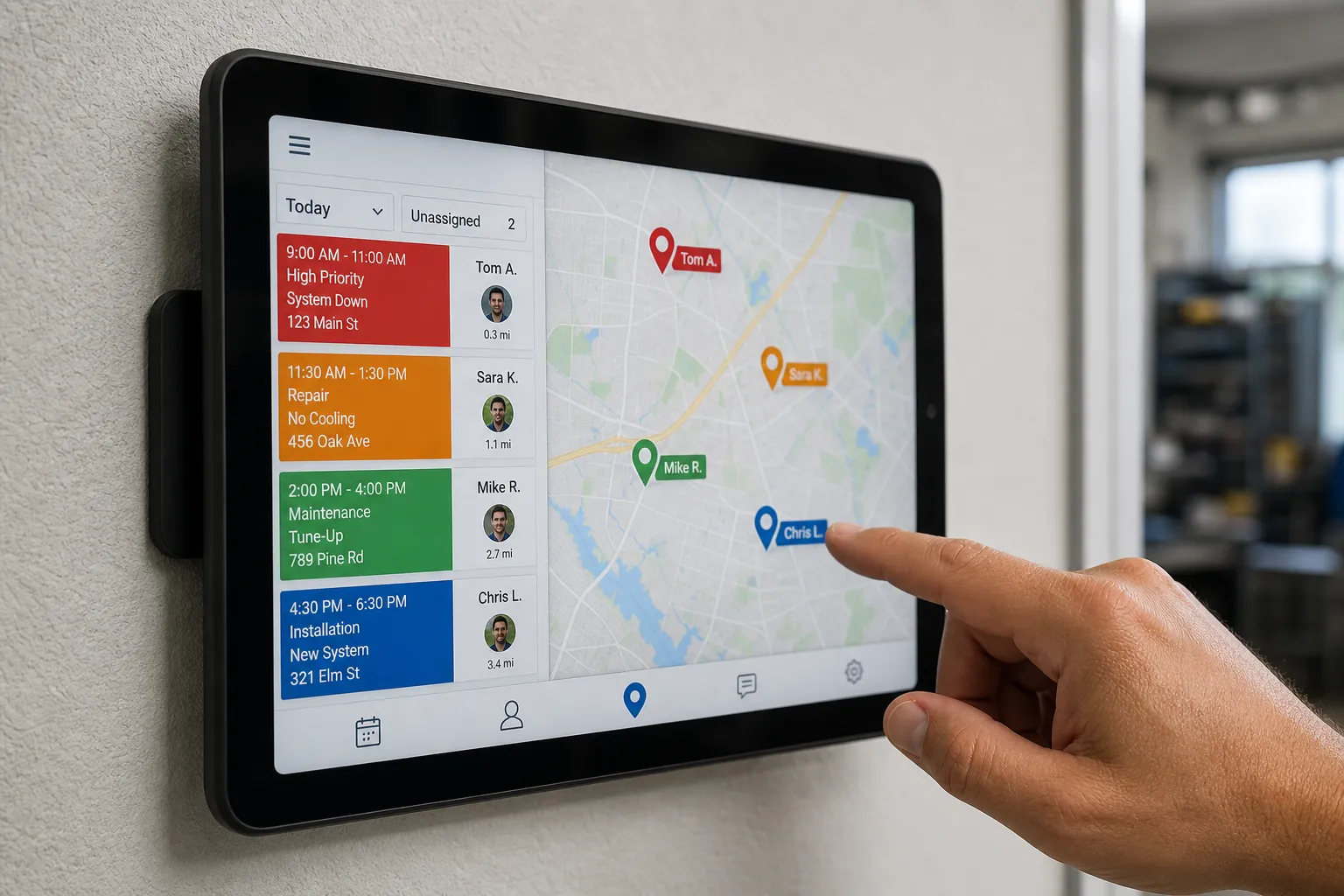
We built Dispatch Coordination Automation to propose the right technician and time while keeping humans in control. Dispatchers could accept, adjust, or override with one click. ServiceTitan remained the source of truth for jobs, capacity, and technician data.
Configuration highlights:
- Skills and zones. Each technician was tagged in ServiceTitan by skill tier and zone coverage. Common job codes mapped to minimum tiers. Example: tankless diagnostics required Tier 2 within Zones 2 or 3. Warranty work respected brand certifications.
- Priority ladder. Same‑day targets for no heat, active leaks, and out‑of‑hot‑water. Next‑day targets for maintenance and warranty checks. The priority drove the slot search window and how aggressively the system looked for nearby techs.
- Buffers and drive time. We added 15‑minute load and unload buffers on every job and set a 35‑minute maximum hop for same‑day emergencies. The automation skipped any option that broke those limits or created an unrealistic turn.
- Availability checks. The system read live availability from ServiceTitan and mirrored holds on Google Calendar for the on‑call lead. Schedule holds expired automatically if a customer did not confirm within a set window.
- Customer confirmation. After proposing a slot, the system sent SMS and email with one‑tap confirm or reschedule. If a customer cancelled, the slot reopened to the waitlist and was offered to nearby jobs first.
Guardrails and visibility kept adoption high:
- Human override. Dispatchers could reassign or move a booking with one click. Downstream jobs were re‑evaluated to avoid collisions or long deadheads.
- Audit trail. Each automated assignment logged the rule that fired, what it skipped, and why. That made it clear when a skill tag or buffer needed a tweak.
- Edge cases handled. Out‑of‑area addresses, attic‑only access, and CO or leak keywords paused automation and surfaced the job for human review.
We piloted on residential HVAC service first, validated the rules for two weeks, then extended to plumbing service and maintenance plans.
Voice AI for bookings and status calls
Next, we deployed Voice AI Agents to handle routine phone traffic so staff only took calls that required judgment. Callers were told up front they were speaking with an automated assistant that could book, reschedule, or check status. We trained and tuned scripts against real recordings before going live.
Scope and call flows:
- Identification. Caller ID matched to existing ServiceTitan records when possible. Otherwise the agent collected name, address, email, and service need, then created or updated the customer record.
- Intent handling. For new jobs, the agent gathered problem type, equipment, and urgency. For status calls, it read the live schedule for ETA and window updates.
- Booking. The agent offered near‑term slots from Dispatch Coordination Automation and confirmed the appointment on the call. If the caller preferred self‑serve, it sent a text or email link to book against live availability.
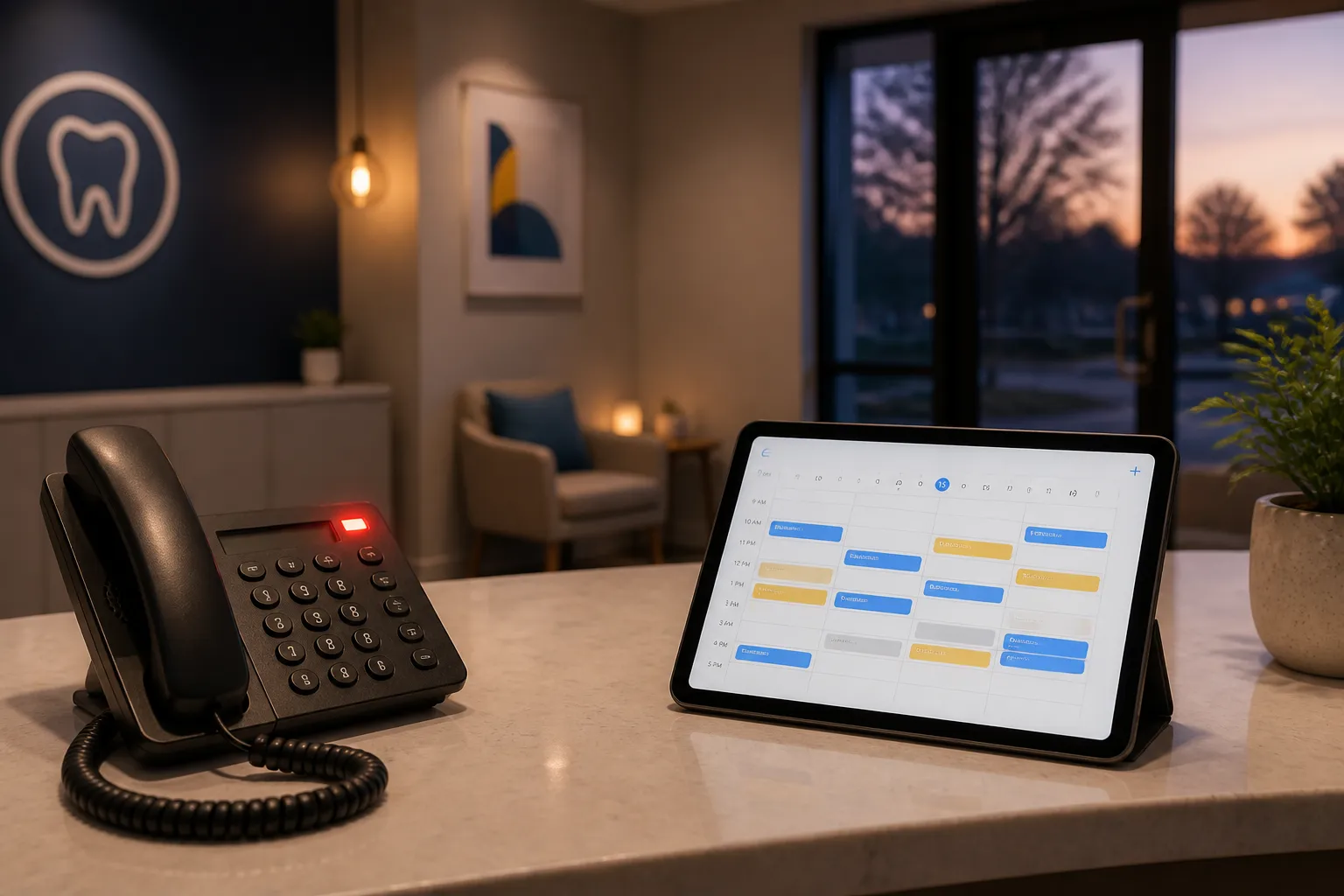
- After hours. The agent answered web chat, forms, and phones. It collected address, service need, and urgency, booked where possible, and routed true emergencies to the on‑call number per protocol.
- Escalation rules. Mentions of carbon monoxide alarms, active ceiling leaks, gas smell, or no heat below 0°C flagged urgent and transferred immediately to the on‑call lead. Any low‑confidence recognition triggered a polite handoff.
We kept compliance and user experience simple. Recordings began with a short disclosure. Scripts used plain language with short sentences so accents common around the GTA were understood. We monitored a live dashboard during rollout and adjusted prompts and thresholds daily for the first two weeks.
Reminders and self‑serve rescheduling that cut no‑shows
Finally, we turned on multi‑channel reminders at 7‑day, 48‑hour, 24‑hour, and 2‑hour intervals. Messages contained one‑tap confirm or reschedule. Landlines received an IVR call with keypad responses. Email reminders included calendar attachments so customers could add the visit.
When a customer rescheduled, the original slot reopened to the waitlist. The system offered that slot to nearby jobs first, ranked by travel time fit, membership status, and urgency. Maintenance plan members received self‑service links to pick a time without back‑and‑forth with the office.
Results after 60 days, plus what we learned and what is next
We tracked performance for 60 days after rollout. Averages below compare the 60‑day window before and after.
- Calls handled by AI. 63 percent of inbound calls were completed by Voice AI Agents without a handoff. Most were bookings, reschedules, status checks, and service‑area screening.
- Speed to answer. Average speed to answer dropped from 2:10 to 0:18 during peak hours because routine calls no longer held the queue.
- First‑contact booking rate. First‑touch bookings rose from 41 percent to 67 percent, driven by instant slot checks and confirmations.
- No‑shows and late cancels. No‑show rate fell from 9.8 percent to 4.1 percent. Late cancels dropped by 37 percent. One‑tap reschedules moved jobs to the next available slot and backfilled from the waitlist.
- Technician utilization. Idle gaps between jobs decreased by 18 percent. Same‑day jobs scheduled increased by 23 percent because the automation found nearby techs with the right skill.
- After‑hours capture. Voicemail backlog fell from 170 to 36 messages per week. After‑hours bookings rose 2.6x with live capture and booking.
- Dispatcher workload. Overtime for the dispatch desk dropped by 55 hours per month. The team focused on exceptions and customers who needed a person.
These gains came without a platform change. ServiceTitan stayed the operational source of truth. Google Calendar mirrored holds for visibility. Staff kept familiar tools, which sped adoption.
Key lessons:
- Clean skills and zones first. Most early misassignments traced to vague or missing skill tags. A two‑hour cleanup paid for itself in the first week.
- Pilot one job type. Launching on residential HVAC service let us harden dispatch rules before adding plumbing and maintenance plans.
- Set expectations on calls. A short message that an automated assistant can book and answer basic questions set the right tone. Escalation to a person stayed easy.
- Let reminders do the work. The 48‑hour and 2‑hour nudges drove most confirmations. Waitlist refill absorbed weather‑driven moves without chaos.
- Protect team attention. With routine calls handled, dispatchers could work complex jobs and unhappy customers. For quick resets between spikes, the team liked simple brain breaks, including free online jigsaw puzzles with a new daily puzzle and adjustable piece counts.
Next steps on the roadmap:
- Sales automation. Score inbound leads, trigger follow‑ups for open estimates, and track pipeline so good quotes do not go stale.
- Invoicing and collections. Send invoices as soon as work is completed and schedule reminders to speed up payment, especially for small jobs.
- Reviews and reputation. Request a review after a confirmed job completion event, timed for when the customer is happiest.
- Bookkeeping sync. Cut manual entry by syncing job completions and payments to the accounting system.
- Overflow Voice AI. During storms or cold snaps, let Voice AI answer overflow so hold times stay low.
If you are comparing options among AI automation partners in Ontario or across North America, this build shows what you can achieve without ripping out your core systems. Dispatch Coordination Automation, Voice AI Agents, and appointment scheduling automation work best when they ride on the tools you already trust.
Key takeaways
- Dispatch automation cut rework and filled schedules with the right tech for the job.
- Voice AI handled 63 percent of routine calls, pushing speed to answer under 20 seconds.
- Two‑way reminders halved no‑shows and turned cancels into backfilled slots.
- No migrations were needed. We built on ServiceTitan and Google Calendar so the team kept its workflow.