Phone tag, no-shows, and recall gaps drain chair time and staff energy. Appointment automation closes those holes without forcing a system change. Done right, it books against your live schedule, confirms attendance, fills cancellations, and writes back to your chart. Your team spends less time chasing details and more time on care.
Below are seven workflows that clinics actually use day to day. They work for dental, physio, and family health clinics, and they hold up in Toronto, Ontario, and across North America where PHIPA, HIPAA, CASL, and TCPA rules apply.
Make booking effortless: self-service and recall
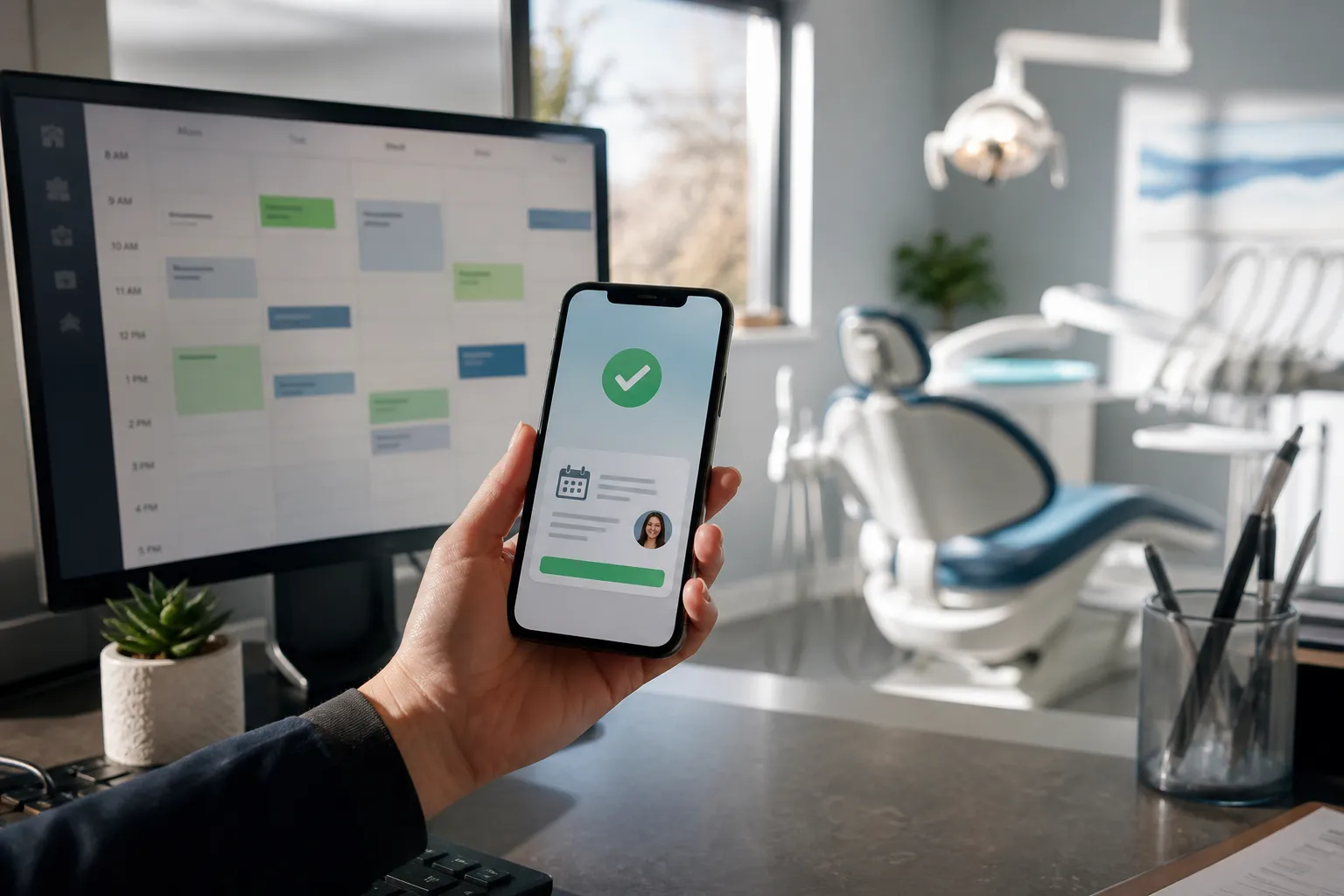
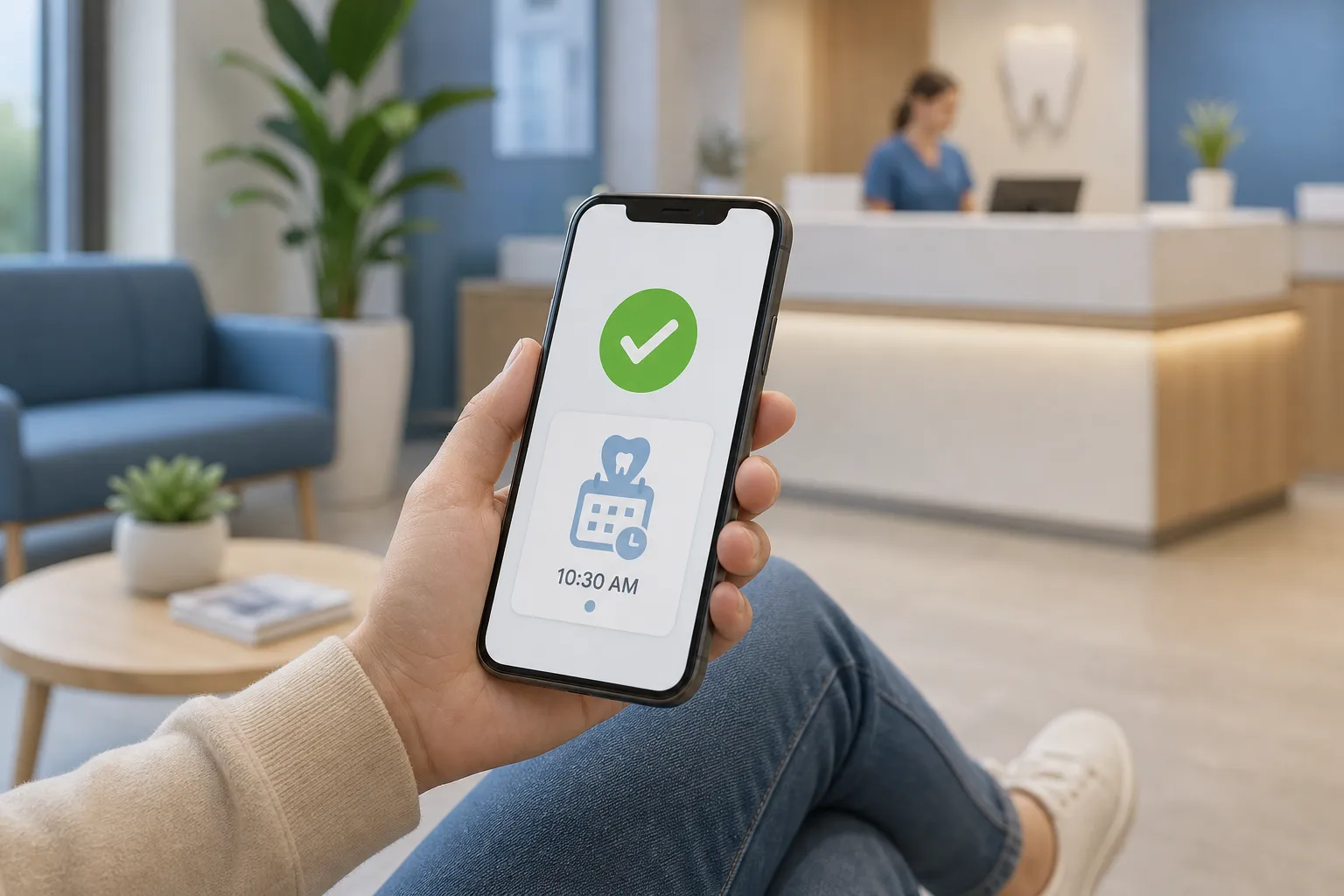
Self-Service Scheduling lets patients pick a real slot and get instant confirmation. Place the scheduler in your header, contact page, new-patient page, and email signature. Keep the flow short enough to finish on a phone: select reason, pick provider or “first available,” choose time, enter name and mobile, done. Ask only what you need for the first visit. Save long medical histories for the intake link after booking.
Practical setup details:
- Mobile first. Three to five screens max, progress shown at the top.
- Rules that mirror the clinic. Reserve longer blocks for new patients, hygiene, or complex procedures. Prevent double booking rooms and shared equipment.
- Real calendars. Pull availability from Google Calendar and your EHR, and block off provider admin time so it never appears online.
- Instant confirmation plus a calendar file so patients add it to iOS, Android, or Outlook in one tap.
Recall Self-Booking is the quiet engine that fills hygiene and follow-ups. Text or email patients due this month with a link to live slots filtered for recall types. Good copy is plain and direct: “You are due for hygiene. Pick a time that works.” Start with a three-touch cadence over 14 days. Stop once they book or reply “DONE.” Route non-responders to a short call list so staff time goes only to high-yield patients.
Keep calendars full: reminders, waitlists, and triage
Multi-Channel Reminders cut no-shows when timing and wording are tight. A simple pattern works across clinics: 7 days, 48 hours, 24 hours, and 2 hours. Include one-tap actions. In SMS, keep under 300 characters and support replies like C to confirm, R to reschedule, and N to cancel. In email, put the confirm button above the fold and repeat it near the footer for mobile readers.
When someone cancels, reopen that slot to a Smart Waitlist. Text the nearest matches first, for example the same provider, same service, and patients who live within 5 km. Offer two or three times and auto-expire the offer after 15 minutes so the slot keeps moving until filled. Staff do not have to make a single call.
After-Hours Patient Triage filters noise and protects on-call staff. Use a short decision tree written in plain language. For a dental clinic, examples include severe pain unrelieved by medication, active bleeding, and trauma with broken teeth. Everything else gets clear next steps and a link to self-book the first available appointment. True emergencies escalate to on-call by phone with a summary of what the patient reported and a call-back number. Keep an audit log for every after-hours contact.
Track what works. Watch the confirmation rate by reminder interval, fill time for cancelled slots, and after-hours call outcomes. Tune subject lines and SMS copy around the intervals that move patients most.
Answer the phone without adding staff
Many patients still call. Voice AI Agents answer routine booking, rescheduling, and intake questions so front desk lines are free for clinical issues. Tie the agent to your live schedule so it offers real appointments, not placeholders. The agent should recognize common intents like “book cleaning,” “change my time,” “where are you,” and “do you take insurance X.” It should hand off to a person any time a caller asks or when confidence is low.
Design the handoff so nothing gets dropped. Push a call summary with caller ID, intent, and any dates discussed to the right inbox or EHR note. For clinics serving Ontario, enable bilingual greetings and routing. Recordings and transcripts must follow consent rules. Keep retention periods short and document them.
Start small. Train on the top 10 call reasons, measure first-call resolution, and expand. Expect the agent to handle most booking and rescheduling and to deflect location and parking questions entirely. Clinics typically see front desk call time drop while patient satisfaction rises because callers get an answer right away.
Keep data accurate from booking to billing
Real-time calendar and EHR sync keeps automation honest. Connect to systems you already run, including Dentrix, Open Dental, Jane App, Eaglesoft, Cliniko, ServiceTitan, Housecall Pro, Jobber, and Google Calendar. Map providers, rooms, and procedure codes so online booking respects your rules. Write back confirmed appointments, cancellations, and notes. If you run blended systems, use Use Existing Tools with n8n or Make to route data where it belongs and avoid a migration. The goal is a single source of truth.
Post-visit invoicing and reviews close the loop. Automated Invoicing & Collections sends invoices when the chart is completed and follows up at 3 and 10 days if unpaid. Offer card on file and HSA/FSA prompts where applicable. Then ask for a review while the experience is fresh. Keep the ask short, include a direct link, and throttle requests so frequent visitors are not spammed.
Listen to the feedback you trigger. If patients report friction in scheduling or intake, capture it and act. A simple tool like Feedjolt helps teams collect feedback and rank which fixes to ship next so your booking flow keeps improving without guesswork.
Implementation playbook. Start with a discovery of scheduling rules and consent language. Build in a sandbox. Pilot with one provider for two weeks. Measure no-show rate, confirmation rate, and time-to-fill for cancellations. Train staff on the new paths so they never fight the system. Go live location by location. Keep a weekly review for the first month and adjust reminder timing, waitlist rules, and message copy where the data points you.
Privacy and consent. For Ontario clinics, document PHIPA safeguards, use role-based access, and store logs in Canada when possible. For US locations, follow HIPAA, keep BAAs on file, and restrict PHI in SMS. For messaging, capture and honor opt-in and opt-out to meet CASL and TCPA. Put “Reply STOP to opt out” in SMS templates. Record where and when consent was captured.
Key takeaways
- Let patients self-book against real availability, then confirm or reschedule with one tap.
- Run recall self-booking with a short, respectful cadence to keep hygiene and follow-ups full.
- Use multi-touch reminders and a smart waitlist so cancellations backfill within minutes.
- Filter after-hours contacts with clear rules and escalate true emergencies fast.
- Tie everything to your EHR and calendars so data stays accurate and no one re-enters details.
- Invoice right after the visit and request reviews while the experience is fresh.
If you want a partner to own this, an AI customer service agency can implement the full plan. For clinics in Toronto or anywhere in North America, an AI automation team can connect to Dentrix, Open Dental, Jane App, and Google Calendar, deploy Voice AI Agents for phone, and set up customer support automation across chat, email, and phone. Expect routine booking, rescheduling, FAQs, and follow-ups to resolve automatically while your staff focuses on care.
FAQ
How long does clinic appointment automation take to implement?
Most clinics can launch core scheduling, recalls, and reminders in a few weeks once calendars and rules are confirmed. Voice AI and triage usually follow after a short pilot.
Will this work with our EHR or calendar?
Yes if your tools are supported. Integrations cover systems like Dentrix, Open Dental, Jane App, Eaglesoft, Cliniko, and Google Calendar to keep availability and bookings aligned.
Can we avoid migrating systems or retraining staff?
Yes. The approach builds on your existing CRM, spreadsheets, accounting software, and booking platforms, so you can keep familiar tools and workflows.
How do we reduce no-shows without annoying patients?
Use a limited set of SMS and email reminders at 7-day, 48-hour, 24-hour, and 2-hour intervals with one-tap confirm or reschedule. Keep messages short and useful.
What should we measure to prove ROI?
Track fill rate, no-show rate, recall completion, after-hours call deflection, and days to payment. Compare baseline to post-launch for each workflow.